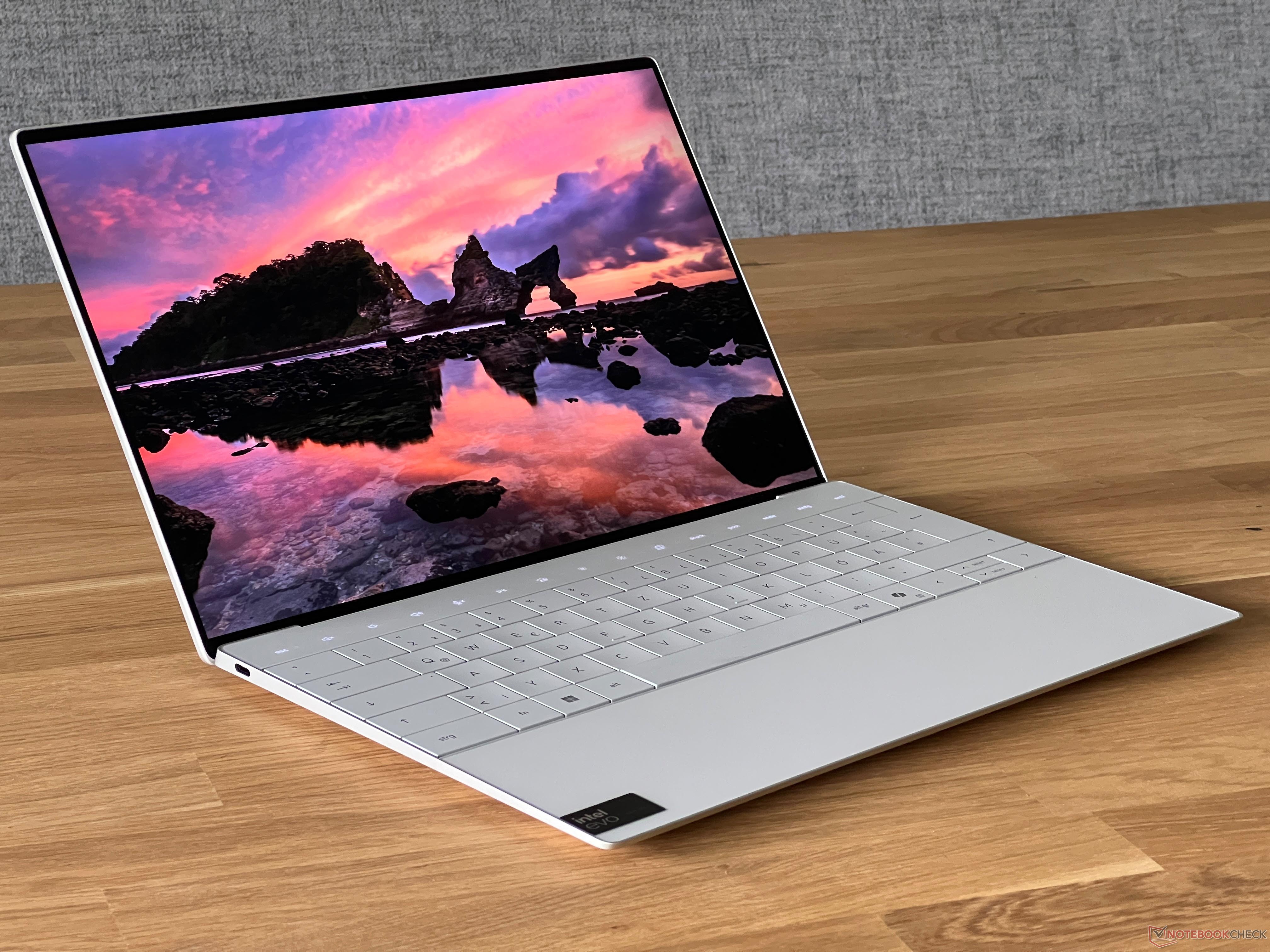
The Dell XPS 13 has been known for its solid build and performance. However, recent changes to its design may not resonate well with consumers based on feedback. This article provides an analysis of the latest Dell XPS 13 model’s features, with a focus on its everyday usability and performance.
When it comes to the useability of the new Dell XPS 13, users are facing a challenge with the keyboard backlighting. The lighting is controlled by a sensor that doesn’t allow manual adjustment of its intensity. Furthermore, if you manually deactivate the backlighting, it is quick to reactivate with even minor changes in ambient light. This issue is particularly problematic in models with the white keyboard and backlighting, where it can be harder to see the keys with the backlight on than off, depending on the ambient light conditions.
From a performance standpoint, the Dell XPS 13 comes with the new Meteor Lake Core Ultra 7 155H. It exhibits commendable performance in short spurts, which is generally adequate for everyday tasks. However, the performance seems to suffer under prolonged stress, and comparisons show minimal improvements over the previous XPS 13 model that featured the Core i7-1360P with two fewer performance cores. On the upside, the flexibility to configure the XPS with up to 64 GB RAM is available, catering to those requiring more memory for their tasks.
The basic display featured on our test model is an IPS screen with a resolution of 1920 x 1200 pixels. This resolution is considered satisfactory for its screen size, and the display efficiency positively impacts the battery life. The panel has a high refresh rate of 120 Hz which is great for smooth visuals, avoids the use of PWM, and generally garners praise. However, it’s not without flaws. Users might notice a slight graininess in light areas and an initial blue tint, which might need calibration. The biggest discrepancy seems to be in the advertised vs. actual screen brightness—with the maximum measured far below the expected 500 cd/m².
In conclusion, while the latest Dell XPS 13 model shows potential, the new input devices may impede rather than enhance user experience. As it stands, the current trajectory in the XPS lineup raises concerns about practicality and performance, especially when considering the demands of everyday use.
For those contemplating the new Dell XPS 13 9340, staying informed by reading detailed reviews and considering real-world use cases is advisable. It is always important to weigh up the pros and cons of a device, considering how its features will impact your daily computing needs. If bright screens, custom keyboard settings, and sustained high performance are critical for your work or leisure, you may want to research alternative options or wait for potential updates that could address these issues.