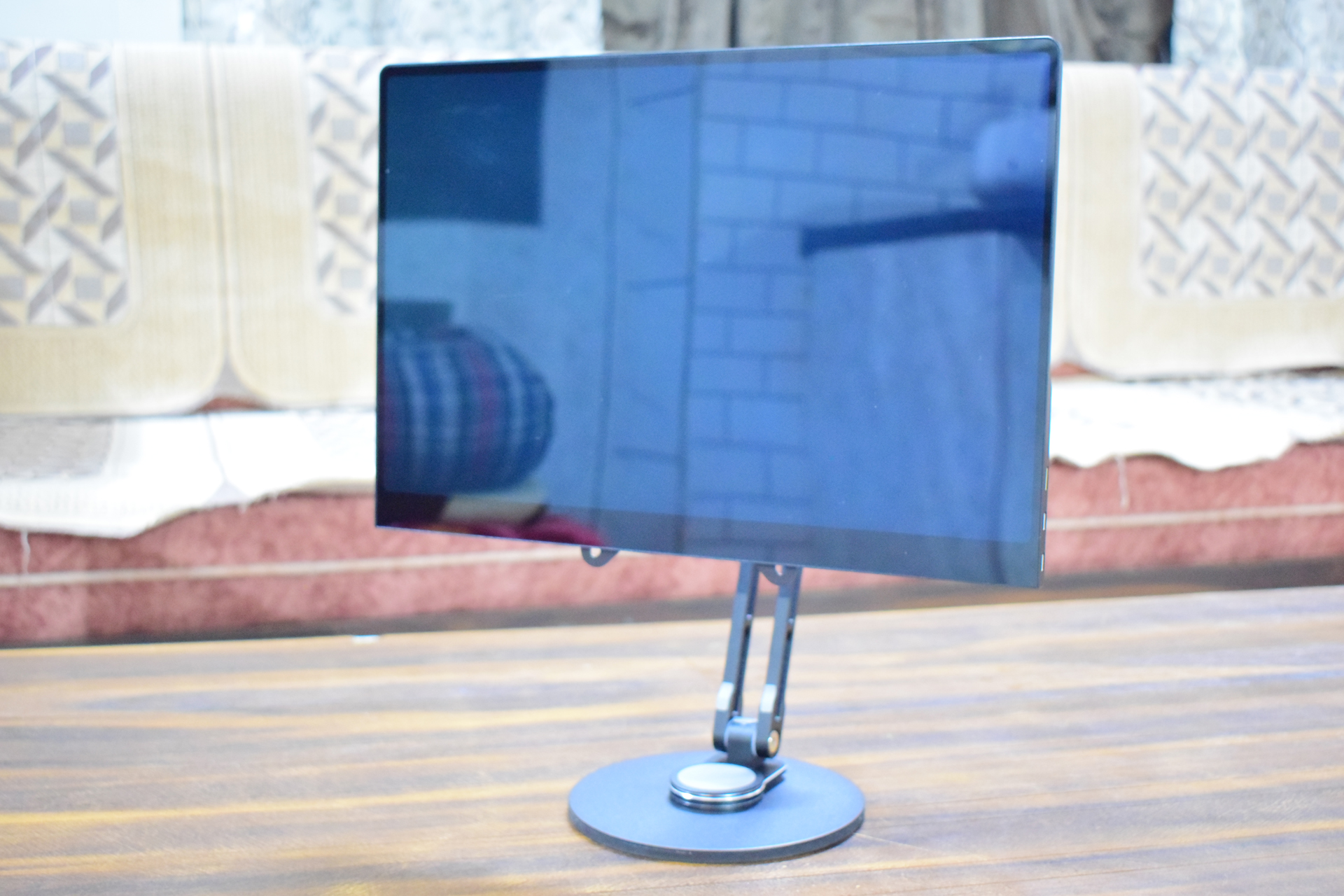
If you’ve ever wished for an OLED monitor that doesn’t start at a massive 27 inches, the Uperfect UColor O2 is aiming straight at that gap. Portable OLED monitors have quietly been growing in popularity in 13- and 14-inch sizes, often with 4K panels that feel excessive for such a small screen. A 16-inch display paired with a sharper-but-more-sensible 3K resolution lands in a much sweeter spot, delivering crisp detail without pushing your laptop or handheld too hard.
That’s the promise behind the Uperfect UColor O2: a 16-inch OLED portable monitor built for people who want premium contrast and color in a travel-friendly setup, with specs that make sense for both productivity and gaming. It also stands out on paper with a claimed 500 nits of brightness, which is unusually high for many OLED portable options.
What you get in the box (and what’s worth knowing)
Inside the UColor O2 package, you’ll find the monitor itself along with a carry bag, a protective magnetic cover, a USB power adapter, one mini HDMI cable, two USB-C cables, and the user manual. Some setups may also use optional VESA stand accessories (sold separately), but the included cover can double as a basic support stand if you’re trying to keep your travel kit minimal—though it can be unintuitive to figure out at first.
Key specs that matter for real-world use
The Uperfect UColor O2 focuses on a balanced feature set that fits how most people actually use a portable second screen:
Brand/Model: Uperfect UColor O2
Screen size: 16 inches
Resolution: 2880 x 1800 (3K)
Aspect ratio: 16:10 (great for work and timelines)
Panel type: OLED
Refresh rate: up to 120Hz
Brightness: up to 500 nits
Response time: 1ms
Contrast ratio: 100,000:1
Viewing angle: 178°
Color gamut: 100% DCI-P3
Color depth: 8-bit + FRC (marketed as 1.07B colors)
HDR: Yes
Touch: No
Built-in battery: No
VRR/FreeSync: No
That 16:10 aspect ratio is particularly useful for productivity, giving you more vertical space for documents, coding, spreadsheets, and creative apps compared to 16:9. Meanwhile, 2880 x 1800 at 16 inches delivers very high pixel density, so text and UI elements look sharp without needing extreme scaling.
Design, build quality, and controls
On the desk, the UColor O2 feels more premium than many portable monitors thanks to its metal housing and lightweight build. The front is glossy, bezels are slim, and the overall footprint stays compact—especially important if you’re pairing it with a small laptop setup or a travel workstation.
The magnetic protective cover is handy for tossing the monitor into a bag, and it can act as a quick stand. However, if you want more reliable positioning and flexibility (height/angle), a dedicated stand is the better experience.
Controls and ports are split across the sides. For connectivity, you get two USB-C ports and one mini HDMI port. The on-screen menu buttons provide the usual display tweaks like brightness, contrast, HDR, and color controls.
Connectivity details (including an important refresh-rate catch)
The UColor O2 supports both USB-C and HDMI connections, but the best experience depends on how you plan to use it.
If you want the full 3K at 120Hz experience, USB-C is the ideal route—assuming your device supports video over USB-C (DisplayPort Alt Mode). That’s the most straightforward way to unlock the monitor’s headline refresh rate.
If you’re connecting through HDMI (for example, directly from a desktop GPU), there’s a limitation to be aware of. In testing, the display reached 100Hz at 3K over HDMI rather than the full 120Hz. This suggests the monitor’s mini HDMI connection may be limited to an older HDMI standard that doesn’t have enough bandwidth for 2880 x 1800 at 120Hz. The result isn’t a deal-breaker for everyone, but it’s something Uperfect should clearly disclose for buyers who expect 120Hz over HDMI.
Power is also part of the equation. There’s no built-in battery, so you’ll either:
1) Power it from a device that can deliver at least 15W via USB-C, or
2) Use the included USB power adapter when your video connection doesn’t provide enough power.
In practice, the easiest setup is a single USB-C cable if your laptop supports video + power over USB-C. Otherwise, expect to use an additional USB-C power connection.
Image quality and performance: where OLED shines
This is where the UColor O2 earns its keep. The OLED panel delivers the kind of deep blacks and rich contrast that IPS portable monitors can’t match, and the high brightness helps it stay usable in brighter rooms—something many OLED displays struggle with. Even around mid brightness, it can feel punchy and clear, making it more comfortable for daytime work or travel environments with overhead lighting.
Color performance is also a major strength. With 100% DCI-P3 coverage and strong out-of-box vibrancy, the monitor is well-suited for color-sensitive work such as photo editing, video work, and design tasks—especially for creators who need a reliable second screen on the go.
Motion and responsiveness are solid too. A 120Hz refresh rate (best achieved over USB-C) plus a 1ms response time makes it feel noticeably smoother than standard 60Hz portable panels, whether you’re scrolling, editing, or gaming.
HDR note: better left off
Although the UColor O2 supports HDR, enabling HDR via the monitor’s menu reportedly pushes colors into an overly saturated look that hurts accuracy and overall image quality. For most users, especially anyone doing creative work, SDR mode may deliver the better experience.
Gaming considerations: one big omission
For casual and even semi-competitive play, the UColor O2’s OLED contrast, fast response time, and high refresh rate can make games look and feel fantastic—especially in darker scenes where OLED really stands out.
The major drawback is the lack of VRR (Variable Refresh Rate). Without VRR, fast-paced gaming can be less consistent if your frame rate fluctuates, since you don’t get the same tear-free smoothness you’d expect from VRR-capable gaming displays. If VRR is a must-have for you, that’s a clear reason to look elsewhere.
Speakers are present, but not a highlight
The monitor includes small built-in speakers, but they’re not positioned as a serious audio solution. For games, movies, or calls, you’ll likely want headphones or external speakers for a fuller sound.
Verdict: a strong 16-inch OLED portable monitor, with a few clear limitations
The Uperfect UColor O2 delivers what many shoppers want from a premium portable display: a sharp 16-inch 3K OLED panel, deep blacks, vibrant color, strong brightness for the category, and a refresh rate that can hit 120Hz under the right connection.
It’s not perfect. HDMI users may be capped at 100Hz at the native 3K resolution, there’s no VRR for smoother variable-frame-rate gaming, and the built-in speakers won’t impress. Still, for buyers who prioritize portability and OLED picture quality over sheer screen size, it’s an appealing option—especially compared to desktop-sized OLED monitors that simply aren’t travel-friendly.
Pricing has varied, with the monitor launching around the $500 range but also appearing at significantly lower pricing more recently (around the low $300s in the provided info). At that lower price, the value becomes much more compelling for anyone building a lightweight dual-screen setup for work, content creation, or gaming on the go.


