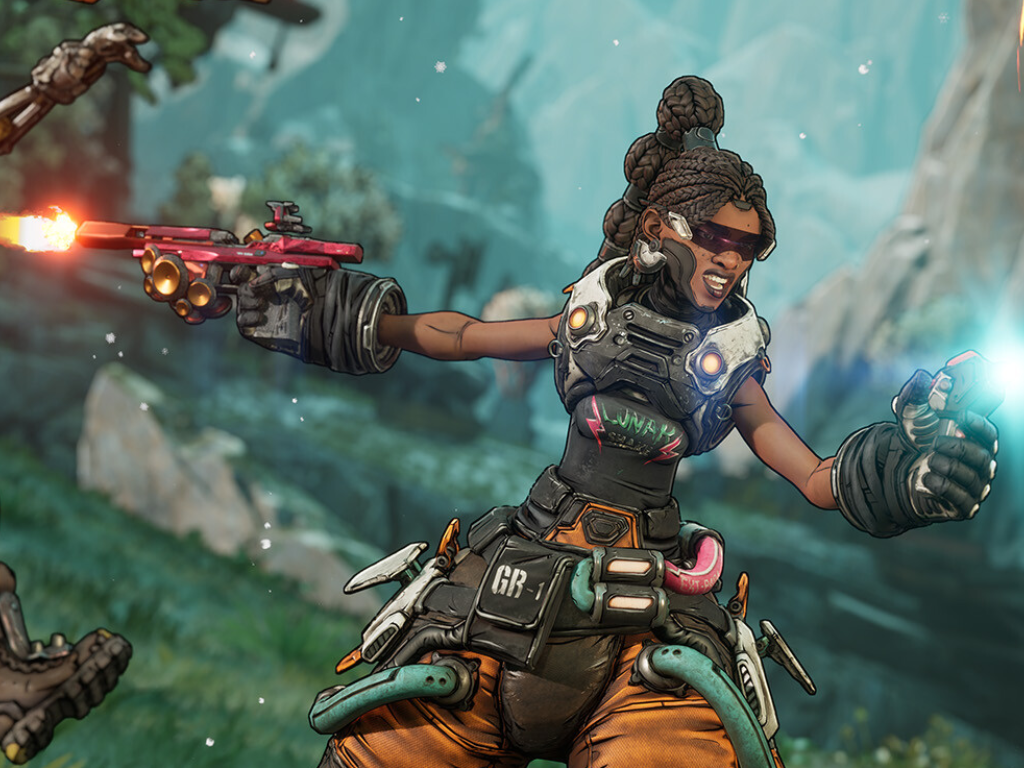
Borderlands 4 patch meant to boost PC performance is causing new stuttering, Gearbox offers workaround
A new Borderlands 4 update rolled out on September 25 was supposed to improve stability and smooth out performance on PC, targeting hitching, low FPS, and crashes. While the patch did add some welcome features—like a console FOV slider, animation polish for characters, and fixes for Xbox black screens and cross-play infinite loading screens—many players say it made one problem worse: stuttering.
Shortly after the patch went live, reports of increased micro-stutter and inconsistent frame pacing began to climb. Gearbox acknowledged the feedback in a community post, noting that some players are experiencing the opposite of the intended performance gains. The studio’s current guidance is that the stuttering should settle as shaders compile in the background while you play. If hiccups persist beyond roughly 15 minutes, the suggested workaround is to clear your GPU’s shader cache using the method recommended by your graphics card manufacturer, then relaunch the game. Gearbox previously shared similar advice on the Steam forums, adding that any time you change graphics settings, you should give the game time to recompile shaders before judging performance.
Shader compilation is a known pain point for many Unreal Engine 5 titles on PC, and Borderlands 4 is no exception. Skipping or interrupting the process can manifest as stutters, asset pop-in, or other visual glitches, which is why many UE5 games front-load shader compilation during loading screens or immediately after major settings changes. The tradeoff is a longer initial wait in exchange for smoother gameplay later.
The timing isn’t ideal for Borderlands 4 on PC, which has faced a rocky reception since its September 12, 2025 launch. The game currently sits at a 62.69% Mixed user rating on Steam from 57,793 reviews. Even so, interest remains strong, with an average of about 100,000 concurrent players daily on the platform, suggesting a sizable community that’s eager for performance improvements to stick.
If you’re chasing the best visuals, there’s another piece of practical advice floating around the community: avoid the Badass graphics preset for now. Players report that this setting can exacerbate frame drops and stuttering, even on powerful rigs. Sticking to more balanced presets until a hotfix lands may offer a more consistent experience.
Players are also experimenting with small tweaks to smooth out shader compilation. Some swear by adjusting the GPU shader cache size, while others advocate quirky rituals like doing a short in-game activity—such as looting a few vaults—then restarting to nudge compilation along. While results vary, the official route remains the most reliable: let shaders finish compiling, clear your cache if needed, and try again after about 15 minutes of play.
For those still running into recurring issues after following the workaround, Gearbox recommends opening a support ticket so the team can investigate specific hardware and software configurations. The studio also says it will continue monitoring performance and investigating additional fixes beyond this patch, so expect further tuning in future updates.
In short, the latest Borderlands 4 patch brings useful features but has inadvertently intensified stuttering for some PC players. If you’re affected, give the shader compilation process time, clear your shader cache if the stutter lingers, and consider dialing back from the Badass preset. With continued feedback and more patches on the way, a smoother raid through Pandora’s wildest corners should be within reach.