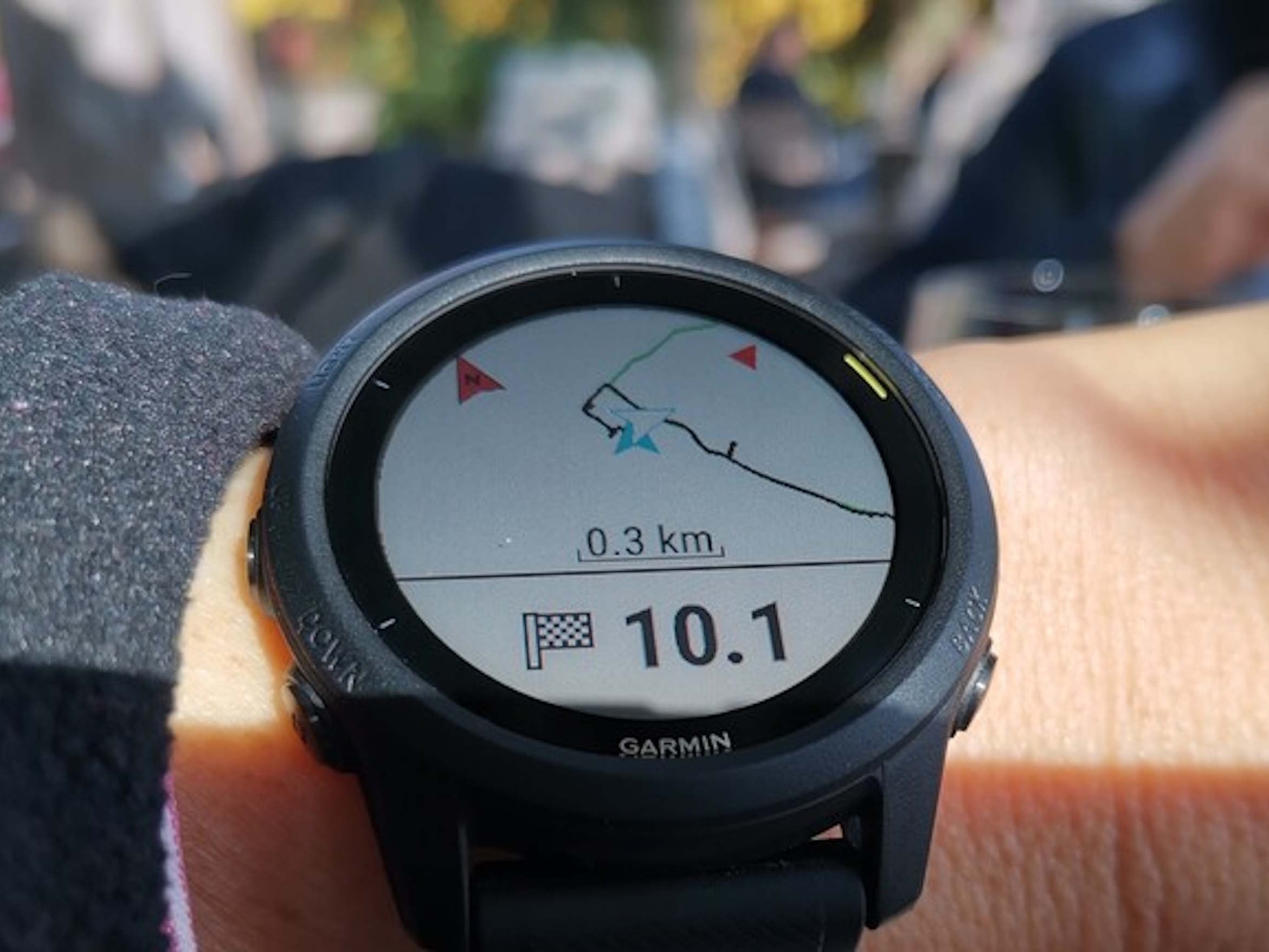
Garmin smartwatches are known for serious fitness tracking, but many users still feel tied to the Garmin Connect cloud when they want to review workouts, spot trends, or measure long-term progress. Now there’s a new option that makes training analysis far more flexible: Garmin owners can take their workout files and analyze them locally on their own computer, without depending on cloud syncing, subscriptions, or online services. Along with added control, this approach can also be a meaningful privacy win for anyone who prefers to keep health and performance data off remote servers.
Garmin Connect remains a feature-rich platform for tracking progress over time, and it works seamlessly for most people. But it’s also true that Garmin watches don’t technically require cloud syncing to record activities. Workouts are stored directly on the device, and you can access those activity files over USB. These recordings are saved as FIT files, a specialized but widely documented format that can be read and used by third-party tools.
That’s where Fit Dashboard comes in. This free tool lets Garmin users import FIT files and review training sessions completely offline. Instead of pushing data to the cloud, you can pull workout files from your watch and analyze them locally. For athletes and data-focused users who like to dig into details—or anyone who simply wants more independence from online platforms—this can be a compelling alternative to the default workflow.
Fit Dashboard is built with practical features that make offline analysis more than just a basic file viewer. Users can import FIT files in batches, and the tool includes duplicate detection to help keep your workout library clean. It also supports visual trend tracking, such as heart rate patterns over time, making it easier to see how training intensity and recovery are changing across weeks or months. If you like comparing similar workouts, the app can place up to five training sessions side by side in charts, helping you spot performance differences, pacing changes, or how your body responded on different days.
Beyond charts, the tool can generate summaries and visual trend analysis where it makes sense, giving users a quick overview without requiring cloud-based dashboards. And for those who want to go even further, Fit Dashboard supports exporting data for additional processing. Common formats like CSV and GPX are available, which can be useful for custom spreadsheets, GIS mapping tools, or other fitness analysis software.
Overall, this new offline option expands what Garmin users can do with their workout data. It won’t replace the convenience of cloud platforms for everyone, but it offers a strong alternative for enthusiasts, privacy-minded athletes, and anyone who wants direct ownership and local control of their training analysis.