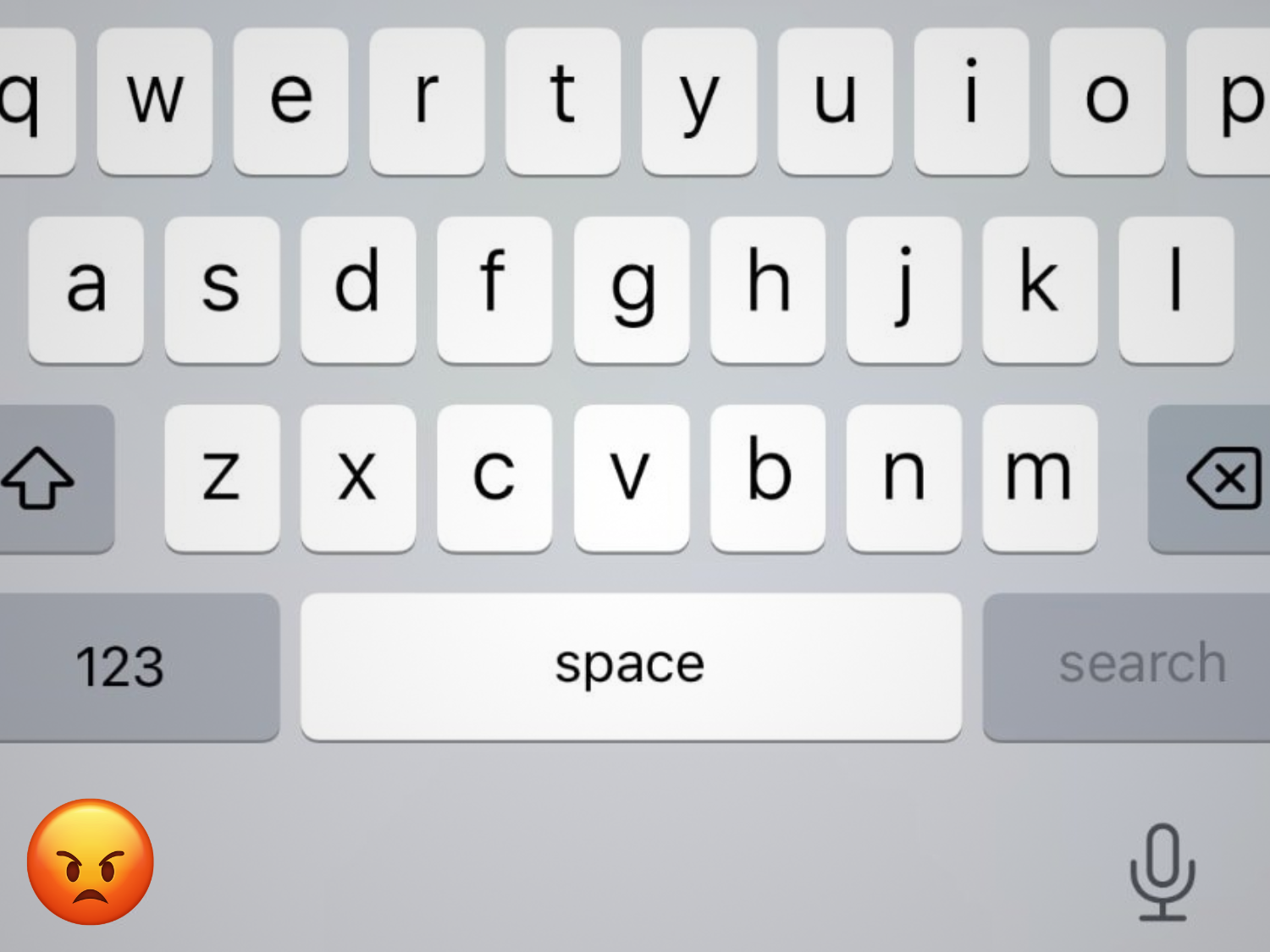
Apple has finally started addressing one of the most irritating iPhone problems to surface in recent memory: an iOS keyboard bug that caused random missed keystrokes, especially for people who type quickly. With iOS 26.4 Beta 4, Apple quietly included a key line in the update notes that many users have been waiting months to see: improved keyboard accuracy when typing fast.
If you’ve felt like your iPhone suddenly “can’t keep up” since updating to iOS 26, you’re not imagining it. Shortly after iOS 26 launched in late 2025, a frustrating pattern emerged. You’d tap a letter, the key would visually react as if it registered the press, but the character wouldn’t appear in your message. It wasn’t just autocorrect making odd substitutions—it was the keyboard failing to capture inputs altogether. For a device people rely on all day for texting, email, notes, and search, that kind of inconsistency becomes exhausting fast.
Reports of the issue stacked up over time. As early as November 2025, users were describing a noticeable drop in typing accuracy after installing iOS 26. By early 2026, complaints were common across forums and social platforms, with many describing keyboards that lagged, missed taps, or made writing feel unreliable. A recurring theme was that the problem didn’t show up when typing slowly. It appeared when someone typed at speed, which meant fast typists were hit hardest—often enough to make everyday communication feel like a chore.
What made the situation more confusing was the lack of clear acknowledgment. There wasn’t a public statement explaining what was happening or offering temporary workarounds. For months, people were left guessing whether it was their device, their screen protector, a specific app, or something deeper in iOS. Many eventually concluded it was system-level, since the same behavior showed up across apps and didn’t resemble typical hardware failure.
Now, with the iOS 26.4 beta finally calling out improved fast-typing accuracy, the bigger question becomes: why did it take so long?
One likely reason is that the bug demanded very specific conditions to reproduce. If testers typed at a normal pace, the keyboard could appear perfectly fine. Problems that only show up under high-speed input can slip through standard testing because they require aggressive real-world behavior—rapid tapping, constant corrections, and quick switching between words—rather than careful, deliberate typing.
Another possibility is that the iOS keyboard experience isn’t powered by one simple system. Touch input detection, gesture features like swipe typing, predictive text, and autocorrect all have to work together in real time. When those systems overlap, small timing changes can cause unexpected conflicts. Some users reported improvements after disabling features like predictive text or swipe input, suggesting the issue may have involved how iOS was interpreting touch signals while simultaneously trying to predict or transform what you meant to type. Fixing that kind of layered behavior without breaking something else can take longer than many people expect—though it’s still hard to excuse when typing is one of the most basic functions on any smartphone.
There’s also the matter of priority. If the keyboard still worked “well enough” for most users, it might not have been treated as urgent compared to security fixes or crash-level bugs. Apple often rolls improvements into scheduled point releases rather than rushing out emergency patches. But for those affected, this didn’t feel minor. When typing becomes unreliable, it impacts nearly everything you do on the phone—messages, browsing, searching, work communications, and more.
Communication didn’t help either. Apple typically stays quiet about bugs until a fix is ready, and in this case, that silence stretched for months. Without even a brief acknowledgment, users had to rely on community discussions to confirm they weren’t alone. Even a simple “we’re investigating reports of missed keystrokes” would have eased a lot of frustration.
The good news is that early feedback on iOS 26.4 Beta 4 has been encouraging, with many users reporting noticeable improvement in missed inputs and overall typing responsiveness. If those results hold through final release, iPhone owners who type quickly may finally be able to stop second-guessing every sentence—and stop fighting their keyboard just to get words onto the screen.
Going forward, this issue highlights something Apple may need to take more seriously in iOS testing: real-world typing stress tests. Fast typing isn’t an edge case anymore. It’s normal daily behavior for a huge number of users, and when the keyboard can’t keep up, the entire iPhone experience feels less polished—no matter how good everything else is.