Garmin is rolling out a sizable new beta software update for two of its popular mid-range smartwatches, the Venu 4 and the Vivoactive 6. The release, Beta 17.16, is the first public update in the new 17.xx development cycle and includes more than two dozen refinements, focusing heavily on bug fixes, usability tweaks, and a few quality-of-life upgrades that many owners will notice right away.
This update arrives shortly after Garmin wrapped up the previous firmware branch with Software Version 16.37 last month. With Beta 17.16, Garmin has officially moved both the Vivoactive 6 and Venu 4 into the next round of development, signaling that more improvements are on the way as testing continues.
What’s new in Garmin Beta 17.16 for Vivoactive 6 and Venu 4
Garmin’s change list for the Vivoactive 6 and Venu 4 is extensive, with a shared set of updates that applies to both watches, plus a few model-specific additions. In total, the shared section includes 19 bug fixes and multiple new features, aimed at smoother everyday use and better reliability across calls, syncing, workouts, and system performance.
Here are some of the standout new additions and fixes included for both models:
A new silent mode that you can quickly access from the control loop or via a button shortcut, making it faster to quiet the watch when needed.
New voice control convenience: you can open the battery manager app using a voice command.
A fix for excessive battery drain that could happen after using the phone assistant or after taking a call on the watch.
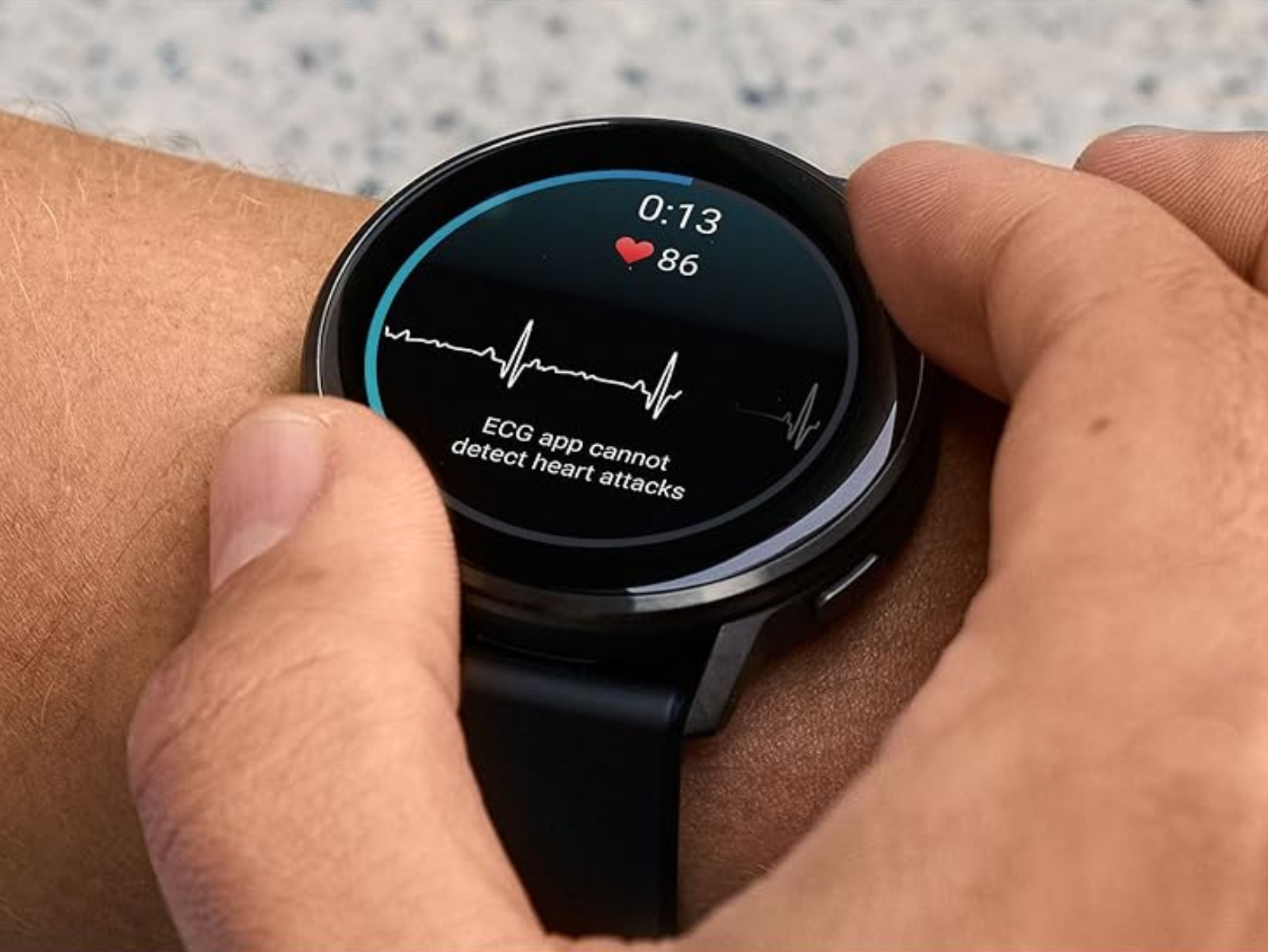
A fix for touch behavior after taking an ECG reading, addressing an issue where the screen could respond incorrectly afterward.
Better call handling, including resolving cases where ending a call on the watch didn’t properly end it on the connected phone.
Improved Garmin Coach reliability, fixing cases where workouts sometimes failed to sync to the watch.
Restrictions during calls: the update fixes an issue that allowed access to voice command, music, and voice notes apps during an active call.
A smarter phone shortcut behavior: the phone shortcut now opens the phone app instead of taking you to the phone settings menu.
On top of those shared changes, the Vivoactive 6 receives an additional setting that many users will appreciate: the ability to turn vibration on or off specifically for smart notifications.
More fixes and refinements included in the update
Beta 17.16 also addresses a broad range of smaller but meaningful issues that can affect daily use. Garmin’s notes mention fixes and improvements covering input, syncing, workouts, sports features, and stability, including:
Keyboard improvements, such as access to the keyboard layout menu via a swipe up from the bottom of the page and a fix for missing special characters on some keyboards.
Stability fixes, including an issue that could cause a reset when using WhatsApp on an iPhone, and another that could cause a reset when deleting a workout.
Workout and activity corrections, like pool swim workouts advancing through active steps without user interaction, and strength workout rest timer tones sounding out of rhythm.
Race and training visibility fixes, including cases where an upcoming race event might not appear on the watch.
Body Battery and activity tracking accuracy improvements, addressing cases where some activities were missing as factors affecting Body Battery.
Connectivity and file handling fixes, including issues mounting as a mass storage device after connecting to an inReach device and failures when uploading activity files to Garmin Connect.
Performance improvements for users with many saved activity files, fixing situations where the device could appear unresponsive at times.
Golf-related fixes, including preventing auto lap alerts from appearing during a golf activity.
Sports score reliability, fixing an issue where scores could appear blank if a team with no upcoming games was added.
A fix for nap alarms not stopping when exiting the page by palming.
Watch face data improvements, including sunset/sunrise fields not updating properly.
A visual tweak that increases how long goal animations stay on screen.
Translation updates as part of GCM Translations version 3.80.
Golf subscription bonus features mentioned in the notes
Garmin also notes that with a Garmin Golf subscription, users gain premium golf features such as green contour data, enhanced CourseView maps, and PlaysLike distance. These features are tied to the subscription and are highlighted alongside the broader update details.
How to download and install Beta 17.16 on your Garmin watch
Beta 17.16 is rolling out globally through Garmin Connect Mobile, but because this is a beta release, you’ll need to be enrolled in Garmin’s Beta Program and then manually check for the update on the watch.
To install it, go to:
Main Menu → Settings → System → Software Update → Check for Updates
Once downloaded and installed, your Venu 4 or Vivoactive 6 should reflect the new beta version and include the changes listed above.
If you’d like, I can rewrite this again in a shorter “news brief” style or a longer guide format that includes common questions (battery impact, whether to install betas, how to roll back if available, and what to test first).