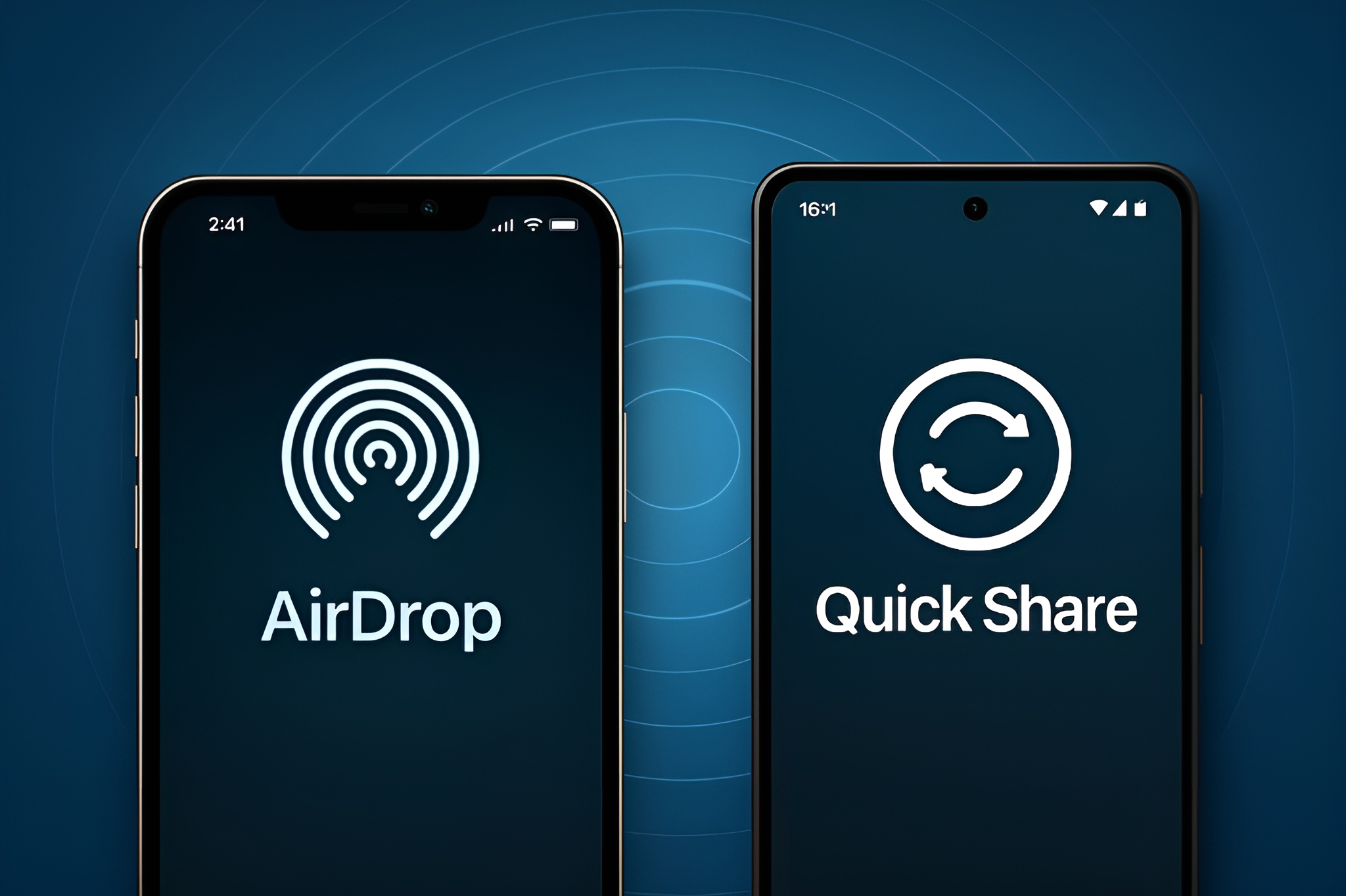
Android and iPhone users can finally share files the easy way. Google has enabled Android’s Quick Share to work with Apple’s AirDrop, unlocking direct, secure transfers between Pixel 10 devices and iPhones for the first time. It’s a big win for cross-platform file sharing and a meaningful step toward reducing the friction between mobile ecosystems.
What’s new and why it matters
– Quick Share on the Pixel 10 family now interoperates with AirDrop, so you can send photos, videos, and documents between Android and iOS without cables, apps, or cloud links.
– This focuses on seamless, secure, and fast local transfers using familiar controls on both sides.
– The move underscores a broader push toward cross-OS compatibility, building on recent efforts to make core experiences work more smoothly across platforms.
Did Apple and Google partner on this?
– Google hasn’t said whether this is a joint effort or something it built independently. AirDrop is proprietary, but it relies on open standards like Bluetooth and Wi‑Fi Direct, which help enable interoperability.
– Either way, the outcome is the same for users: a straightforward pathway to share files between Android and iPhone.
How to send a file from Pixel 10 to an iPhone
– On the iPhone: Set AirDrop to Everyone for 10 Minutes.
– On the Pixel 10: Turn on Quick Share and set it to Receiving when you’re expecting a file.
– Make sure Bluetooth and Wi‑Fi are enabled on both devices and keep them close together.
– Choose the file on Pixel 10, tap Share, select Quick Share, and pick the iPhone from the device list.
– Accept the transfer on the iPhone.
Security and privacy protections
According to Google, the Quick Share–to–AirDrop connection is engineered with multiple layers of security:
– Built using Rust, a memory-safe programming language designed to prevent entire classes of memory-related vulnerabilities.
– Subjected to internal threat modeling, privacy reviews, and red-team penetration testing.
– Validated by third-party specialists at NetSPI to further test the security of the feature.
Who can use it right now
– Availability starts with the Pixel 10 family. As Google expands support, expect more details on which devices and Android versions will get the interoperability.
Tips if your transfer doesn’t start
– Confirm AirDrop is set to Everyone for 10 Minutes on the iPhone and that the window hasn’t expired.
– Ensure Quick Share is in Receiving mode on the Pixel 10.
– Keep both devices unlocked, with Bluetooth and Wi‑Fi switched on.
– Move the devices closer together and temporarily turn off hotspot or VPN if you run into issues.
The bottom line
This update finally answers a long-standing ask: a simple, secure way to send files directly between Android and iPhone. By bridging Quick Share and AirDrop—starting with Pixel 10—Google is making everyday sharing faster and far less complicated, whether you’re swapping vacation photos with friends or passing a presentation to a colleague across the room.