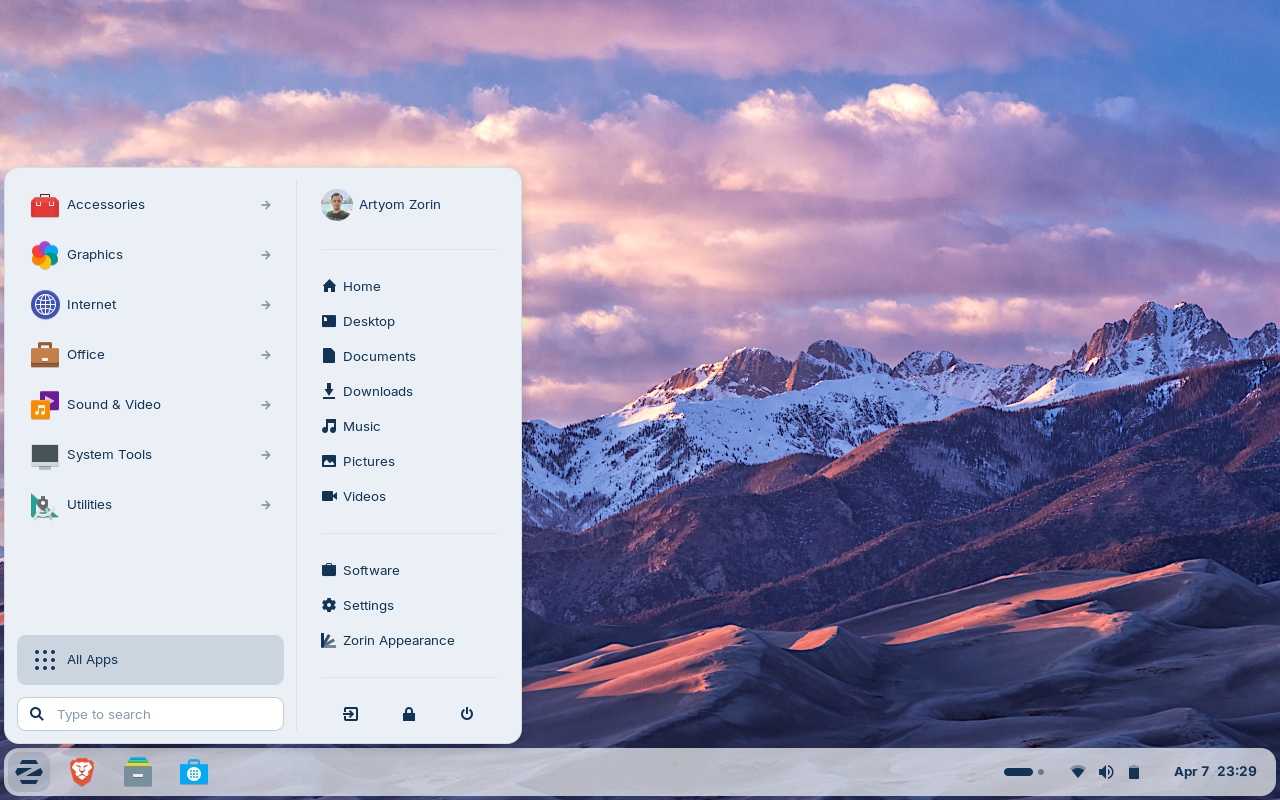
Zorin OS 18.1 is now rolling out as the first big refresh to Zorin OS 18, arriving about six months after the original release. Built on Ubuntu and designed to feel familiar to people coming from Windows, the distribution continues to gain momentum—Zorin OS 18 has already been downloaded around 3.3 million times since it launched on October 14, 2025. With version 18.1, the team says the goal is simple: a faster, easier, more secure, and overall better computing experience.
One of the most practical upgrades in Zorin OS 18.1 is improved Windows app detection. The built-in database that recognizes Windows installer files has grown by roughly 40%, expanding support to more than 240 Windows applications. In everyday terms, that means when you try to run an installer intended for Windows, Zorin OS is better at identifying what you’re trying to install and can recommend more relevant Linux alternatives—reducing the need to sideload Windows software and making it easier for new Linux users to find the right apps quickly.
Multitasking also gets a boost thanks to enhanced window tiling features. Zorin OS 18.1 adds new Advanced Window Tiling options that you can access through the Zorin Menu, then Zorin Appearance, and then Windows. This should appeal to anyone who likes an organized desktop for work or school—snapping apps into place, keeping layouts tidy, and moving faster between tasks.
Another notable improvement focuses on language and accessibility. The taskbar and panel layout now properly display right-to-left, matching the rest of the interface for right-to-left scripts. This specifically improves the user experience for languages such as Arabic, Hebrew, and Urdu, making the desktop feel more consistent and polished.
Beyond the headline features, Zorin OS 18.1 includes various under-the-hood tweaks and bug fixes aimed at delivering a smoother, more responsive system overall. It also updates key software, including LibreOffice 26.2, and continues to support multiple modern app formats out of the box, with built-in compatibility for Flatpak, AppImage, and Snap packages. That broad packaging support is useful for users who want access to the newest apps while still keeping the stability of an Ubuntu-based system.
Zorin OS 18.1 also introduces a Lite edition designed for older or lower-spec PCs. If you’re running modern hardware, the standard edition is still the recommended choice, but the Lite option can be a great way to extend the life of aging laptops and desktops without sacrificing a clean, easy-to-use interface.
Hardware compatibility remains a strong point. Zorin OS 18.1 is positioned to run well on a wide range of devices, including popular laptops like Lenovo ThinkPad models and Samsung Galaxy Book systems, and it can also work smoothly on handheld gaming PCs such as the ASUS ROG Ally—making it an interesting option for people who want a more desktop-like Linux experience on portable hardware.
With better Windows app detection, smarter tiling controls, improved right-to-left language support, and performance refinements across the board, Zorin OS 18.1 shapes up as a meaningful upgrade for both newcomers switching from Windows and long-time Linux users who want a polished, modern desktop.


