DistroSea Makes It Easy to Try 50+ Linux Distributions in Your Browser
With many Windows 10 computers unable to upgrade to Windows 11 due to Microsoft’s hardware requirements, a growing number of users are starting to look for alternatives. Windows 10 may still be usable today, but the free Extended Security Updates program is expected to end on October 13, 2026. For anyone with a reliable PC that still performs well, switching to Linux is becoming an increasingly practical option.
The challenge is knowing where to start. Linux offers a huge variety of distributions, each with its own design, features, software tools, and target audience. Popular options like Ubuntu, Linux Mint, Fedora, Debian, openSUSE, and many others can all feel very different. For beginners, testing them usually means downloading ISO files, creating bootable USB drives, restarting the computer, and trying each operating system one at a time.
DistroSea offers a much simpler solution.
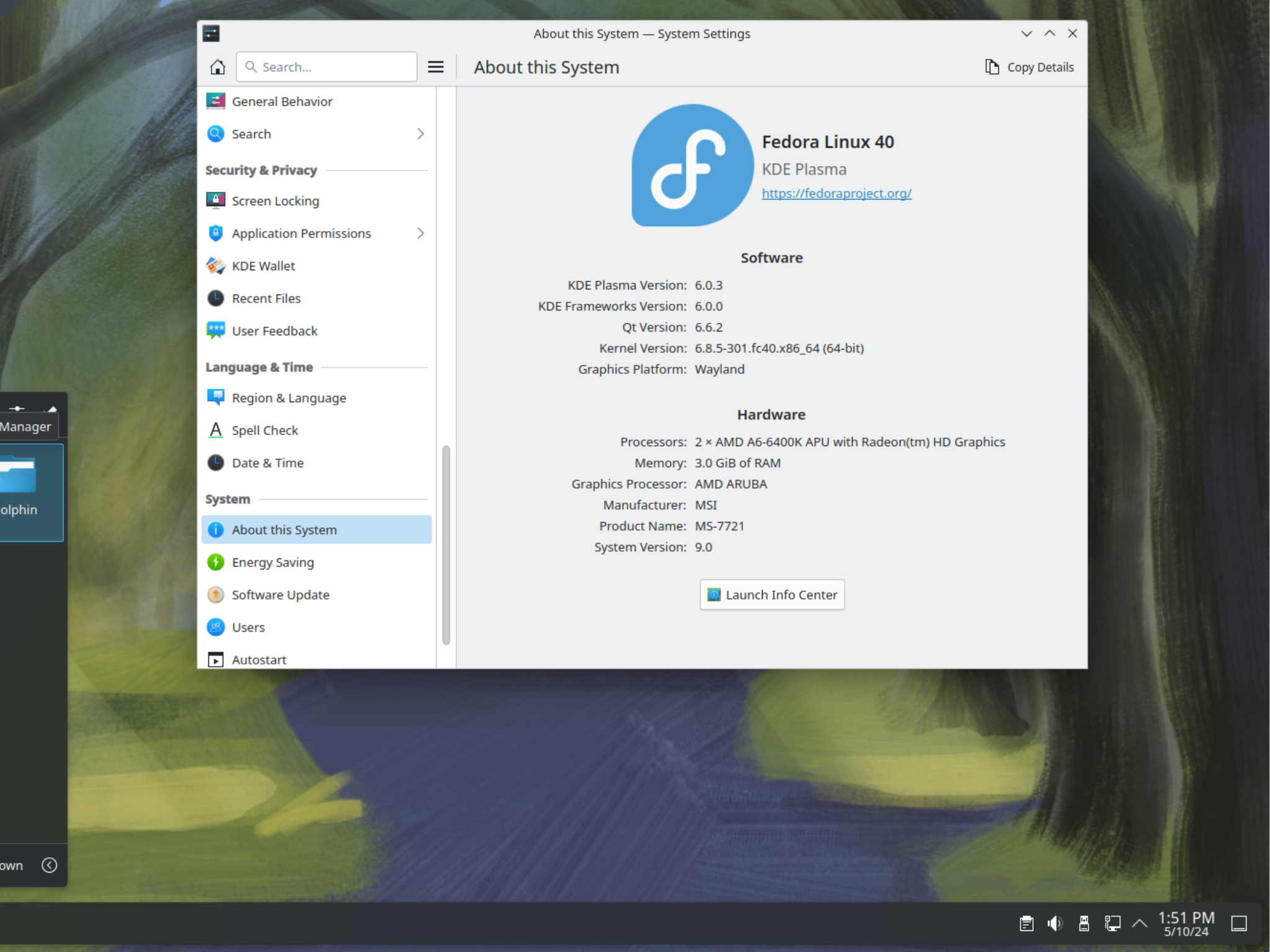
The platform allows users to run Linux distributions directly inside a web browser, with no installation required. Instead of changing anything on your computer, you can launch a remote virtual machine and explore different Linux desktops safely and quickly. This makes it especially useful for Windows 10 users who are curious about Linux but are not ready to replace their current operating system.
DistroSea currently provides access to more than 50 operating systems and over 500 versions, giving users a wide selection to test before making a decision. Whether someone wants a beginner-friendly Linux distribution, a lightweight system for older hardware, or a more advanced desktop environment, the platform makes comparison much easier.
Using DistroSea is straightforward. You open the platform in your browser, choose a Linux distribution, select the version you want to try, and start the session. The operating system then loads remotely, letting you interact with it much like you would on a real PC. You can open menus, explore settings, test included apps, and get a feel for how the system works.
In practical use, the browser-based experience can feel surprisingly complete. A distribution such as PearOS NiceC0re, for example, can run smoothly through the service, offering a realistic look at the desktop environment without requiring any downloads or installation steps. This is helpful for users who want to compare layouts, performance, app menus, customization options, and general usability.
Privacy-focused users may also appreciate that they can test many local features without signing in or sharing personal data from their computer. For basic exploration, an account is not required, making the platform easy to access for quick testing sessions.
Creating an account does unlock extra benefits. Registered users can access features such as queue skipping, captcha-free sessions, ad-free usage, more virtual machine resources, internet connectivity inside sessions, and longer session times. These upgrades can make the experience smoother, especially for users who plan to test several Linux distributions in depth.
Another useful feature is adjustable streaming quality. DistroSea lets users change stream quality and compression through a simple slider. This can improve performance on slower internet connections and make Linux testing more accessible for people with limited bandwidth.
The platform is also available in multiple languages, including English, Spanish, German, French, Italian, and Portuguese. This wider language support helps make Linux exploration more approachable for users around the world.
For anyone considering a move away from Windows 10, DistroSea removes much of the friction from the Linux discovery process. It gives beginners a safe and convenient way to compare Linux distributions, understand different desktop environments, and find an operating system that fits their needs before committing to an installation.
As the end of free Windows 10 security updates gets closer, tools like DistroSea could become increasingly valuable. Instead of discarding a perfectly capable PC or forcing an upgrade to new hardware, users can explore Linux from their browser and decide whether an open-source operating system is the right next step.