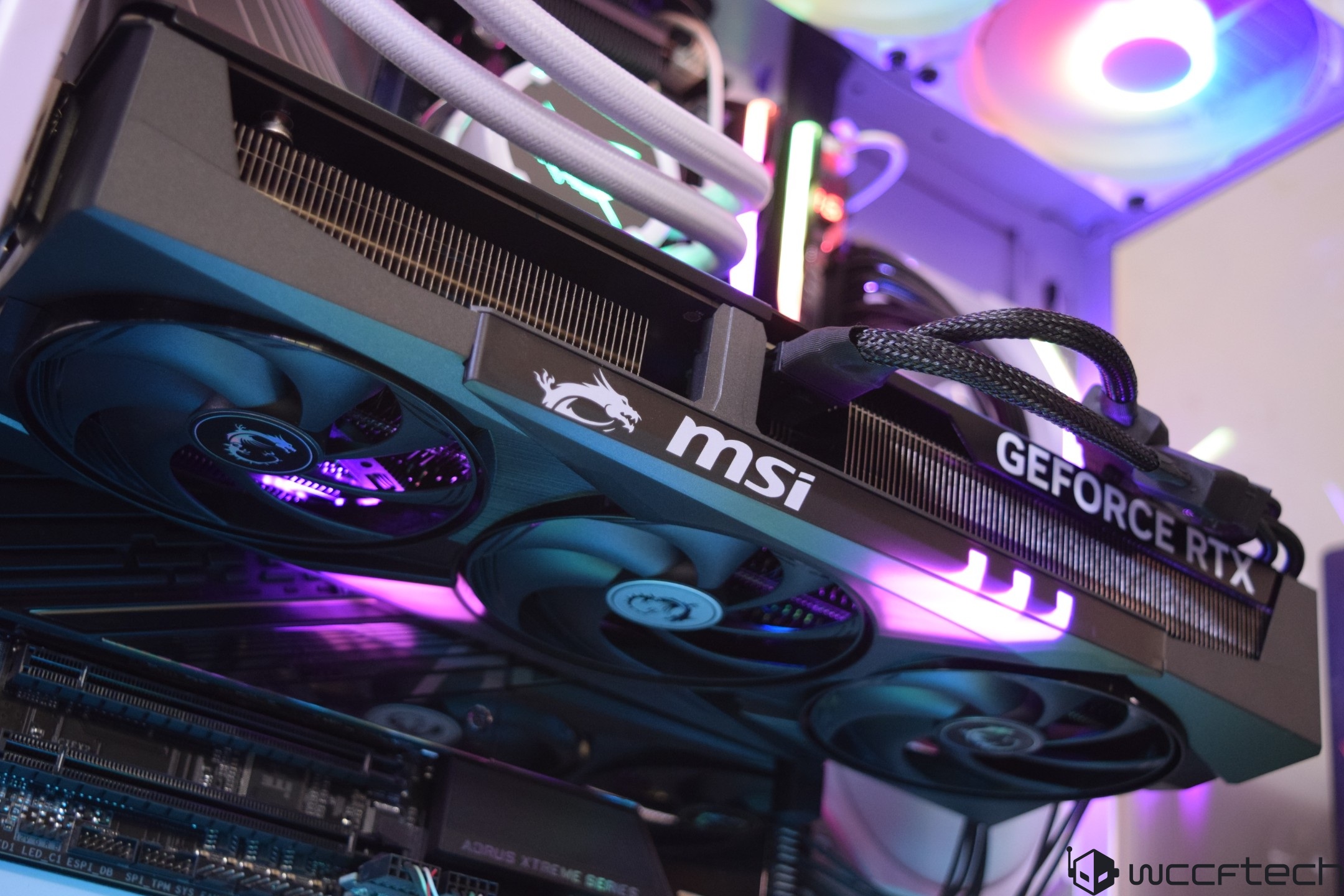
Ready to move beyond entry-level performance without blowing past your budget? This guide zeroes in on two killer gaming PC builds in the $1,000–$1,500 range that deliver a no-compromise 1440p experience with maxed-out settings and smooth frame rates. We’ve balanced current pricing, availability, performance-per-dollar, and upgrade paths to help you buy smart in 2025.
Configuration One (~$1,150–$1,200)
This is the sweet spot for price-to-performance at 1440p. The biggest constraint in this bracket is usually the graphics card, so we’ve built around a CPU that keeps costs in check without bottlenecking a strong mid-range GPU.
Key picks and rationale:
– CPU: Ryzen 5 7500F. A terrific value chip that keeps pace with pricier options like the 7600X or 9600X when paired with mid-range GPUs.
– GPU: GeForce RTX 5070 (~$549). A 1440p powerhouse that lets you max settings and stay above 60 FPS in modern games, with DLSS 4 and frame generation support for extra smoothness.
– Motherboard: Budget B650 micro-ATX. Compact, feature-complete, with CPU and memory overclocking and solid VRMs for stability.
– Memory: 32 GB DDR5 kit with EXPO. Ideal for gaming and light productivity; fast, affordable, and reliable.
– Storage: 1 TB WD NVMe SSD. Quick load times and enough space to start; you can add more later.
– PSU: Toughpower GX2 600W, 80 Plus Gold. Efficient and sufficient for this build’s power needs.
– Case: View 170 TG ARGB micro-ATX tower. Stylish, airflow-friendly, supports multiple fans and up to a 280 mm radiator.
What to expect:
– 1440p gaming with maxed-out settings
– Consistent 60+ FPS in modern titles
– Good 1080p ray tracing performance with upscaling and frame generation
– A compact, clean build that’s easy to live with
What not to expect:
– Smooth 1440p ray tracing in the most demanding games without tuning settings
– Top-tier CPU performance for heavy compute or pro workloads
– Drop-in upgrades to very high-end GPUs without a PSU bump
– ATX motherboard compatibility in this chassis
Alternate configuration (Intel route):
– CPU: Core i5-14400F for similar gaming performance to the 7500F.
– Motherboard: ASRock B760M Steel Legend WiFi. Modern connectivity, DDR5 support; Z-series is unnecessary since the 14400F doesn’t overclock.
– GPU swap option: Radeon RX 9070 if you value extra VRAM. Performance is on par with the RTX 5070, but the 16 GB VRAM can be more future-proof.
Configuration Two (~$1,450–$1,500)
Bump the budget and you unlock stronger CPU performance, better thermals, a roomier platform for upgrades, and a faster GPU. This setup is built to dominate 1440p, handle ray tracing better, and keep noise and temps in check.
Key picks and rationale:
– CPU: Ryzen 5 9600X. A lightning-fast gaming chip around the $200 mark, offering excellent single- and multi-threaded gains over previous-gen parts.
– Cooler: Corsair Nautilus 240 RS AIO. Quiet, capable 240 mm liquid cooler to keep clocks high and temps low.
– Motherboard: MSI B650 Gaming Plus WiFi (ATX). More slots and ports, robust 12+2 phase VRM, and handy EZ Debug LEDs for painless troubleshooting.
– Memory: Crucial Pro 32 GB DDR5, up to 6000 MT/s via EXPO. Plenty for gaming; no need to go beyond 32 GB.
– Storage: WD SN7100 1 TB NVMe. Fast primary drive; add another M.2 or SATA drive as needed.
– GPU: Radeon RX 9070 XT. Typically $650–$700 and competitive with the RTX 5070 Ti while offering more VRAM than the RTX 5070. A true 1440p beast for max settings.
– PSU: MSI MAG A850GL, 850W. Reliable power with PCIe 5.1 and ATX 3.1 support plus a 12V-2×6 GPU connector for next-gen cards.
– Case: NZXT H6 Flow. Panoramic glass, dual-chamber design for clean cable management, and spacious interior for large GPUs and radiators.
What to expect:
– Top-tier 1440p performance with max settings
– Strong ray tracing results with upscaling and frame generation
– Cooler, quieter operation with headroom for overclocking
– Easier upgrades thanks to ATX platform and higher-capacity PSU
What not to expect:
– Flawless native 4K in cutting-edge games
– Workstation-class productivity performance
FAQ
What’s the main difference between the $1,200 and $1,500 builds?
The $1,200 build is laser-focused on FPS per dollar. The $1,500 build adds long-term flexibility: an ATX motherboard, a roomier case, a stronger power supply, better cooling, and a faster GPU. It’s also better suited for overclocking and light productivity.
Can these builds handle 4K gaming?
Yes, but with caveats. For smoother performance at 4K in newer AAA titles, you’ll need to dial settings down to High or Medium and lean on upscaling. Both configurations are purpose-built for a buttery 1440p experience.
Is a 600W PSU enough for the first configuration?
Yes. With the listed parts, 600W provides headroom for typical power spikes, including those from a GPU around 220W. If you plan to upgrade to higher-end cards down the line, such as an RTX 5080-class GPU or above, you’ll want to move to a higher-wattage power supply.