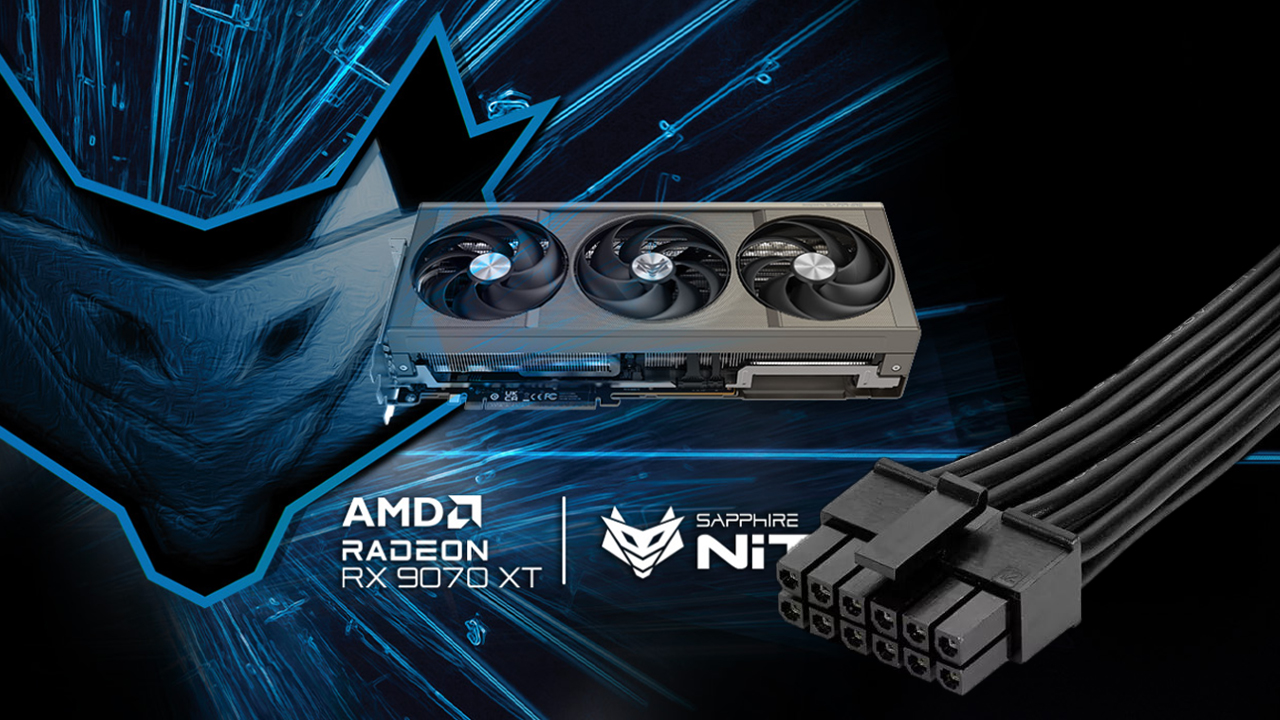
The melted-connector saga isn’t over yet. Another Sapphire RX 9070 XT Nitro+ owner has reported a burned 16-pin power adapter, and while the graphics card still powers on, it now black-screens whenever a game or even basic browsing starts, forcing a hard reboot.
Reports of 16-pin connector failures remain relatively rare, but incidents involving the RX 9070 XT appear to be increasing. Only two versions of this GPU use a 16-pin connector—the ASRock RX 9070 XT Taichi and the Sapphire RX 9070 XT Nitro+—and despite the card’s modest power draw, the connector continues to be a hot spot for trouble.
In the latest case, the user shared photos showing the adapter’s top row of pins completely melted, with some damage spreading to the bottom row. The adapter in question was the one included in the box, which the manual recommended using over third-party cables. Even after the burn, the adapter can still deliver enough power for the card to turn on, but any attempt to put the GPU under load leads to a black screen. The graphics card’s own power socket appears visually intact, but the system becomes unstable immediately under even mild workloads.
The system was running on a Cooler Master 80 Gold 850W V2 power supply. While it doesn’t include a native 16-pin cable, its wattage is more than adequate for the RX 9070 XT. The owner has already initiated an RMA, but the core takeaway remains the same: the 16-pin connector continues to be a weak link. Whether it’s due to tight tolerances, imperfect seating, cable bends near the plug, or thermal buildup, the design leaves too much room for failure.
What you can do if you’re using a 16-pin connector on an RX 9070 XT:
– Inspect the plug frequently for discoloration, warping, or a burnt smell.
– Ensure the connector is fully seated with no visible gap and a firm click.
– Avoid sharp bends or strain within a few centimeters of the plug.
– Use a quality, single-run cable from the PSU when possible; if using an adapter, keep it cool and unobstructed.
– Monitor for symptoms like random black screens, crashes under load, or display dropouts, and stop stressing the GPU if they appear.
– Contact support and pursue an RMA at the first sign of damage.
As more owners share similar experiences, concerns around the 16-pin design persist. Even on GPUs that don’t push extreme power, this connector can be a risk factor—and users should treat early warning signs seriously to avoid bigger failures.