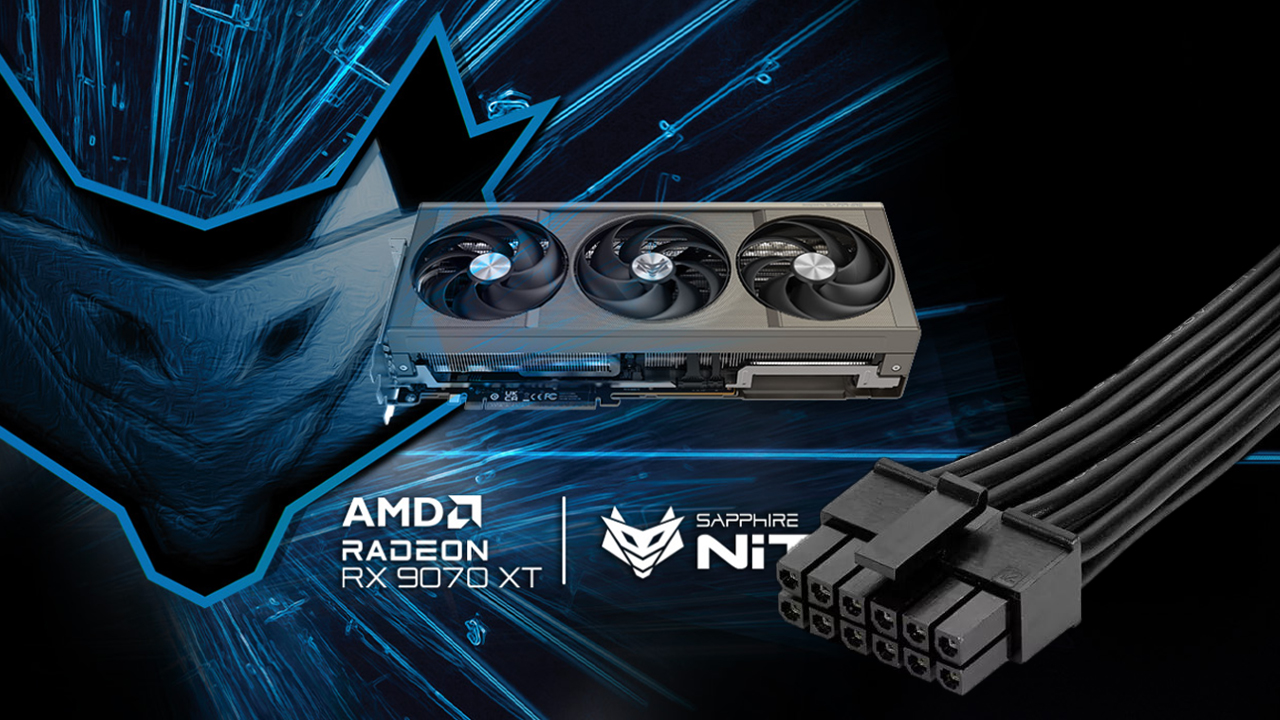
Another report of a melted 16-pin power connector has surfaced—this time on a Sapphire Radeon RX 9070 XT Nitro+—just weeks after a similar incident involving an ASRock premium model. The timing is alarming because the RX 9070 XT isn’t known for extreme power draw; most cards sit around 300–350W under full load, depending on settings. In fact, many RX 9070 XT designs avoid the 16-pin connector entirely and stick to a safer 3x 8-pin PCIe layout.
In this latest case, a Reddit user shared images of a melted 16-pin connector on a Sapphire Nitro+ RX 9070 XT. The card was powered by a Corsair power supply using the included 3x 8-pin to 12VHPWR adapter, since the PSU didn’t offer a native 12VHPWR or 12V-2×6 cable. The user also noted a +10% power limit, with the GPU peaking around 360W. While adapters are known to increase the risk of poor load distribution or imperfect seating—both of which can drive heat buildup—360W should be within a reasonable envelope for a modern high-end GPU, even with occasional spikes.
The broader picture here is that 16-pin connectors can be finicky, especially when adapters are involved. We’ve seen connector failures on other high-end cards as well, with the problem appearing more frequently at ultra-high TDPs, such as on models that can push 575–600W. That said, it wouldn’t be fair to pin this Sapphire RX 9070 XT incident solely on user error or the use of an adapter. Even well-assembled systems can run into trouble if tolerances, seating, or cable routing aren’t perfect.
For buyers considering an RX 9070 XT, the safest route is to choose models that use three standard 8-pin PCIe connectors instead of a 16-pin plug. If you already own a 16-pin variant like the ASRock Taichi OC or Sapphire Nitro+, take extra care with installation and operation to minimize risk.
Practical tips to reduce the chance of connector issues:
– Use a native 12VHPWR or 12V-2×6 cable from your PSU if available, rather than an adapter.
– Fully seat the connector until it clicks, and recheck after routing cables.
– Avoid tight bends or heavy side pressure on the cable, especially within a couple of inches of the plug.
– Keep power limits conservative; consider undervolting if you don’t need the absolute maximum performance.
– Ensure clean, quality cables and adapters; replace anything that feels loose or shows discoloration.
– Periodically inspect the connector for heat discoloration or odor, and stop using the card if you notice abnormalities.
– If damage occurs, contact the manufacturer for guidance or an RMA.
The takeaway is straightforward: while the RX 9070 XT isn’t a power hog, 16-pin power setups—particularly with adapters—still demand meticulous installation and cable management. Opt for triple 8-pin models when possible, and if you’re on a 16-pin card, follow the manufacturer’s guidance to the letter.


