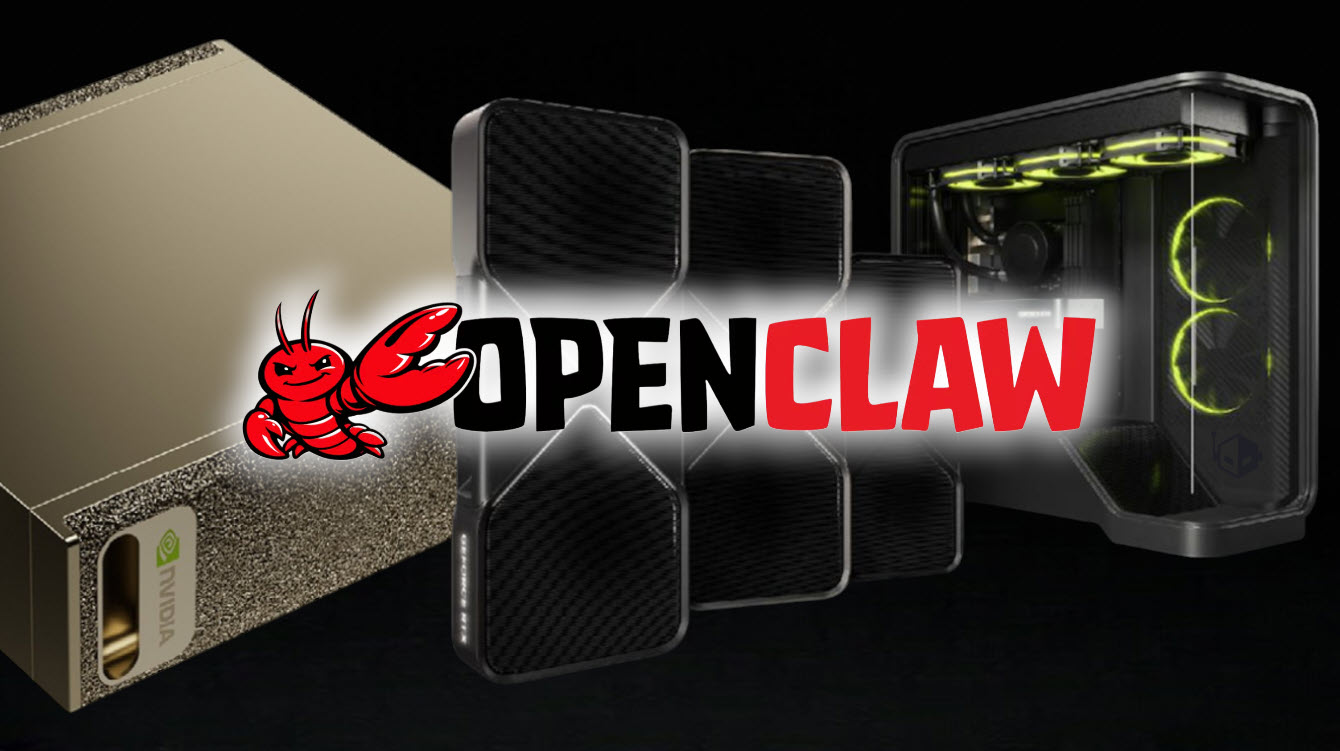
NVIDIA GeForce RTX GPU owners and users of DGX Spark systems have a new reason to experiment with local AI: OpenClaw can be run on these machines for free, and it can take advantage of NVIDIA’s RTX AI performance boosts to feel faster and more responsive than on typical setups.
AI agents like Clawbot, Motlbot, and OpenClaw have surged in popularity because they can function as personalized assistants with “hands-on” access to your device, including persistent memory support and the ability to work across your apps and files. OpenClaw, in particular, is gaining momentum thanks to its local-first approach, keeping your assistant running on your own hardware while combining a wide range of capabilities into a single tool.
What can OpenClaw actually do? Here are some of the most practical, everyday use cases drawing people in:
As a personal secretary, OpenClaw can help manage your calendar and inbox using context from your existing emails and files. It can draft email replies, send the reminders you ask for ahead of deadlines, and even help arrange meetings by finding open slots on your schedule.
For proactive project management, OpenClaw can regularly check the status of a project using the communication channels you already rely on, then send status pings, follow up when needed, and help keep deadlines from slipping.
As a research agent, OpenClaw can create reports that blend information from online searches with your own documents and app data, giving you more personalized results than a generic web-only workflow.
To help users get started running OpenClaw locally, NVIDIA has shared a setup guide focused on making the experience smooth on RTX AI PCs. The company highlights that its RTX ecosystem is particularly well-suited for local AI agents thanks to improved AI acceleration on modern NVIDIA platforms.
Performance upgrades are a major part of the appeal. NVIDIA notes that DGX Spark performance has increased by up to 2.5x since launch. On GeForce RTX AI GPUs, updates have delivered up to 35% faster large language model (LLM) performance and as much as 3x faster creative AI performance, driven in part by support for the newer NVFP4 instruction set.
If you’re planning to run OpenClaw on an RTX-powered machine, the general requirements include a Windows setup using WSL (Windows Subsystem for Linux), plus a local LLM configuration using tools such as LM Studio or Ollama. NVIDIA also recommends choosing models based on your GPU memory tier, ranging from smaller 4B models for 8–12GB GPUs all the way up to much larger options like gpt-oss-120B on DGX Spark systems equipped with 128GB of memory.
Because OpenClaw is built around large language models, memory and compute matter. With a large 128GB memory pool available on DGX Spark, users can run a fully local AI agent designed to respond quickly while staying on-device. More broadly, both GeForce RTX GPUs and DGX Spark benefit from NVIDIA’s latest Tensor Cores for AI acceleration, along with CUDA acceleration to help speed up AI workflows and improve overall responsiveness.
For anyone curious about running a capable local AI assistant on their own PC, OpenClaw on NVIDIA RTX hardware is shaping up to be one of the more accessible ways to get started—especially if you want the benefits of local-first AI paired with performance tuned for modern GPU acceleration.