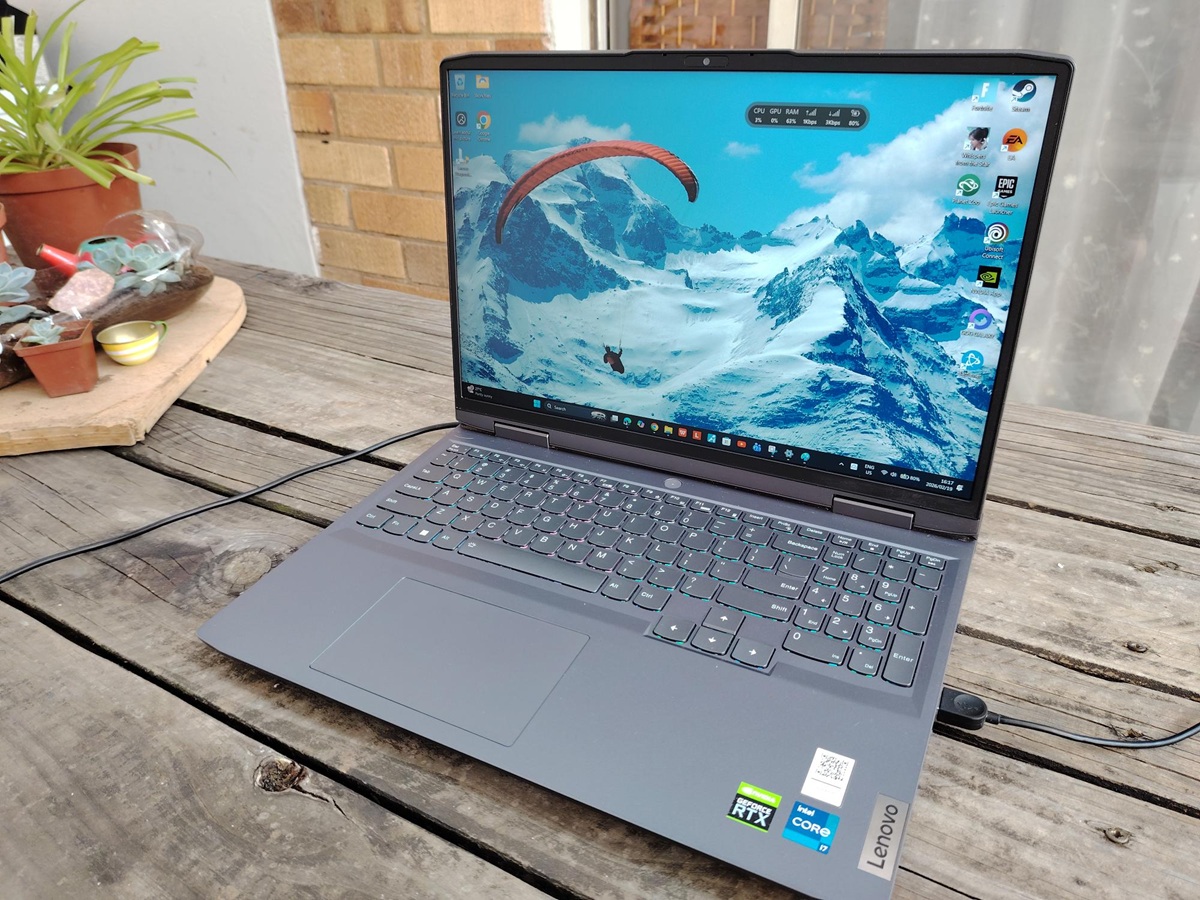
A fresh wave of Windows 11 concerns is building around the February 2026 security update KB5077181, and my Lenovo LOQ has started showing the kinds of problems people have been reporting since mid-February. While this is still only one real-world machine experience and not proof of a direct cause, the timing and symptom pattern are hard to ignore.
According to Windows Update history on my Lenovo LOQ, KB5077181 installed successfully on 2026/02/11. After the install, the system moved to Windows 11 Build 26200.7840 (25H2). The previous update on this laptop was the January 2026 preview update KB5074105, which installed on 2026/01/30 and brought the machine to Build 26200.7705.
Not long after KB5077181 went on, networking started acting up in a frustrating way. Windows would show Wi‑Fi as connected, but the laptop would intermittently behave as if it had no usable internet. Browsing would stall and apps would hang as if the connection had dropped, even though the network icon suggested everything was fine. It wasn’t a constant outage, which made it even trickier to troubleshoot because it came and went.
Then Bluetooth stability took a hit. Devices that normally stay rock-solid on this system, including a Beoplay Portal headset and an Xbox Series controller, began disconnecting intermittently. When wireless networking and Bluetooth both start misbehaving after a Windows update, it immediately raises the possibility of driver conflicts, power management changes, or background service issues triggered by the patch.
The most concerning issue, though, was what happened after shutting the laptop down. This wasn’t Sleep or Hibernate—I used the normal Shut down option. On more than one occasion, I placed the LOQ in my backpack afterward, only to find the chassis warm later. That kind of heat suggests the laptop may not have fully powered off, or it may have resumed unexpectedly. Either scenario is annoying at best and risky at worst, especially for anyone who travels with their laptop and expects it to stay fully off.
Performance also hasn’t been entirely smooth. I began noticing intermittent stutter during gaming and even during video playback on a system using Nvidia graphics. As of February 19, 2026, that stutter is still present on my Lenovo LOQ. It’s the kind of issue that can feel subtle at first, but once you notice it, it’s difficult to unsee—especially in games or higher frame-rate content where consistent pacing matters.
Shutdown behavior remains another ongoing headache. Multiple times, the laptop has taken far longer than expected to power down after selecting Shut down—sometimes three to five minutes. For a machine with a Core i7-13620H and an NVMe-class SSD, that’s unusually slow. Long shutdowns can point to services hanging, driver timeouts, or Windows struggling to close background processes cleanly after an update.
To be clear, this is still an observation from one Lenovo LOQ and doesn’t confirm KB5077181 is the root cause. But the symptom direction—intermittent “connected but no internet,” flaky Bluetooth, odd shutdown and heat-on-shutdown behavior, plus stutter that persists—lines up with the broader set of KB5077181 complaints that have been circulating since mid-February.
If you recently installed KB5077181 and your Windows 11 PC suddenly started having Wi‑Fi issues, Bluetooth disconnects, slow shutdowns, or new stutter in games and video playback, you’re not alone. The key takeaway from my experience is that even when Windows Update reports a “successful” installation, stability can still take a hit afterward—and the problems might show up in everyday tasks first, long before you’d think to blame a security update.