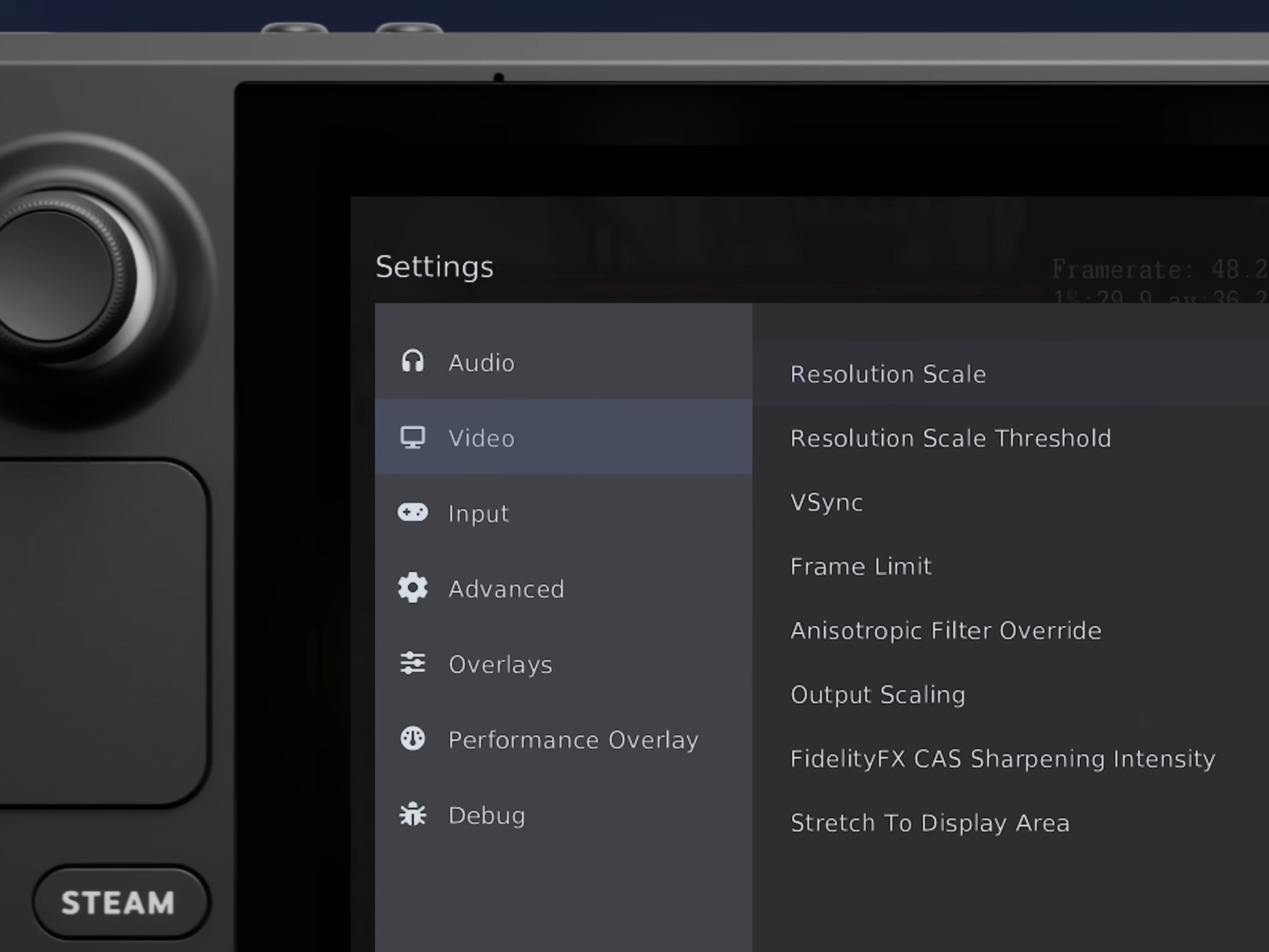
PlayStation 3 emulator RPCS3 has finished the first major wave of updates for its brand-new controller-friendly interface, and it’s clearly built with handheld gaming PCs in mind. The team is calling it the “Handheld Experience,” and the vibe is instantly familiar if you’ve spent time in Steam Big Picture Mode or on a Steam Deck. The goal is simple: make PS3 emulation feel native on a device you control from the couch, not only from a keyboard and mouse.
What makes this update stand out is how much of RPCS3 you can now manage without leaving your game. Instead of digging through menus on the desktop, players can pull up a streamlined overlay and access an unusually deep set of emulator settings while in-game. That’s not just a convenience feature—it can directly impact performance. Being able to adjust relevant options on the fly is a big deal for demanding PlayStation 3 games, especially on handheld hardware where battery, thermals, and frame rate targets can vary wildly from one title to the next.
The latest showcase focuses heavily on Steam Deck usage, but it’s not limited to Valve’s handheld. The video also includes Skate 3 running on an ASUS ROG Ally X, where it’s shown averaging around 100–120 FPS. That kind of performance highlight is likely to catch the attention of anyone who’s been building a portable PS3 library and wants to know what today’s handheld PCs can handle.
RPCS3’s desktop experience got some meaningful quality-of-life upgrades, too. One of the most requested additions—creating Steam game shortcuts directly from the RPCS3 interface—is now here. That means adding PS3 games to your Steam library can be faster and cleaner, making it easier to launch your collection from a unified handheld-friendly front end.
There’s also a lot of polish in the details. Steam shortcuts can use original PlayStation 3 XMB-style artwork for each game, which helps your library look more authentic and organized. Even better, RPCS3’s own desktop interface now plays game-specific audio and video when you hover over a title, echoing the classic PlayStation 3 XMB feel. It’s a small touch, but it goes a long way toward making the emulator feel like a full platform rather than just a tool.
Overall, this is a particularly good moment for PS3 emulation enthusiasts—especially those playing on Steam Deck and similar handheld gaming PCs. With portable hardware getting more powerful and more common, RPCS3’s push toward a controller-first interface makes sense, and it also makes the emulator far more approachable for newcomers who just want to play, tweak performance quickly, and stay in a console-like experience from start to finish.
If you already have RPCS3 installed, the update is available on the stable release, meaning you can try the new Handheld Experience right away without jumping through extra hoops.