Apple Silicon Mac users are in for a treat as Cyberpunk 2077: Ultimate Edition becomes available tomorrow. The much-anticipated release brings the AAA title to this platform, with the official launch date set for July 17. While path tracing was a promised feature, CD PROJEKT RED has confirmed that ray tracing won’t be enabled by default, regardless of your Mac’s specifications.
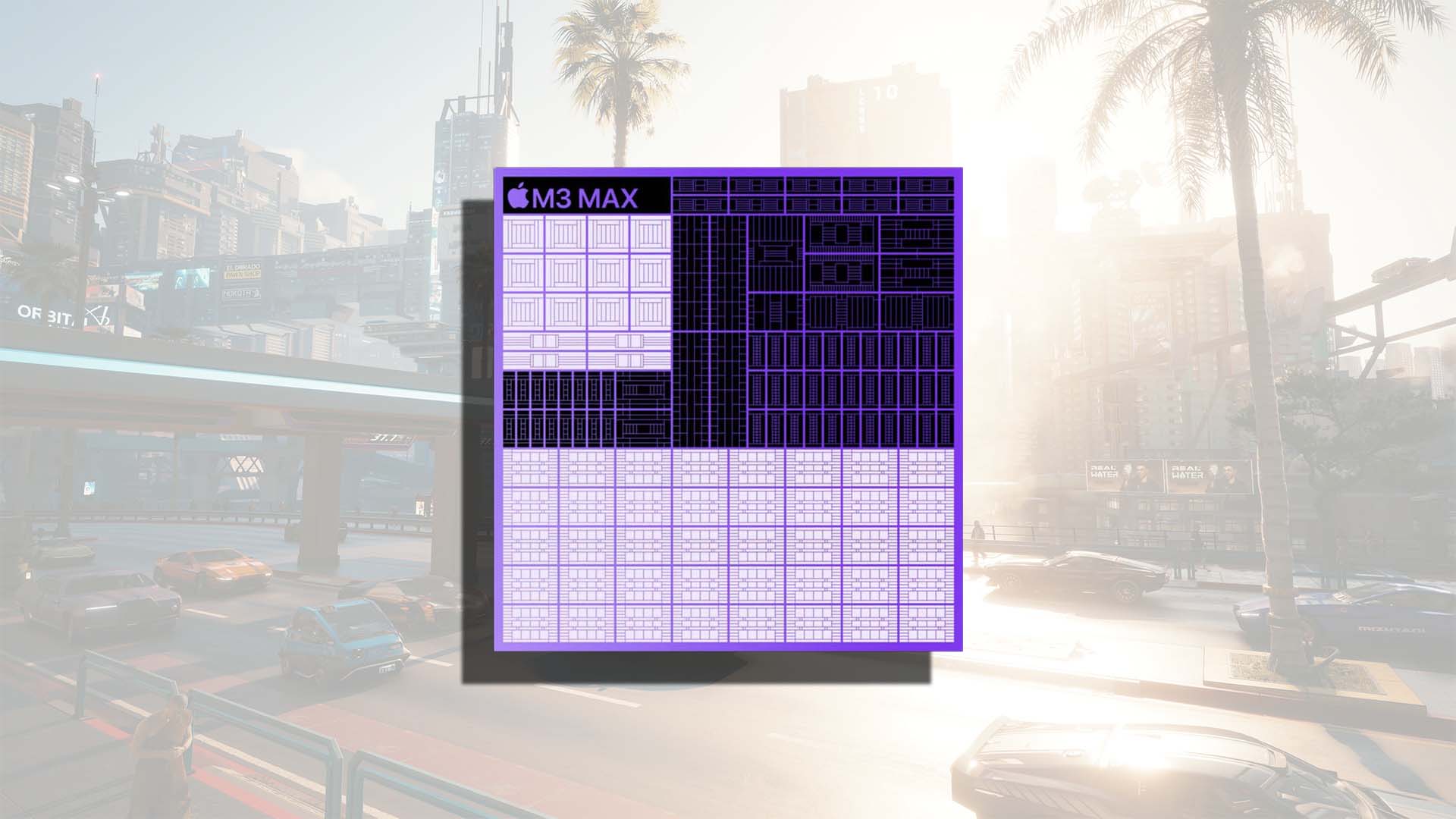
This decision aims to maintain optimal performance since ray tracing is graphically demanding and could lead to significant framerate drops without powerful hardware. To enjoy ray tracing at 60FPS, you’ll need an M3 Max, although it will render the game at a lower resolution.
If you’re using an M3 Max, setting the ray tracing preset to ‘Medium’ should ensure a smooth 60FPS experience. However, if you have an M3 Pro, expect the performance to be halved. Despite the minimal requirements being an M1 chip with 16GB of unified RAM, ray tracing is only supported from the M3 model onwards. Simply owning an M3 won’t guarantee a high framerate; an M3 Pro is the minimum for enhanced visual settings. CD PROJEKT RED hasn’t clarified whether path tracing is available for Mac users.
For those aiming to maintain a 30FPS average with ray tracing set to ‘Medium,’ an M3 Pro with a resolution of 1920 x 1080 and manually enabled MetalFX DRS is necessary. M3 Max owners can achieve 60FPS with these settings. However, having such high-end hardware is essential for running the game on Apple Macs. Fortunately, users can enhance performance using MetalFX upscaling and MetalFX Frame Interpolation, features in Apple’s Metal 4 API.
Cyberpunk 2077: Ultimate Edition will be available on the Mac App Store, Steam, GOG.com, and Epic Games Store. Stay tuned for updates on how it performs across various Apple Silicon devices.