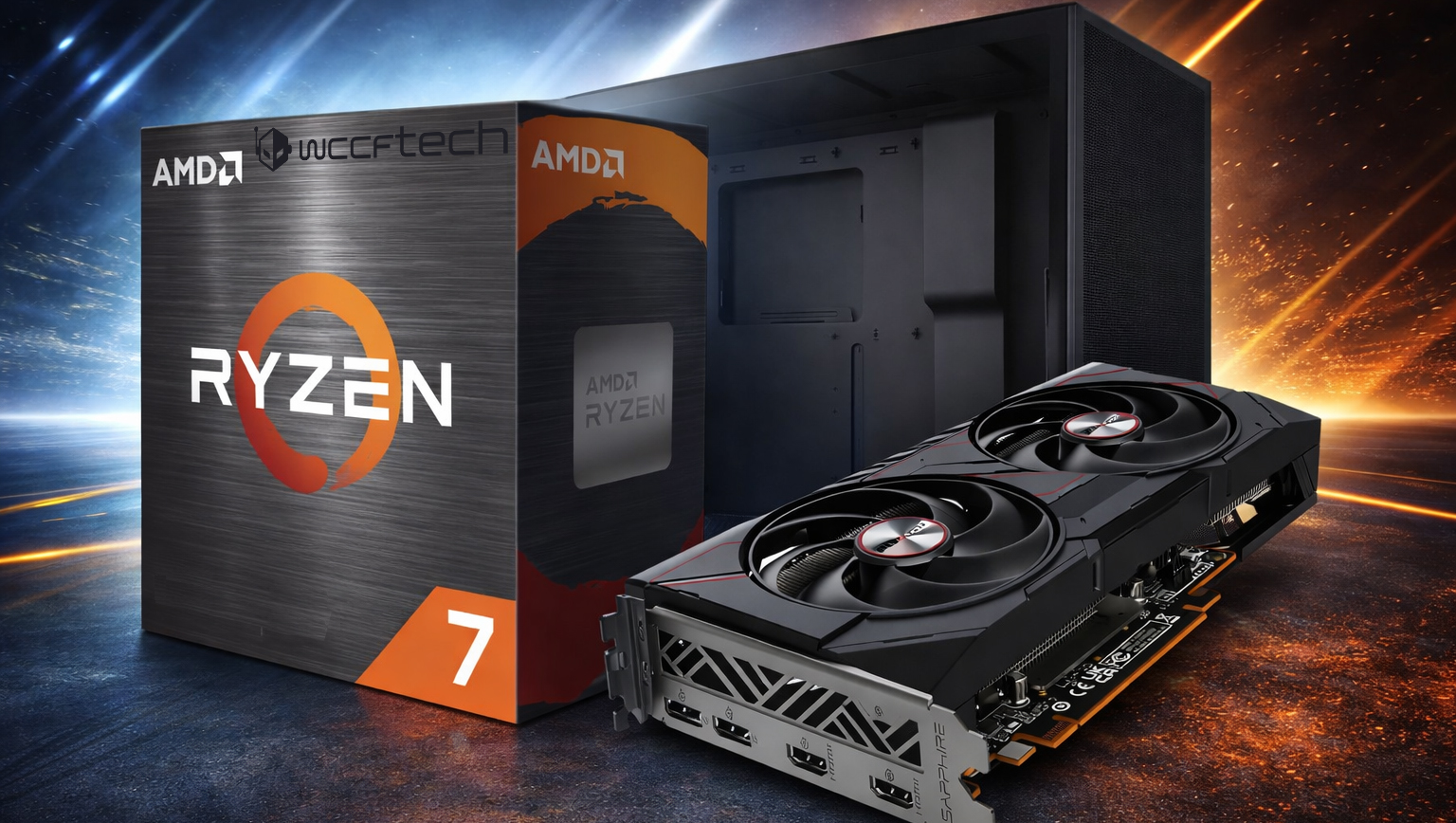
Building a strong budget gaming PC used to be simple. Not long ago, you could put together a surprisingly capable rig for under $1,000 and enjoy smooth performance in most modern games. That’s gotten much harder. Ongoing DRAM shortages have pushed memory prices up, and the ripple effect has hit everything from graphics cards to other core components. On top of that, rising NAND costs have made SSDs more expensive too, turning what used to be a “value build” into a much bigger investment.
After watching RAM and SSD prices climb for months, it doesn’t look like the market is heading back to pre-shortage pricing anytime soon. With DDR5 demand remaining high, a lot of gamers are now leaning on DDR4 (and even DDR3 for older systems) to keep build costs under control. The good news is that DDR4 platforms still deliver excellent real-world gaming performance, so choosing DDR4 over DDR5 isn’t the downgrade it might sound like—especially when you’re trying to maximize frames per dollar.
If your goal is to play today’s games at 1080p on ultra settings without overspending, a smart AM4 + DDR4 build can still get you there. Here’s a balanced, gaming-focused parts list that lands around the $1,300 range, prioritizing the components that matter most for performance while working around today’s inflated pricing.
Processor: AMD Ryzen 7 5800XT
AMD’s Ryzen 5000 lineup may be older, but it’s still a powerhouse for gaming—especially for anyone trying to avoid the cost of moving to a newer platform. The Ryzen 7 5800XT is an 8-core, 16-thread chip based on the Zen 3 architecture, with a 3.8 GHz base clock and up to 4.8 GHz boost, backed by 32MB of L3 cache and a 105W TDP.
The biggest advantage here is simple: AM4 builds can be significantly cheaper than jumping into DDR5 platforms, and for a 1080p ultra-focused build, the real-world gaming gap often isn’t as dramatic as you’d think—especially when paired with a midrange GPU. While you do give up some of the newest platform features, the 5800XT remains a strong match for modern graphics cards and gives you plenty of CPU muscle for competitive multiplayer titles, streaming, and general productivity.
CPU Cooler: MSI MAG CoreLiquid A13 240
You can run the Ryzen 7 5800XT without an aftermarket cooler, but doing so can limit sustained boost behavior during long gaming sessions. A 240mm all-in-one liquid cooler like the MSI MAG CoreLiquid A13 is a great fit for this CPU, helping keep temperatures under control when the chip is pushed hard. Beyond better thermals, it also offers improved clearance around the memory slots and gives you extra headroom if you want to experiment with overclocking without constantly running into thermal throttling.
Motherboard: GIGABYTE B550 Gaming X V2
A motherboard won’t magically raise FPS on its own, but it determines stability, features, and how much performance you can safely unlock through tuning. The GIGABYTE B550 Gaming X V2 is a practical AM4 choice, offering a capable 10+3 phase VRM setup for solid power delivery and support for CPU and memory overclocking.
You won’t find PCIe 5.0 here, but PCIe 4.0 is still more than enough for modern GPUs and fast NVMe storage. The rear I/O is fairly basic, which is expected at this price point, but the inclusion of Q-Flash Plus makes BIOS updates far less stressful—especially if you’re upgrading parts over time. Overall, it’s the kind of board that keeps costs down while still letting your CPU, GPU, and storage run at their best.
Memory: V-Color 16GB DDR4 (1x16GB) 3200MHz
With memory prices elevated, DDR4 remains one of the easiest ways to avoid overspending. This build uses a single 16GB DDR4 stick running at 3200MHz with reasonable timings. It’s not flashy, but it’s enough for modern gaming and everyday multitasking, and it keeps the budget focused where it matters most.
If you play heavier titles, keep a lot of apps open, or want extra smoothness in newer AAA games, upgrading to 32GB later is a straightforward path. Starting with 16GB keeps the initial build cost in check while leaving a clean upgrade route.
Graphics Card: AMD Radeon RX 9060 XT 16GB
If you’re building for ultra settings at 1080p, the GPU is the biggest piece of the puzzle. The Radeon RX 9060 XT stands out in the budget performance category, especially because it tends to stay closer to its intended pricing even when the wider GPU market fluctuates.
Choosing the 16GB version is the smart move here. While plenty of games can still run on 8–10GB of VRAM, more and more modern releases are pushing memory usage higher. When VRAM runs short, you don’t just lose a few frames—you can get stutters, sudden FPS drops, and inconsistent pacing that makes games feel rough even when average FPS looks fine. With 16GB of GDDR6, this card is set up for smoother performance today and better longevity going forward.
This GPU isn’t only a solid 1080p ultra option—it can also handle many games at 1440p ultra with the right settings. And with features like FSR 4 and Frame Generation available in supported titles, it becomes even easier to push higher frame rates without sacrificing as much visual quality.
Storage: Kingston NV3 1TB NVMe SSD
Storage pricing has been painful lately, and finding a 1TB NVMe drive at a reasonable cost isn’t as easy as it used to be. The Kingston NV3 1TB is a practical pick that still delivers the speed benefits you want for a modern gaming PC. It’s a PCIe Gen 4.0 M.2 SSD rated for up to 6,000 MB/s read and 4,000 MB/s write, which is more than fast enough for quick OS boot times, rapid game loading, and snappy general responsiveness.
A 1TB drive gives you room for several large modern games, plus your files and apps. If your library is huge, you can always add a second drive later, since the motherboard supports multiple storage options.
Power Supply: Corsair RM750e (750W, 80+ Gold)
A dependable power supply is one of the best long-term investments you can make in a PC build. The Corsair RM750e brings 750 watts of capacity, 80+ Gold efficiency, and a fully modular design that makes cable management far easier.
It’s also built with modern standards in mind, with ATX 3.1 and PCIe 5.1 compliance. That means this PSU isn’t just good for the parts you’re buying today—it’s also ready for future GPU upgrades, including models that use newer 16-pin power connectors. For a build like this, 750W offers plenty of stable overhead without going overboard.
Case: NZXT H5 Flow
A high-airflow case is a big deal for keeping performance consistent, especially when you’re running a strong CPU and a modern GPU in a compact space. The NZXT H5 Flow is designed to prioritize ventilation, helping your components maintain lower temperatures during long gaming sessions. Better airflow can also mean quieter fan behavior because your system doesn’t have to work as hard to stay cool.
Final take
Even with today’s inflated memory and SSD prices, you can still build a powerful gaming PC around the $1,300 mark that’s fully capable of maxing out modern games at 1080p ultra. The key is choosing a platform that delivers excellent value right now—AM4 and DDR4—and then putting the budget where it counts most: a strong GPU with 16GB of VRAM, reliable power delivery, and cooling that keeps performance steady for the long haul.Picking a PC case might seem like the “easy” part of a gaming build, but it can make or break the whole experience. Airflow, clearance, and cable management all affect temperatures, noise, and how painless your build process will be. You can absolutely choose any case you like, as long as it supports an ATX motherboard and has enough room for your graphics card, power supply, and CPU cooler.
If you’d rather skip hours of research and just grab a proven option, the NZXT H5 Flow is an excellent mid-tower to build in—especially for a high-end 1080p/1440p gaming PC. It’s roomy, designed with airflow in mind, and built to make clean cable routing much easier than many budget-friendly cases.
The NZXT H5 Flow stands out because it’s genuinely builder-friendly. You get practical features like multiple cable cutouts, a cable cover to keep the main chamber looking clean, a full PSU shroud to hide clutter, and a tool-less design that makes installation and adjustments less of a headache. On the cooling side, it delivers strong ventilation and supports large radiators and multiple fans—exactly what you want if you’re running modern hardware and don’t want heat to throttle performance.
Here’s what you should realistically expect from a build like this (paired with components in the same class as a Ryzen 7 5800XT and a Radeon RX 9060 XT 16GB). You’re looking at smooth gameplay at both 1080p and 1440p, with the ability to crank up ultra graphics settings in modern games. You’ll also have ray tracing support, and generally easier, smaller upgrades down the road.
At the same time, it’s important to keep expectations grounded. This tier of build isn’t meant for 4K gaming, and you shouldn’t expect high performance with ray tracing enabled in every demanding title. It’s also not a platform designed for major upgrades or serious overclocking—think “strong value and great gaming,” not “endless expansion.”
If you want a plan for upgrades later, there are a few smart paths that actually make sense.
For the CPU, the best gaming-focused upgrades from a Ryzen 5800XT are the Ryzen 7 5800X3D or Ryzen 7 5700X3D—if you can find them. Availability may be limited since those X3D chips have been discontinued, and it often means shopping the used market. Outside of those options, upgrading to another Ryzen 5000 chip usually isn’t worth it purely for gaming gains. If your goal is productivity performance (heavy multi-threaded work), then the Ryzen 9 5900X or 5950X can still be meaningful upgrades.
For RAM and storage, 16GB is still fine for gaming, but moving to 32GB (adding another 16GB kit) can noticeably improve the overall experience—especially if you multitask, use lots of background apps, or play newer releases that are starting to push memory usage higher. Storage is the other easy win: adding another 1TB or 2TB drive gives you more room for modern game installs. An M.2 SSD is ideal, but a SATA SSD remains a solid, practical option if the price is right.
For the GPU, if your goal is higher FPS—particularly at 1440p and beyond—then upgrading to a stronger card will have the biggest impact. Options like the Radeon RX 9070 XT or RTX 5070 Ti are the types of upgrades that can deliver a real jump not only in traditional “raster” performance, but also in ray tracing results. If you’re staying with the RX 9060 XT 16GB, it can be smarter to wait for the next generation unless a higher-tier GPU fits your budget.
For the power supply, a quality 750W unit is enough for this class of build and minor upgrades. However, if you already know you’ll be moving to a more power-hungry graphics card soon, stepping up to a 1000W PSU can be a better long-term decision. One thing that doesn’t make sense in this budget range is pairing the rest of a sub-$1000 class build with an ultra-expensive flagship GPU—it would create obvious bottlenecks (especially at 1080p) and throws the value balance completely off.
Common questions people ask about this kind of build:
Is it still possible to build a powerful gaming PC under $1000?
Right now, it’s tough. With RAM and SSD pricing sitting higher than many builders would like, making a “good” modern gaming PC under $1000 often forces big downgrades to the CPU and GPU, which leads to noticeable performance losses. You can cut costs, but you’ll feel it where it matters most.
Can this run modern games at ultra settings?
Yes. In most modern titles, you can expect 60+ FPS at 1440p using high/ultra settings, and at 1080p it’s common to see well above 100 FPS on max settings depending on the game.
Why choose the Radeon RX 9060 XT 16GB instead of an 8GB version?
VRAM is increasingly important. With only 8GB, some modern AAA games can show clear downsides like stuttering, frame drops, or inconsistent performance—especially at 1440p where VRAM usage is noticeably higher. A 16GB card is the safer long-term choice and should stay viable for years, making it the better buy for a high-settings 1080p/1440p gaming PC.