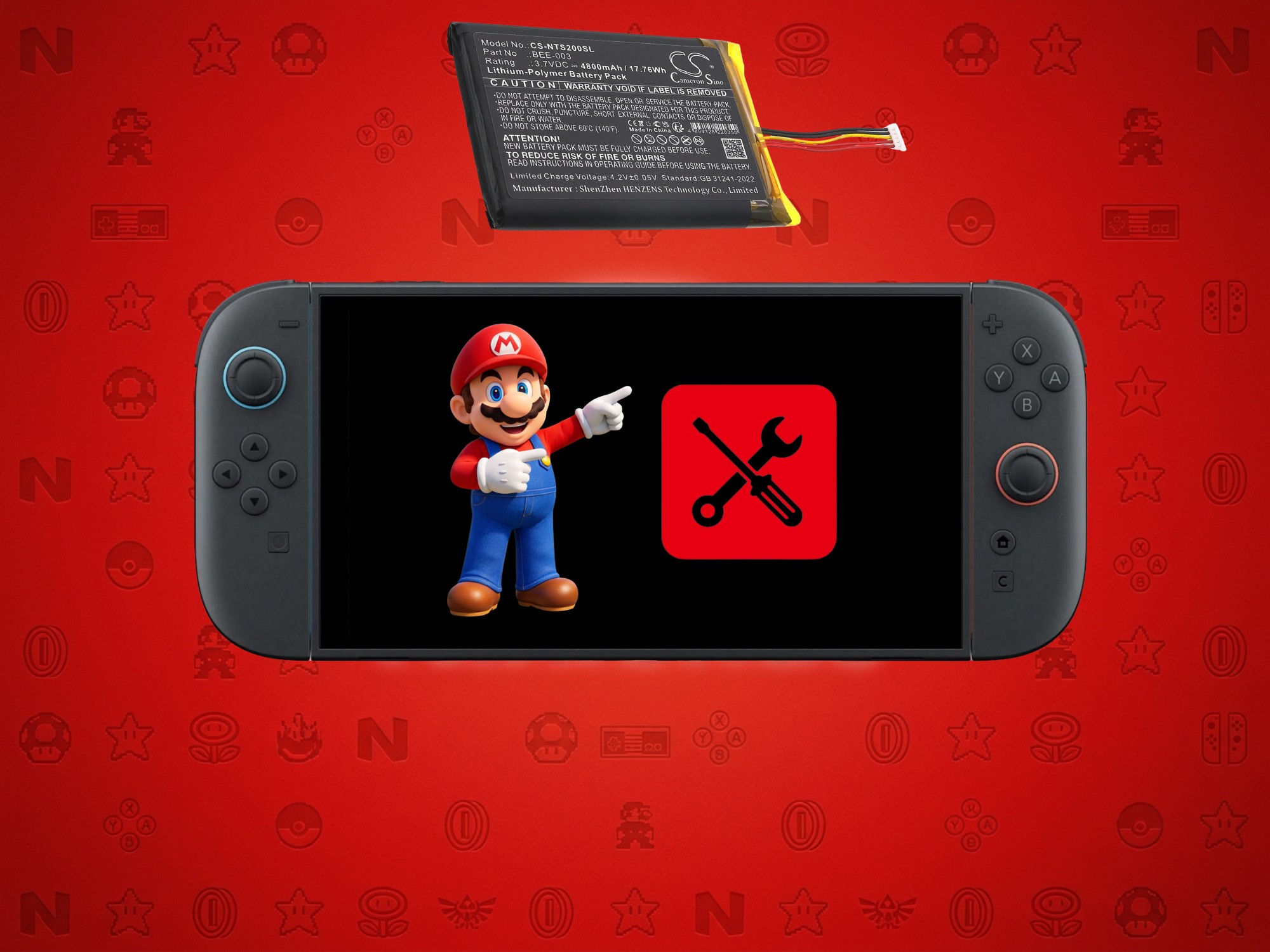
Nintendo is reminding Switch and Switch 2 owners of an easy habit that can prevent long-term battery problems: don’t leave the console untouched for months on end.
Because the Switch 2 uses a lithium-ion battery, letting it sit in storage without being charged or used for an extended period can lead to trouble. Nintendo Support recently advised players to charge the console or play it at least once every six months. The message is simple, but important—especially for anyone who rotates between multiple systems, travels often, or puts a handheld away after finishing a big game.
Why this matters for Switch 2 battery health
Lithium-ion batteries naturally lose charge over time, even when a device is powered off. If a Switch 2 or original Switch is left unused long enough, the battery level can gradually drop to zero. Once that happens, the console may struggle to charge properly or may not power on the way you expect—even after it’s plugged in. In other cases, the system may still work, but battery capacity can decline, meaning shorter play sessions and more frequent charging.
While Nintendo’s note focuses on charging and usage, there’s another issue many gamers are aware of with lithium-ion batteries: swelling. It can happen when a battery degrades or is stored in poor conditions for a long time. Reports of swollen units appear to be limited so far, but the safest move is still to follow good storage and charging habits to reduce risk.
Practical tips to extend Switch 2 battery life
If you want to keep your Switch 2 battery healthy for the long haul, Nintendo’s reminder pairs well with a few best practices:
1) Charge or use the console at least once every six months
Even a short charging session or a brief play session helps prevent the battery from sitting in a deeply discharged state for too long.
2) Use the setting that limits charging to around 90%
The Switch 2 includes an option that stops charging near 90%. Keeping a battery from constantly hitting 100% can help preserve long-term capacity across many charge cycles.
3) Store the console with a partial charge
For a system you plan to leave idle, a 40–60% charge level is generally a smart target. It avoids both extremes—fully depleted or always topped off.
4) Store it in a cool, dry place
Heat and humidity can accelerate battery wear. If you’re putting the console away for a season, avoid leaving it in a hot room, near a heater, or in a sealed space that traps warmth.
What to do if your Switch 2 battery starts acting up
If you notice rapidly declining battery life, charging issues, or any physical bulging, stop using the console and seek repair options. Nintendo has also indicated it’s making design changes aimed at easier repairs in response to right-to-repair regulations in certain regions, which could make battery servicing more straightforward over time. Availability may vary by location, but the overall direction signals more attention to long-term maintainability.
For most players, though, the key takeaway is simple: if you’re going to stash your Switch 2 or Switch for a while, don’t forget about it completely. A small check-in every few months can help prevent headaches later—and keep your handheld ready whenever the next big game drops.