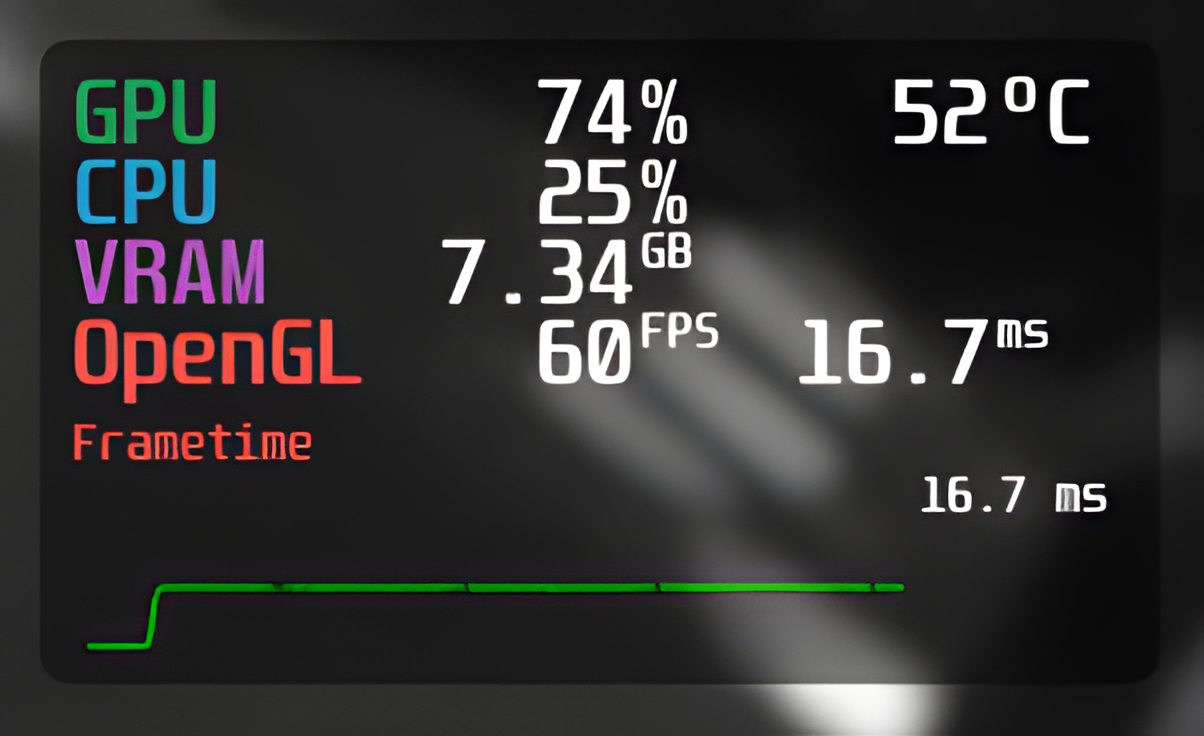
Linux gaming enthusiasts have reasons to celebrate as MangoHud, the popular gaming performance overlay tool, introduces its latest update, version 0.7.1. Known for providing valuable in-game information such as FPS, system load, and hardware temperature readings, MangoHud has become a staple for gamers seeking to optimize their Linux gaming experience.
The Open Source MangoHud is a sought-after choice for those looking for an alternative to proprietary overlays like MSI Afterburner, which lacks support on Linux systems. Notably, it’s also integrated into Valve’s portable gaming device, the Steam Deck, enhancing gaming sessions with real-time on-screen data.
The team behind MangoHud has officially released version 0.7.1 on GitHub, which brings forth a mix of fresh features alongside various bug fixes. Some notable adjustments include the renaming of the “gamepad_battery” setting to “device_battery”, now offering support for gamepad and mouse battery statuses. The “time” parameter has been christened with its very own name in this update, while “fps_metrics” can now display metrics in different formats such as decimals or averages like “avg,0.001”. Furthermore, the overlay now shows “winesync”, detailing the active synchronization primitives, and “present_mode”, which reveals the current Vulkan Present Mode or Vsync status for OpenGL.
The update has also introduced support for showcasing GPU load on Adreno GPUs and CPU temperature details via the “zenpower3” module. With these enhancements, gamers can gain a deeper understanding of their system’s performance during gameplay.
On the fix front, version 0.7.1 addresses several issues to improve stability. One significant fix rectified a crash that occurred due to accessing the GPU fan speed using the “xnvctrl” module. Another update ensures the default MangoHud settings are applied when the configuration file is absent. Additionally, the team has worked on compatibility with Intel GPUs and resolved a problem with the OpenGL runtime on musl libc systems. Also, a correction has been made to use RGB values correctly for the “text_outline_color” instead of BGR.
Gamers interested in benefiting from these new features can find the complete release notes and download the latest MangoHud overlay version on the project’s GitHub page. With this update, the already robust tool becomes even more indispensable for Linux users looking to fine-tune their gaming performance, making it easier to monitor and adjust settings on the fly.
Please share our article—every link helps spread the word about the exciting developments in the world of Linux gaming!


