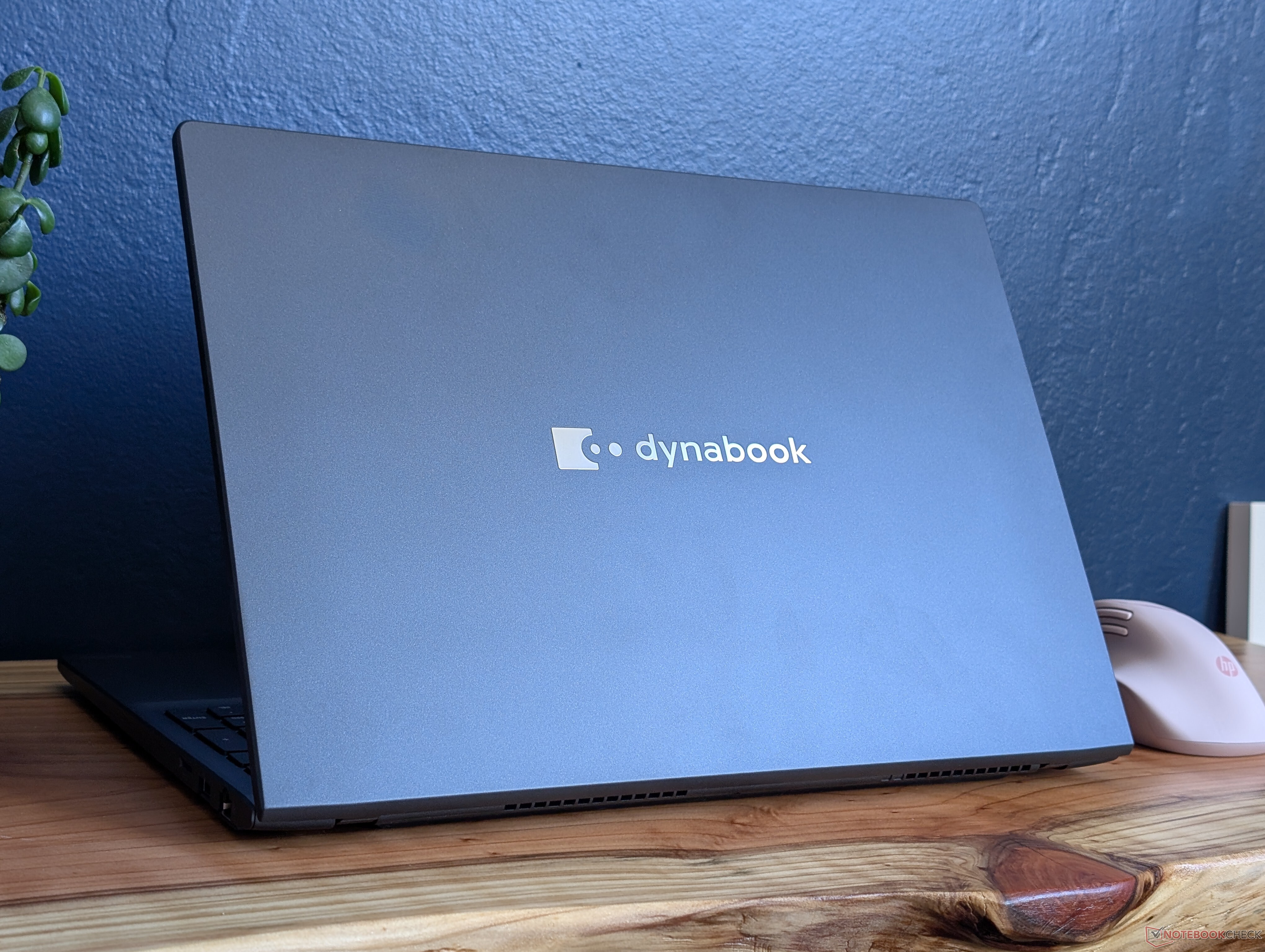
If you’ve been eyeing a laptop with AMD’s Radeon 780M integrated graphics, here’s a detail that can make or break real-world performance: memory configuration. Recent benchmark comparisons highlight just how much faster the same iGPU can run when it’s paired with higher-bandwidth, dual-channel RAM—especially in thin-and-light business laptops where the GPU relies heavily on system memory.
The Radeon 780M shows up in a wide range of devices, from compact mini PCs to mainstream laptops. On paper, many of these machines look similar because they share the same iGPU name. In practice, frame rates can vary dramatically. In several test results, systems built around the Radeon 780M are pushing well into the 150–165 fps range in certain benchmarks. Meanwhile, a business-class laptop like the Dynabook Tecra A60/A65-M (Ryzen 7 250 with Radeon 780M) lands closer to about 108 fps in one set of results and drops to around the high-60s/low-70s fps range in others—despite using the same graphics branding.
So what’s causing the gap?
A major factor is RAM bandwidth. Integrated graphics don’t have dedicated VRAM like a discrete GPU. Instead, the Radeon 780M pulls from system memory, meaning the number of memory channels and memory speed can directly impact graphics performance. Dual-channel RAM effectively increases available bandwidth, which can translate into noticeably higher fps in games and GPU-heavy workloads. Single-channel configurations (or otherwise constrained memory setups) can bottleneck the iGPU and leave a lot of performance on the table.
The comparisons make this easy to spot. Multiple Radeon 780M systems—such as mini PCs and handheld-style devices—regularly score far above the Tecra A60/A65-M in the same general class of testing, even when the CPU differences aren’t extreme enough to explain the entire gap. In other words, two “Radeon 780M” machines are not automatically equal for gaming, 3D work, or graphics-accelerated tasks.
What this means if you’re buying a Radeon 780M laptop or mini PC
1) Don’t judge performance by the iGPU name alone
“Radeon 780M” is a great starting point, but real results depend heavily on memory configuration and power limits.
2) Prioritize dual-channel RAM (and avoid single-stick setups)
If you’re shopping, look for systems with two memory modules installed, or confirm the laptop supports dual-channel and can be upgraded. This can be one of the most cost-effective performance boosts for an iGPU-based machine.
3) Expect big swings in fps across different designs
Mini PCs and performance-focused compact systems often ship with stronger memory configurations, which helps the 780M stretch its legs. Some business laptops may prioritize efficiency, cost, or battery life and end up with a setup that limits graphics throughput.
Bottom line: the Dynabook Tecra A60/A65-M results serve as a clear reminder that dual-channel RAM isn’t a minor spec detail—it’s a key performance lever for AMD’s Radeon 780M. If you want smooth gaming and stronger graphics performance from an iGPU laptop, make memory bandwidth a top priority when comparing models.If you’re shopping for a compact PC or laptop that can handle light gaming without a dedicated graphics card, AMD’s Radeon 780M iGPU keeps showing up as one of the most capable options in its class. New benchmark lineups from a wide mix of devices highlight a simple truth: performance with the Radeon 780M can swing dramatically depending on the CPU it’s paired with, system cooling, and power limits. In other words, “780M” on a spec sheet doesn’t automatically mean you’ll get the same frame rates across different machines.
Across dozens of tested systems, Radeon 780M results range from roughly the low 30s fps to well over 100 fps in some scenarios, with certain runs stretching up to about 130 fps. That’s a massive spread for the same integrated GPU name, and it explains why two mini PCs that look similar on paper can feel totally different in real use.
Several popular devices appear repeatedly in the results, including compact mini PCs and premium business laptops powered by Ryzen 7 and Ryzen 9 chips. Systems built around Ryzen 7 7840U or Ryzen 7 PRO 7840U (seen in thin-and-light laptops like the ThinkPad Z13 Gen 2 and other 7840U-based machines) often land in the middle of the pack. Meanwhile, higher-wattage chips such as the Ryzen 9 7940HS and Ryzen 7 7840HS, commonly found in mini PCs and performance-focused compact builds, can push the Radeon 780M higher thanks to more generous power budgets and sustained clocks.
Some of the standout entries in the data include mini PCs configured with Ryzen 7 8745HS, Ryzen 7 H 255, and Ryzen 7 255, where the same Radeon 780M iGPU can deliver much stronger results when the system allows higher sustained power. On the flip side, thinner laptops and business-class designs can show lower numbers if they prioritize quiet operation and battery life over peak performance.
One especially eye-catching portion of the results shows top figures around 185 fps on a Radeon 780M-equipped system, with multiple other devices clustering in the 160–170 fps range. Those numbers are far above the typical expectations people have for integrated graphics, and they underline how much optimization and power tuning matter. In the same grouping, other comparable machines sit closer to 140 fps, while lower-performing entries dip down near the 70–90 fps range—again reinforcing that chassis design, cooling, memory configuration, and power limits can be just as important as the GPU name.
So what should buyers take away from this if they’re trying to choose the best Radeon 780M laptop or mini PC?
First, don’t compare “Radeon 780M” systems purely by brand or CPU name. Look for clues about TDP or power profiles (U-series vs HS-series chips), cooling design, and whether the device is aimed at ultralight portability or sustained performance. A Ryzen 7 7840U machine can be a great balanced pick, but an HS-class mini PC may deliver noticeably better gaming fps because it can feed the iGPU more power for longer periods.
Second, memory matters. While the results provided focus on fps outcomes, the Radeon 780M is known to be sensitive to memory bandwidth. Systems with faster RAM configurations tend to give integrated graphics more room to breathe, which can help explain why two similarly named configurations don’t always match.
Finally, use real-world benchmarks as your shortcut. This kind of multi-device comparison is exactly what you want to see before buying, because it shows best-case and worst-case outcomes rather than a single isolated score. If you’re aiming for the strongest Radeon 780M performance, prioritize systems with higher-power Ryzen HS-class processors, better cooling, and performance-oriented tuning. If you value portability and battery life, a thin-and-light Ryzen U-series laptop can still deliver solid integrated graphics performance, just with lower peak fps in demanding scenarios.
In short, AMD Radeon 780M integrated graphics can be surprisingly fast, but the device you choose determines whether you get “good for iGPU” performance or results that feel much closer to entry-level discrete graphics.AMD’s Radeon 780M integrated GPU continues to prove that you don’t need a dedicated graphics card to get smooth, playable performance in a thin laptop, mini PC, or handheld. New benchmark listings across multiple 780M-powered devices show a wide spread of frame rates, but the overall takeaway is clear: when the Ryzen 7 7840U and its close relatives get enough power and good cooling, the Radeon 780M can push surprisingly high FPS numbers for an iGPU.
In the higher-performing results, systems built around the Ryzen 7 7840U paired with Radeon 780M are landing around the 60 FPS mark, with several runs sitting in the upper 50s to mid 60s. One standout entry reaches about 65 FPS, while other strong performers hover around 61 FPS and 59–60 FPS. These top-end results can be dramatically above the broader 780M average depending on the specific test group, sometimes showing gains in the 70% to 110% range versus average performance.
Not every Radeon 780M machine performs the same, though, and that’s one of the most important lessons from the data. Some 780M-equipped laptops—particularly certain configurations using newer “Ryzen 7 250/255/260” style naming—show results closer to the mid-30 FPS range, with a few entries around 34–35 FPS. In other test sets, the same class of hardware drops further into the 20s and even the mid-to-high teens, which highlights how much settings, power limits (TDP), memory configuration, and sustained boosting can change real-world gaming performance on integrated graphics.
Mini PCs and compact systems also show strong 780M numbers. Devices using chips like Ryzen 7 8745HS and Ryzen 7 7840HS appear among the better results, frequently placing in the high 40s to high 60s depending on the benchmark run. In several listings, these higher-wattage HS-class processors help the Radeon 780M maintain higher clocks for longer—one of the key reasons they can outrun similar silicon placed in tighter, quieter, lower-power laptops.
There are also repeated appearances from business-class laptops running the Ryzen 7 7840U or Ryzen 7 PRO 7840U. Their results often land in the 40–60 FPS range depending on the run, reinforcing that the Radeon 780M can be a practical option for light-to-medium gaming, esports titles, and GPU-accelerated creative work—especially if the machine is configured with fast dual-channel memory.
The bigger SEO-friendly conclusion for buyers is this: “AMD Radeon 780M performance” isn’t a single number. The same iGPU can look like a 60 FPS solution in one device and a 30 FPS solution in another. If you’re shopping for a Radeon 780M laptop, mini PC, or handheld, pay close attention to the processor class (U vs HS), the cooling design, and whether reviewers confirm strong sustained performance—because those factors often matter as much as the GPU name on the spec sheet.If you’ve been tracking AMD’s integrated graphics progress, the Radeon 780M keeps proving why it’s one of the most talked-about iGPUs for thin-and-light laptops, mini PCs, and handheld-style systems. Across a wide spread of real-world benchmark results, performance swings a lot depending on the device, the processor paired with it, and—most importantly—how much power the system allows the chip to use.
The Radeon 780M commonly shows up alongside modern Ryzen 7 and Ryzen 9 mobile chips such as the Ryzen 7 PRO 7840U, Ryzen 7 7840U, Ryzen 7 7840HS, Ryzen 9 7940HS, and newer variants like the Ryzen 7 8745HS and Ryzen 7 “H 255/255” class parts. While the GPU name stays the same, the final frame rates don’t, because different laptops and mini PCs tune power limits and cooling very differently.
In lighter benchmark runs, you’ll see the Radeon 780M averaging around the mid-teens to low-20s FPS depending on the configuration. For example, results include figures like 14–16 FPS in some systems (such as a Ryzen 9 7940HS build around 15.2 FPS, or a Ryzen 7 250 system around 15.7 FPS). Step up to better-tuned machines and you get noticeable gains, with some results pushing into the 20+ FPS range—like a Ryzen 7 8745HS configuration reaching about 20.7 FPS.
Where things get especially interesting is how sharply performance can jump in more performance-oriented mini PCs and higher-power designs. Several compact desktops powered by Ryzen 7 H-class chips paired with Radeon 780M post much bigger numbers, landing in the 70+ FPS bracket. Examples include results around 70.3 FPS, 72.2 FPS, and 73.6 FPS in systems like the Minisforum AI X1, GMK NucBox K12, and Beelink SER9 Pro. In other words, the Radeon 780M isn’t locked into “entry-level” gaming behavior—given enough power and cooling headroom, it can perform dramatically better than what you’ll see in an ultra-portable laptop.
A similar pattern shows up across other result clusters where the Radeon 780M ranges from roughly the mid-20s up through the 40s and beyond. Some configurations sit around 24–25 FPS, others hover around 32–34 FPS, and more optimized systems push into the low-to-mid 40 FPS range like 42.6 FPS or 44.5 FPS. The key takeaway is that two devices can both advertise “AMD Radeon 780M” and still deliver very different gaming and graphics performance in practice.
At the higher end, certain Radeon 780M builds break into the 80 FPS range. You can spot standout numbers such as 82–85 FPS in multiple systems, including Ryzen 7 8745HS and Ryzen 7 7840HS-based machines. Those results underline how much system design matters: memory configuration, sustained power limits, and cooling capacity can move the Radeon 780M from “playable at lowered settings” to “surprisingly smooth” depending on the game or workload.
For shoppers trying to pick the right Radeon 780M device, the smartest approach is to compare benchmarks from the exact form factor you want. A business-focused ultrabook tuned for silence and battery life may land much closer to the lower FPS group, while a mini PC or performance-focused laptop with higher sustained wattage can land in the 70–85 FPS territory. The GPU may share the same name, but the experience can be wildly different.