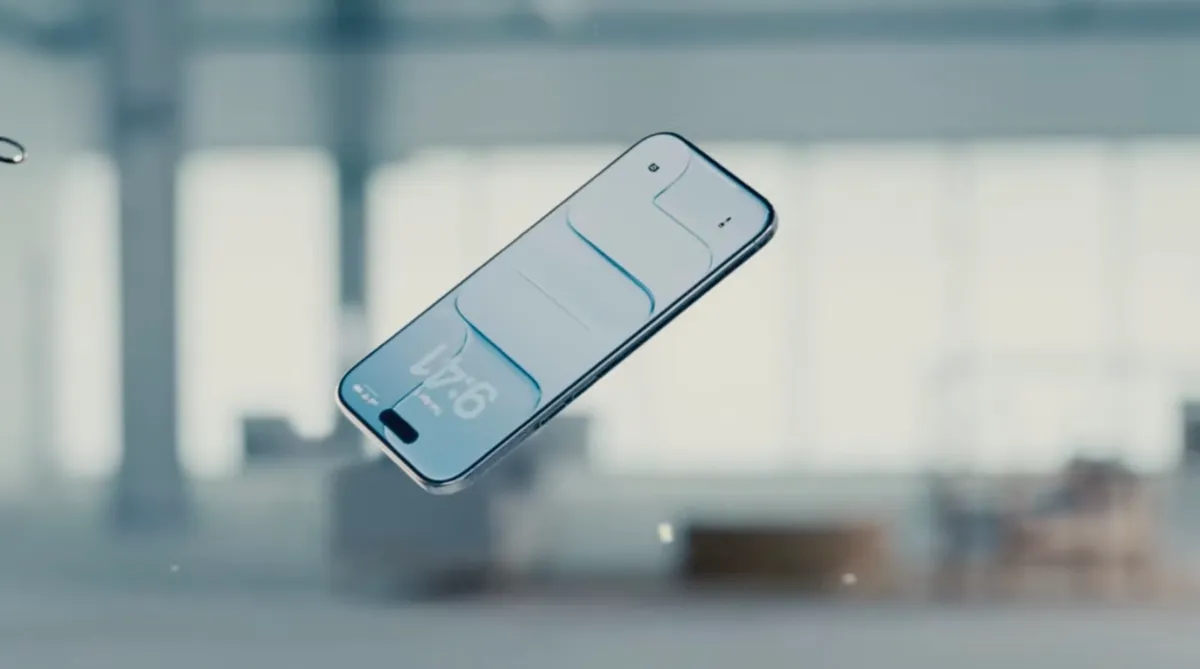
Apple is easing up on Liquid Glass again in iOS 26.2, giving iPhone users another way to reduce the see-through look that arrived with iOS 26. The update is available now, and it introduces a new control that lets you adjust the transparency of the Lock Screen clock, making the time easier to read at a glance.
Liquid Glass is Apple’s newest visual style for iPhone and other devices, designed around semi-transparent interface elements that bend and refract light to mimic the look of real glass. Buttons, sliders, notifications, and other UI components gained this glossy, layered feel as part of Apple’s broader push to modernize its platforms.
But after launch, many users said the increased transparency came at a cost: readability. In certain situations, details could become harder to see, from notifications on busy wallpapers to text in apps like Apple Music where song or artist names weren’t always clear. Apple responded in iOS 26.1 by adding a slider that lets users dial back Liquid Glass across the system for a more frosted, less transparent appearance.
Now, iOS 26.2 continues that trend, but in a more targeted way. Instead of changing the entire interface, Apple is offering a specific “glassiness” adjustment for the Lock Screen clock. It’s a small tweak, but it speaks to a bigger point: Apple is treating Liquid Glass as something that should be customizable, not one rigid look that works for everyone.
The timing is notable as well. Apple recently confirmed that the design executive most closely associated with the Liquid Glass redesign, Alan Dye, is leaving for Meta. He’s being replaced by longtime Apple designer Stephen Lemay, whose background is heavily focused on interface and interaction design—experience that aligns closely with refining usability issues like contrast, legibility, and how UI behaves in real-world conditions.
Beyond the Liquid Glass adjustments, iOS 26.2 includes a range of practical new features:
Users can now create AirDrop codes to share with people who aren’t in their contacts. This allows someone to become a “known” AirDrop contact for 30 days, which could be useful at work, in classrooms, or anytime you need to exchange files and photos with someone temporarily.
Reminders now supports alarms, giving users more control over time-sensitive tasks.
Apple News adds a Following tab in the bottom navigation and includes additional navigation updates intended to make it easier to keep up with preferred sources and topics.
Apple Music gains offline lyrics, a handy upgrade for flights, commutes, and other situations where you’re listening without a connection.
The Podcasts app adds AI-generated chapters for episodes, plus a Podcast Mention feature that helps link and reference other shows, along with other refinements.
Apple Watch users also get a Sleep Score, offering a clearer snapshot of how well they slept and whether they hit their sleep targets.
Apple also pushed important security updates across iPhone, iPad, Mac, Apple TV, and Apple Watch, addressing vulnerabilities that have been used in an active hacking campaign. For many users, that alone makes updating to iOS 26.2 and the related releases a smart move.
Overall, iOS 26.2 is less about flashy new design and more about making Apple’s latest interface direction easier to live with. For anyone who liked the idea of Liquid Glass but struggled with readability, the new Lock Screen clock control is another welcome step toward a cleaner, clearer iPhone experience.