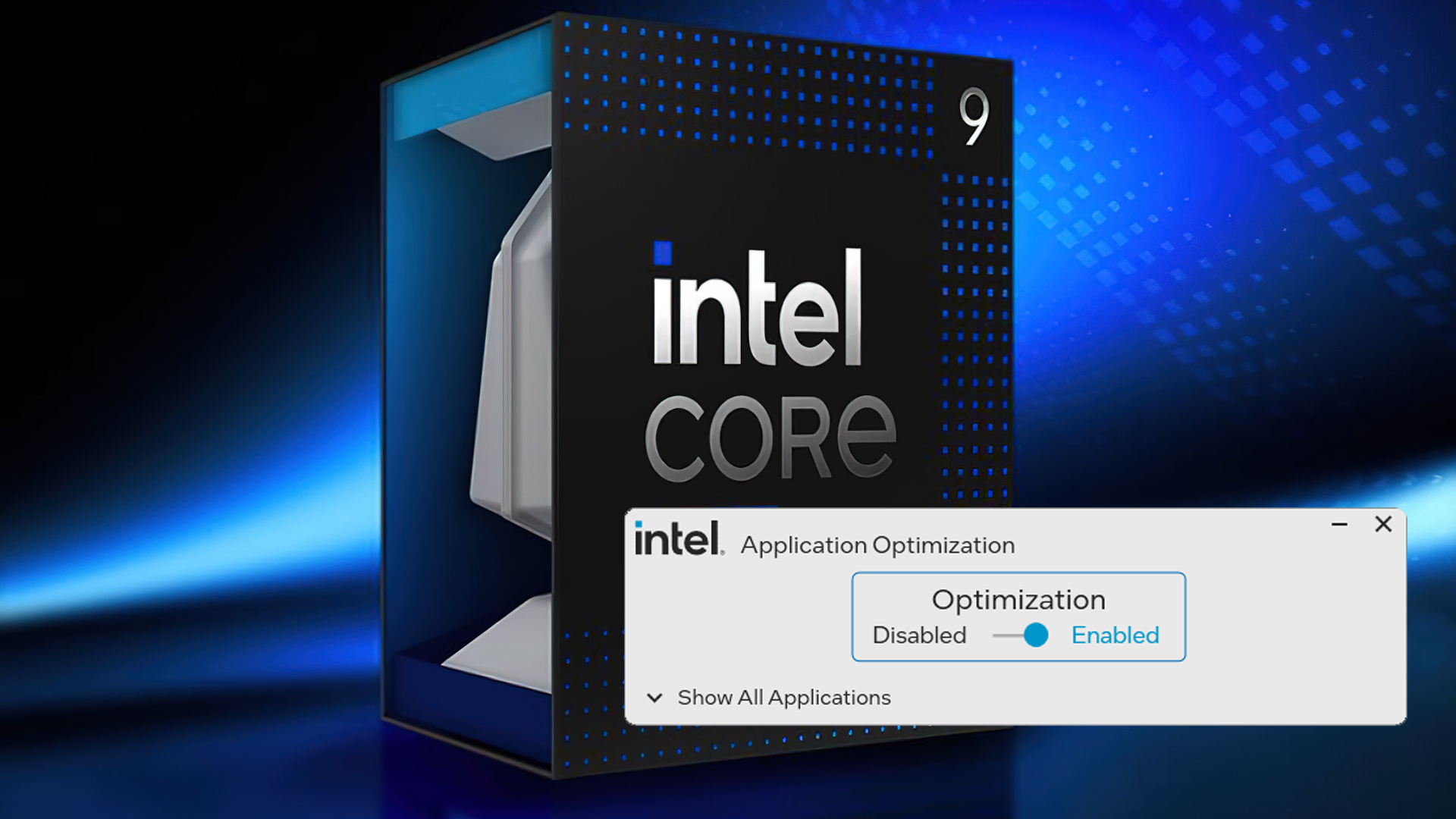
Intel’s Application Optimization feature just got its biggest refresh in a while, and it’s aimed squarely at smoother, faster gaming on the latest chips. The new quarterly update adds 15 more games to the APO library, promising performance gains on select 14th Gen desktop CPUs and the upcoming Arrow Lake lineup.
What’s new and who gets it
– APO is rolling out to partners now and will be available across Raptor Lake Refresh and Core Ultra 200 series processors on both desktop and mobile, with some SKUs excluded.
– Arrow Lake: all “K” desktop models and the Core Ultra 200HX family are supported.
– 14th Gen: desktop “K” models are supported, plus two mobile chips—Core i9-14900HX and Core i7-14700HX.
Newly supported games in this APO update
– 7 Days to Die
– Assetto Corsa
– Cities: Skylines
– Delta Force: Black Hawk Down
– Deus Ex: Mankind Divided
– Dyson Sphere Program
– EA Sports FC 24
– God of War
– Kerbal Space Program 2
– Like a Dragon: Infinite Wealth
– Metro Exodus Enhanced Edition
– The Callisto Protocol
– Wolfenstein Youngblood
– World of Warships
– 蜀山初章
What kind of performance boost to expect
Intel reports up to a 14% uplift in titles like Metro Exodus Enhanced Edition, with most of the list seeing single-digit gains. In internal testing with a Core Ultra 9 285K, improvements ranged from 3% to 14%, alongside better 1% lows—meaning gameplay should feel smoother, not just faster. Actual results will vary by GPU, resolution, and settings, but APO’s goal is to fine-tune thread scheduling and power behavior for supported titles to enhance frame rates and consistency.
How to enable Intel APO
– Install Intel Dynamic Tuning Technology (DTT) from your motherboard’s support page.
– Once DTT is installed, APO turns on automatically.
– For per-game control, install the Intel APO UI from the Microsoft Store to toggle or adjust settings title by title.
– After setup, APO updates automatically as new games are added to the library.
Bottom line
If you’re on a supported 14th Gen “K” desktop chip, select HX mobile models, or stepping into the Arrow Lake “K” and Core Ultra 200HX family, this APO update is an easy win. With more supported games, measurable frame-time improvements, and automatic updates, it’s a straightforward way to unlock extra performance in popular PC titles—no major tweaking required.