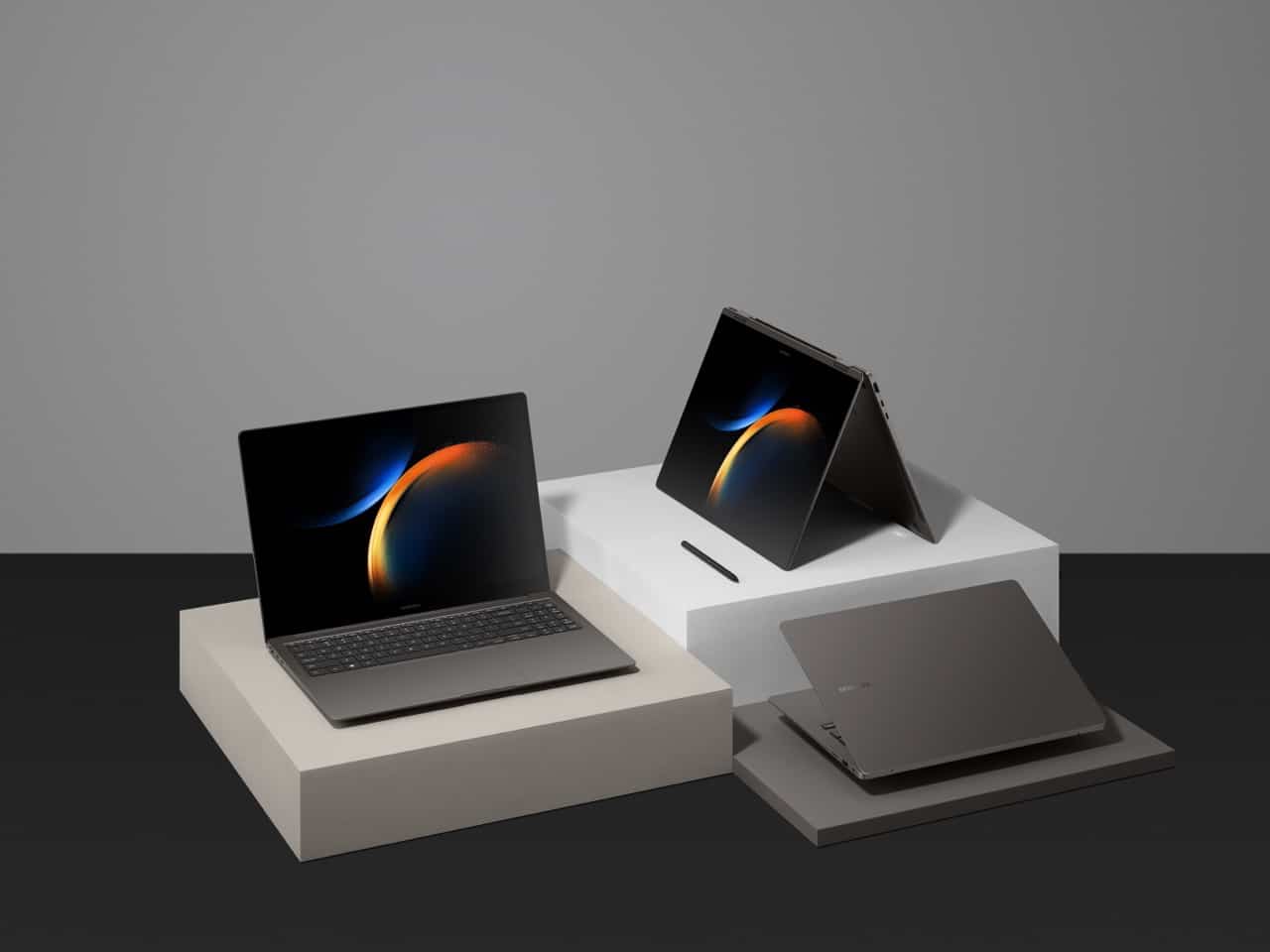
Samsung’s latest range of laptops, the Galaxy Book 3 series, is now available for consumers looking for a blend of work and play capabilities in their computing devices. Loaded with powerful specifications, the series includes a variety of models designed to cater to different needs and preferences.
If you’re in the market for a new laptop and considering a Samsung Galaxy Book, you might be curious about the ordering process. This guide will help you navigate Samsung’s website to place an order for the Galaxy Book that fits your requirements.
Besides laptops, Samsung boasts an array of other tech products, including the advanced Galaxy S24 smartphones, which showcase notable Galaxy AI features. For wearable tech enthusiasts, the Galaxy Watch 6 represents the most recent development in Samsung’s smartwatch line, offering cutting-edge features.
Ordering Your Galaxy Book 3 Laptop Online
To order a Galaxy Book 3, you’ll need to start by visiting Samsung.com. The homepage will likely feature the Galaxy S23, but you’ll want to focus on the Computing section. Within this section, navigate to the various models available in the Galaxy Book 3 series. These models include the standard Galaxy Book 3, Galaxy Book 3 Pro, Galaxy Book 3 360, Galaxy Book 3 Pro 360, and the premium Galaxy Book 3 Ultra.
After selecting the desired model, you’ll be directed to a dedicated landing page showcasing the specs and features of the Galaxy Book lineup. An ‘Order Now’ button on this page will take you to the ordering platform. It’s important to ensure you select the correct model for your needs.
On the order page, you’ll encounter the various configurations for the chosen model. Be aware that the initial price displayed may reflect the lowest cost with promotions and trade-in offers applied.
Customizing Your Galaxy Book
The next step involves customizing your Galaxy Book. Options for customization may include model, operating system (which is typically uniform across the series), processor type, screen size, memory configuration, and color. The available options for customization could be limited based on the model you choose.
Additional Purchasing Options
Further down the order page, you can explore Samsung’s trade-in program. This option allows you to exchange an old device for a discount on your new Galaxy Book. The value of your trade-in will depend on the device type, its condition, and the brand.
Be sure to also examine any special promotions available at the time of your order. Should any be of interest, they can be added to your order for additional benefits.
In addition, consider the Samsung Care+ membership. This service offers coverage for accidental damage and provides 24/7 customer support for a specified annual fee. If you want the security of protection against accidental mishaps, Samsung Care+ might be worth your investment.
Financing Your Galaxy Book 3
Understanding the premium nature of the Galaxy Book 3, Samsung offers financing options for those who might not be ready to pay the full price upfront. Customers can opt for monthly installments or bi-weekly payments spread over a shorter term. Note that these financing options are contingent upon a credit check and may not be available to everyone.
Once you’ve finalized your choices, you can proceed to order by clicking the corresponding button. Review your order summary to confirm your selections and the total cost before entering your payment information to complete the purchase. If you’re a registered user, this information might already be saved in your account.
Be aware of the release dates for the models: the Galaxy Book 3 Pro and 360 models are scheduled to launch on February 17th, while the Ultra model is set to be released shortly thereafter on February 23rd.
For more information and detailed insights into the Galaxy Book 3 series, customers can refer to available reviews and rundowns articulating the features and performance of these advanced laptops.


