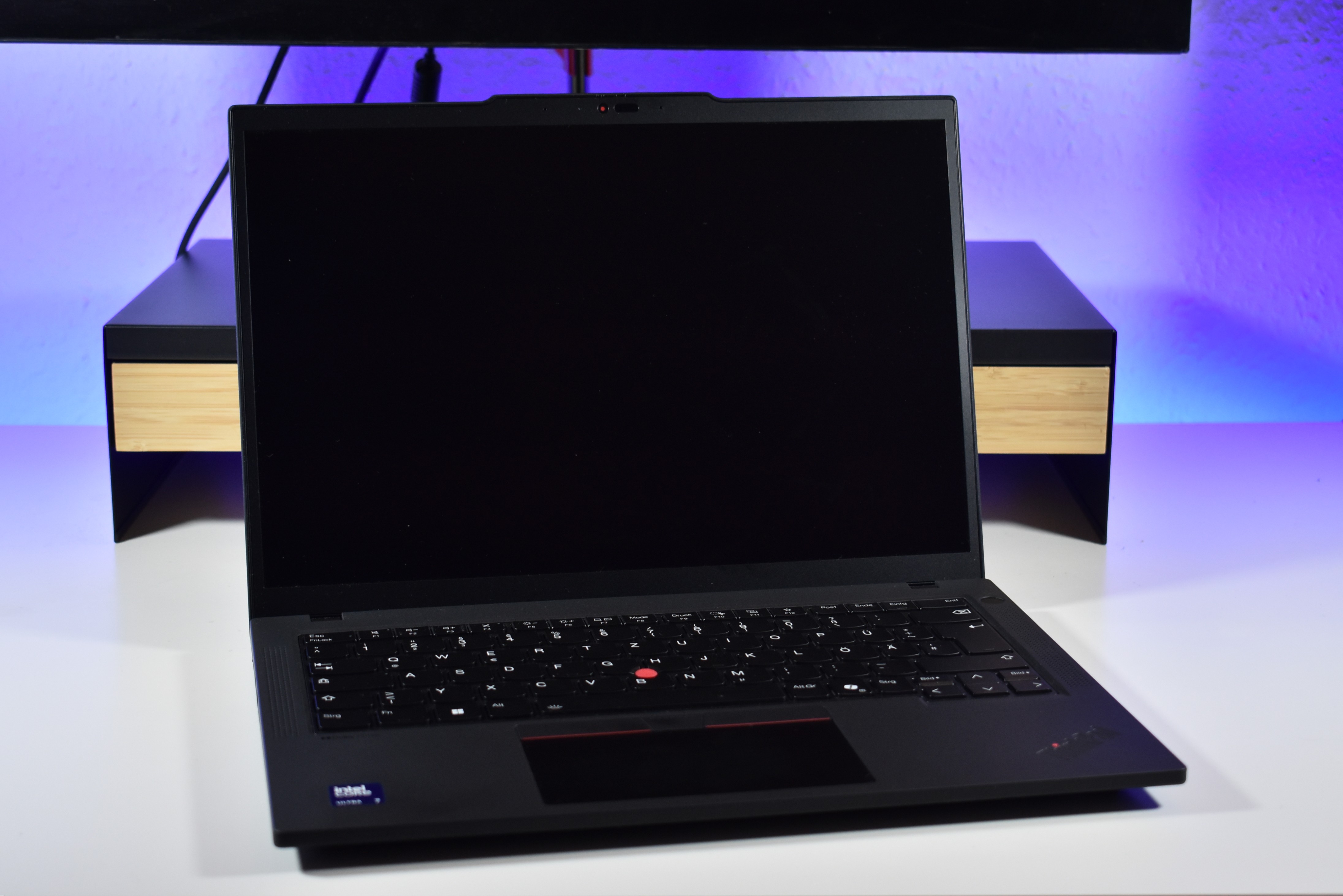
Better screens, please. That’s the recurring wish for one of the most respected business laptop lines. For years, many mainstream ThinkPad T-series models shipped with panels that were dim, low-resolution, and narrow in color. Things improved around 2015 with the first decent IPS options, and the ThinkPad T480 finally brought WQHD (2,560 x 1,440) above Full HD. But in 2025, the default displays on the T series still feel behind the curve.
Today’s standard panels are typically WUXGA (1,920 x 1,200). Brightness has climbed to acceptable levels, but color coverage often remains limited, and premium options like OLED aren’t consistently offered across configurations. When an OLED 2.8K (2,880 x 1,800) panel shows up, it’s fantastic—HDR, wide color gamut, and fast refresh all make a difference—but availability is hit-or-miss.
A current example highlights the issue. The Lenovo ThinkPad T14 Gen 6 with Intel Lunar Lake does not offer an OLED option in certain configurations, restricting buyers to WUXGA IPS screens. On paper, that sounds fine for office work. In practice, the quality you get depends heavily on which panel you pick. These are the available options:
If you’re buying this laptop for personal or small-business use, the 500-nit 100% sRGB Low Power panel is the only option that truly makes sense. The two 45% NTSC panels exist to hit a low entry price, but their color reproduction is too limited for most modern workflows. The ePrivacy touch version caters to corporate environments where privacy filters are a must; for most people, it’s unnecessary.
Even the best IPS configuration has one notable drawback: it’s still a 60 Hz panel with sluggish response times. Brightness and color are solid, but motion looks less smooth than on the growing number of 90 Hz IPS WUXGA displays now common in competing business laptops. For a device in this price class, the baseline experience should feel more premium.
What we’d like to see next:
– A 90 Hz WUXGA IPS option as the new standard for smoother scrolling, better video, and generally snappier visuals.
– Wider availability of the 2.8K OLED panel with HDR and high color gamut across all key configurations, not just select builds.
Buying advice for the ThinkPad T14 Gen 6:
– Choose the 500-nit 100% sRGB Low Power IPS display if OLED isn’t available in your configuration.
– Avoid the 45% NTSC panels unless you’re on a strict budget and only need basic office tasks.
– Opt for the ePrivacy touch only if screen privacy is a requirement.
The ThinkPad T series remains a reliable, durable, and highly configurable business workhorse. But the display experience should match the rest of the package. With simple upgrades—making 90 Hz IPS and broader OLED availability the norm—this laptop could appeal to even more professionals and power users who expect both productivity and polish from their daily driver.