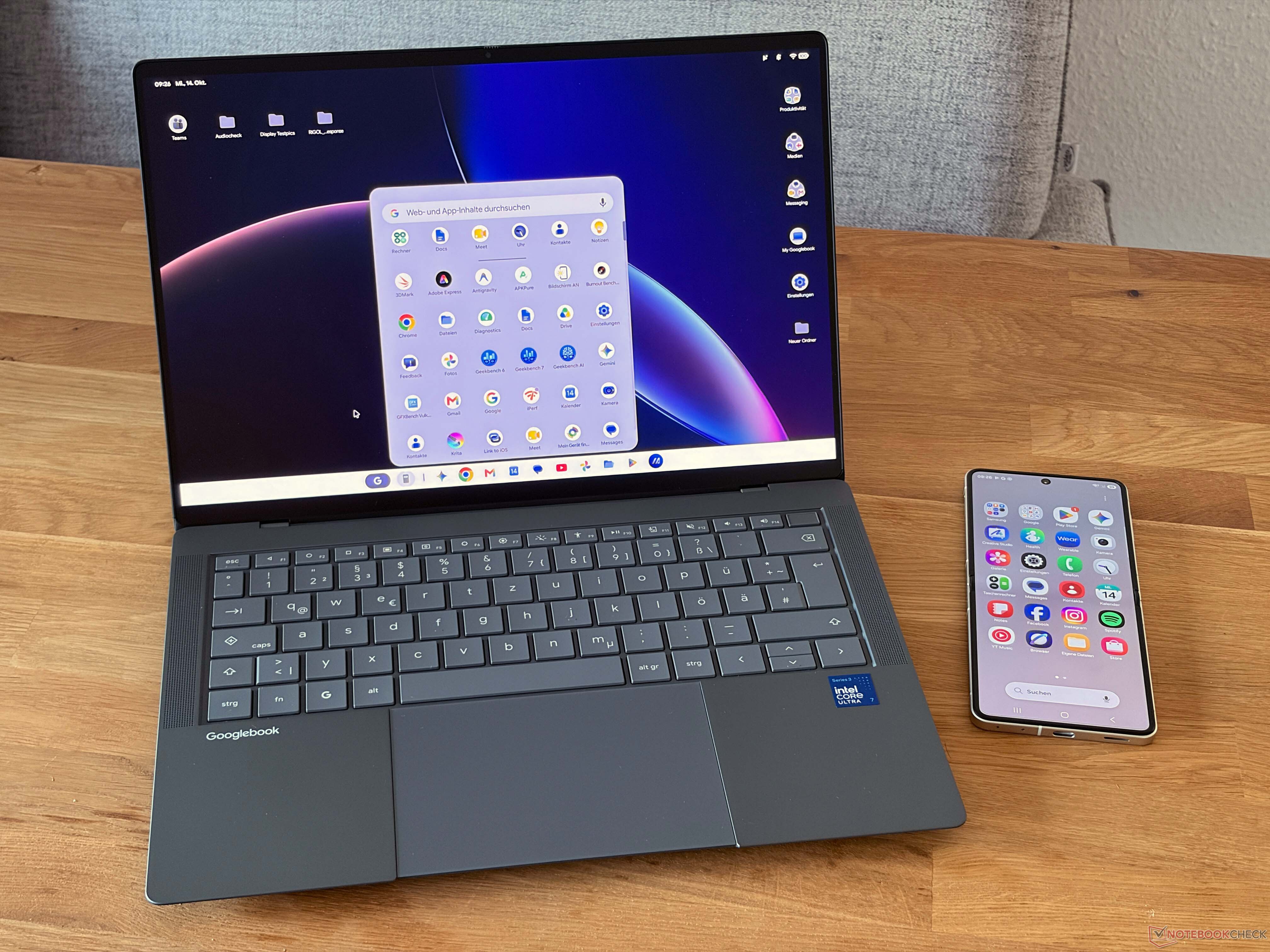
Googlebook OS early impressions: promising Android integration, but too many limits for a premium laptop
Googlebook OS is designed to bring the simplicity of Android to a laptop-style experience, and one of its most important features is smartphone connectivity. In theory, this should let users continue tasks from their phone, take calls, and access mobile apps more smoothly across devices. For anyone already invested in Google services or the Android ecosystem, that sounds like a major advantage.
However, the feature currently comes with a big requirement: you need a smartphone running Android 17. Even with a compatible phone, the connection did not work during testing on the Asus Googlebook 14. More testing with other Googlebook models may show whether this is an isolated issue or a wider software problem, but for now, one of the operating system’s headline features does not feel ready for everyday use.
App compatibility is another major weakness. Googlebook OS can install Android apps through the Google Play Store, and users may also try alternative app stores. On paper, this should give the platform access to a large library of apps. In practice, some Android apps simply do not work with Googlebook OS.
The frustrating part is the lack of clarity. Some incompatible apps do not appear in the Play Store at all. If users attempt to install them through another source, they may only see an error message saying the app is not supported by the operating system. Google does not provide enough advance information about which apps will work and which will not, making the experience unpredictable.
This is especially disappointing for gaming. Popular titles such as Minecraft and Fortnite are currently affected by compatibility issues. These are exactly the kinds of apps many users expect to run on an Android-based laptop platform, so their absence is a significant drawback. At the moment, it is unclear whether future Googlebook OS updates will fix these limitations.
The restrictions do not appear to be tied to a specific processor. The same issues were found on Googlebook devices using both Intel and Snapdragon chips, suggesting the problem is more likely related to the operating system and app support rather than hardware performance.
Display support also needs improvement. Some Googlebook models come with good OLED panels, but the software does not yet make full use of them. For example, there are currently no proper options to switch between sRGB and P3 color spaces, and users cannot calibrate the displays. That makes Googlebook OS less appealing for photo editing, design work, or any task where accurate color matters.
HDR support is another concern. The HP Googlebook 14c was not able to play HDR content during testing, which appears to be a software-related issue. This is a shame, especially because OLED hardware should be well suited for high-quality media playback.
Overall, Googlebook OS is simple, clean, and easy to use. If your daily workflow is built around Google apps, cloud services, and Android, it could become a convenient option. The operating system has potential, particularly for users who want a lightweight laptop experience with strong mobile integration.
The problem is pricing. New Googlebook models are being positioned as premium devices, with prices starting at around €1,200. At that level, buyers expect a polished, flexible, and complete operating system. Right now, Googlebook OS still feels limited compared with Windows and macOS alternatives. Devices such as the MacBook Air, along with many Windows laptops, can run Google apps while also offering a much broader software ecosystem.
Googlebook OS may become more attractive over time, especially if smartphone connectivity becomes reliable, app compatibility improves, and display features are expanded. For now, though, the hardware is stronger than the software experience. Early adopters may enjoy the simplicity, but most buyers should be aware that Googlebook OS still has some important growing pains.


