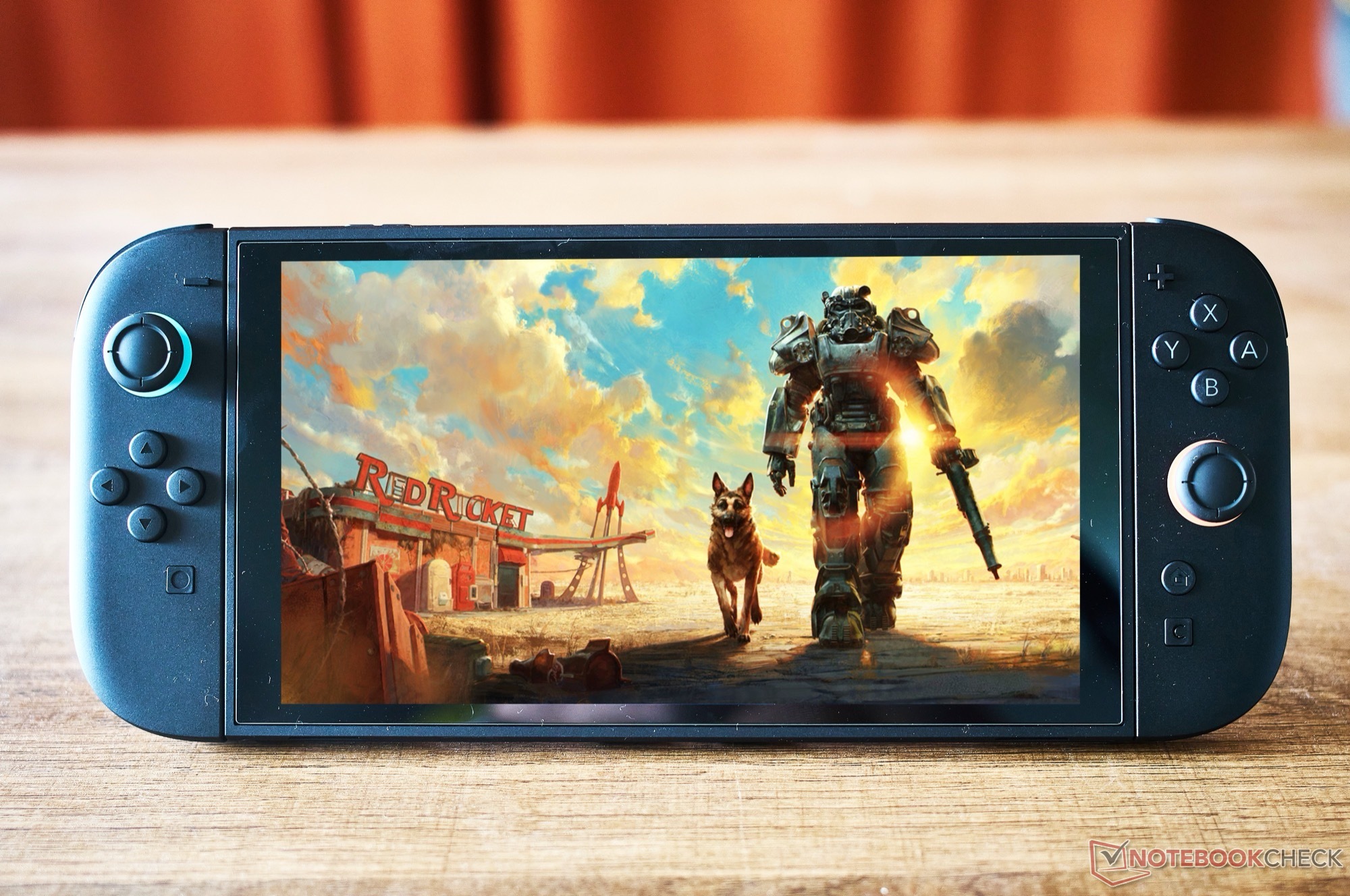
Fallout 4 has officially made its way to the Nintendo Switch 2, and it’s already getting a major performance and image-quality boost. Bethesda released Fallout 4 Anniversary Edition on February 24, bringing the acclaimed 2015 open-world RPG to Nintendo’s newest console in a package that includes all six expansions plus more than 150 Creation Club items. With a price point around $60, it’s positioned as the most complete console version of the game for players who want everything in one place.
At launch, some players had questions about how well such a huge, systems-heavy game would run on the Switch 2. Fallout 4 on this platform uses dynamic resolution scaling, adjusting on the fly depending on how demanding each scene is. Resolution can drop as low as 720p and climb as high as 1440p when the workload allows, helping the game balance sharpness and stability without locking it to a single fixed target.
Bethesda also gives players two performance options: a 40 fps mode and a 60 fps mode. The idea is simple—pick the mode that best matches your priorities, whether that’s higher resolution output or smoother gameplay. However, the 60 fps mode in the launch version didn’t always hold steady and could dip below 40 fps in some situations, which made the performance choice feel less consistent than many hoped.
That’s now improving thanks to a free patch released on March 26. The update replaces the game’s previous TAA-based upscaling with Nvidia DLSS on Nintendo Switch 2, a change aimed at delivering cleaner image reconstruction while also helping frame rates. Testing shows the new DLSS implementation can deliver a boost of roughly 3 to 6 frames per second, which can be meaningful in a game like Fallout 4 where small gains often translate into a noticeably smoother feel during exploration and combat.
The visual improvements are easy to spot as well. With DLSS enabled, distant objects and environmental details appear noticeably sharper, reducing the soft look that upscaling methods can sometimes introduce—especially when you’re scanning the horizon in the Commonwealth or moving through busy outdoor areas.
That said, performance doesn’t hinge on graphics power alone. Analysis suggests that in densely populated parts of the open world, the limiting factor is often the CPU side of the equation or memory bandwidth rather than pure GPU performance. In other words, even with DLSS helping to reduce the rendering load, certain locations can still be constrained by how much processing the game’s AI, physics, and streaming systems demand at once.
There are also a few visual artifacts, which suggests this may not be the same heavier DLSS model used in some other major Switch 2 releases, but rather a smaller model tailored for the console. Even so, the overall result is a clear step forward: improved image clarity, a measurable frame-rate uplift, and a better-balanced experience for players diving into Fallout 4 on Nintendo Switch 2.
For anyone who was holding off due to early concerns, this update makes the Switch 2 version a more appealing way to experience Fallout 4 Anniversary Edition—especially if you value portable play without giving up the smoother feel and cleaner visuals that modern upscaling can provide.