DLSS Swapper just got a meaningful upgrade, and it’s a welcome one for PC gamers who like to fine-tune image quality and performance across multiple games. With the release of DLSS Swapper v1.2.2.0, the open-source utility now supports NVIDIA DLSS Ray Reconstruction presets and adds the ability to launch games from more storefronts and apps, making it far more useful as an all-in-one management tool.
At its core, DLSS Swapper is known for simplifying how users manage upscaling tech in their game library. Instead of digging through game folders or hunting down the right DLL files, the tool helps you swap to newer versions of DLSS and manage compatible titles more cleanly. Despite the name, it’s also become a broader upscaler management utility, with the ability to work with upscaling options beyond just DLSS, including alternatives from other GPU vendors.
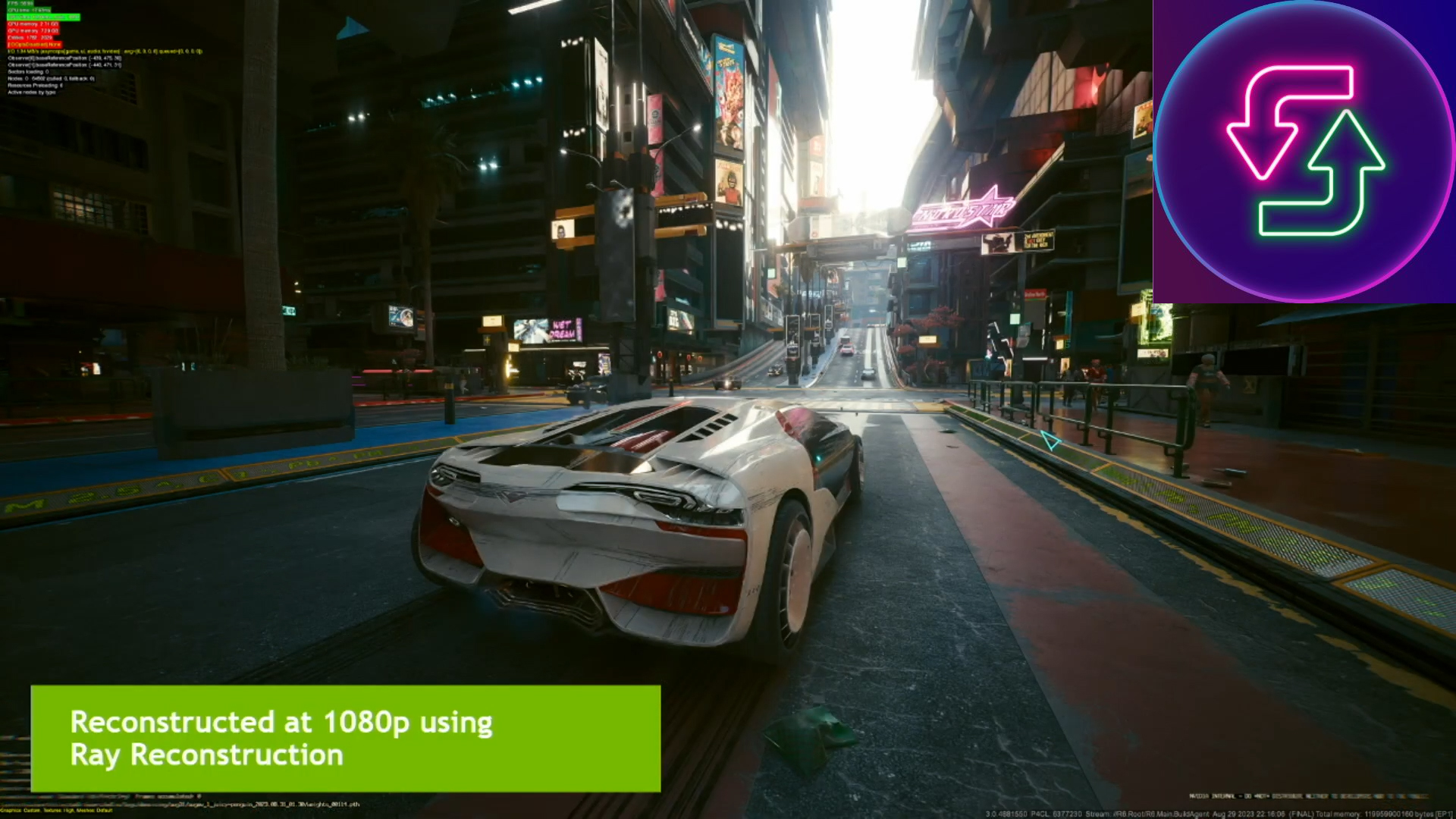
The standout feature in version 1.2.2.0 is support for DLSS Ray Reconstruction presets. This matters because Ray Reconstruction is one of the most talked-about upgrades in NVIDIA’s modern DLSS pipeline. It’s designed to improve the look of ray-traced effects by replacing traditional denoising methods with a more advanced AI approach. With DLSS 4, Ray Reconstruction uses a transformer-based AI model, aiming to deliver cleaner ray-traced lighting and reflections with fewer artifacts. Now, when a game supports it, DLSS Swapper can expose preset selection so players can choose how those AI-driven ray tracing enhancements behave.
In practical terms, preset support gives users an extra layer of control. Instead of simply turning a feature on or off, you can potentially tailor Ray Reconstruction behavior to match your preference—whether you prioritize image stability, sharpness, or overall ray tracing fidelity when the game allows it.
There is one important caveat noted in the release details: some Ray Reconstruction presets may be reset by the NVIDIA App or by certain games. NVIDIA is reportedly aware of this behavior, so users should keep in mind that settings may not always “stick” permanently depending on the title and software environment.
Beyond Ray Reconstruction, DLSS Swapper v1.2.2.0 also improves everyday usability by expanding game launcher support. Previously, launcher limitations could make it less convenient for players with libraries spread across different platforms. With this update, the tool can launch games from additional platforms such as Epic, the EA App, and the Xbox App, while Steam support continues as normal. The update also brings improvements to game detection and filtering, which should help users find and manage installed titles more reliably.
Looking ahead, future versions are expected to widen support even further, including potential work around newer upscaling and ray tracing-related alternatives such as FSR 4 and AMD’s Ray Regeneration feature. If those additions land as expected in upcoming builds (with version 1.2.3 mentioned as a likely target), it could make DLSS Swapper even more appealing for gamers using a mix of hardware—especially owners of newer AMD RDNA 4 GPUs who want similar flexibility and control.
For anyone who routinely tweaks graphics settings, compares upscaler versions, or plays across multiple launchers, DLSS Swapper v1.2.2.0 is shaping up to be one of the most useful small tools in the PC gaming toolkit—now with deeper customization in ray tracing workflows and better support for modern game libraries.