Laptop batteries don’t stay “new” forever. Just like the battery packs in electric vehicles, lithium-ion laptop batteries slowly wear down with everyday charging, heat, and time. The result is familiar to many owners: shorter battery life after a year or two, even if the laptop still feels fast. That’s why battery longevity features—especially charging limits and smarter charging behavior—have become a big deal for anyone who wants their laptop to last longer.
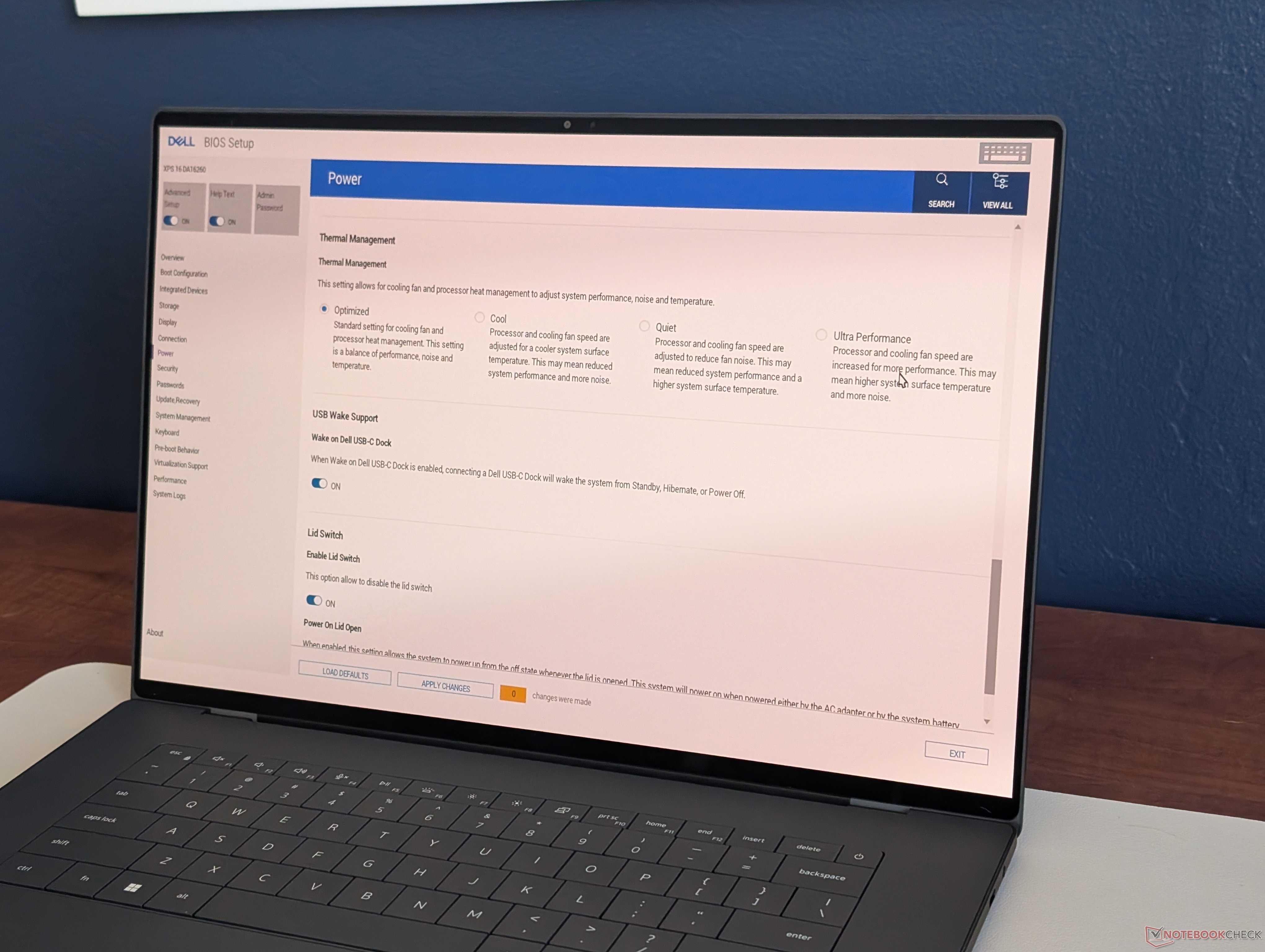
Dell’s XPS line is a standout here because it offers more battery charging options than many competing laptops. Instead of only providing a basic “stop charging at 80%” toggle, Dell gives XPS users several built-in charging and battery management modes that help balance fast charging, maximum capacity, and long-term battery health. These settings can be adjusted through Dell’s pre-installed Optimizer app or directly in the BIOS, which is useful for people who prefer system-level controls.
Here are the main battery charging modes available on XPS models, explained in plain terms:
Adaptive mode: This is the default setting on many XPS systems. The laptop prioritizes fast charging (using Express Charge behavior) but intelligently changes its strategy if it detects you’ve left the machine plugged in for a long stretch. If the system remains connected to AC power for more than 12 hours, it will switch over to a more battery-friendly approach designed for extended plug-in use.
Primary AC mode: This mode is designed for users who keep their XPS plugged in most of the day. When the battery is above 80% and the Charge Limiter is enabled, the system can enter a “Learn Mode” where it will manage the battery by charging or discharging back to around 80% even while staying plugged in. This helps reduce time spent sitting at 100%, which can improve long-term battery health.
Standard mode: The battery charges to 100% in about 3 hours or less when plugged in. In this mode, Charge Limiter is disabled, which means the system doesn’t try to cap the charge to protect the battery.
Express Charge mode: This is the speed-focused option, charging the battery to 100% in roughly 2 hours or less. Like Standard mode, Charge Limiter is disabled, so it aims for full charge and fast top-ups.
Custom mode: This is like Standard mode but gives you more control. You can set your own battery charge limits and discharge behavior, which is ideal if you want a personalized balance between battery longevity and on-the-go runtime.
Dell ships XPS laptops in Adaptive mode because it’s meant to satisfy most people right out of the box: fast charging when you need it, with smarter behavior when the laptop is left plugged in. But if your daily routine is consistent—like working at a desk with the laptop connected to power most of the time—Primary AC mode or a carefully tuned Custom mode may be a better choice for preserving battery capacity over the long haul. On the other hand, if you travel often and want the maximum unplugged runtime each day, Standard or Express Charge may better fit your needs, since both target a full 100% charge.
Dell also adds another layer of battery fine-tuning inside the BIOS. By enabling the Advanced Setup option, users can access additional controls that adjust charging behavior based on time of day. These include features such as Peak Shift and advanced charging configurations, which can tailor when and how the laptop charges to better match your schedule and power usage patterns.
In real-world use, Dell XPS 16 battery life can vary widely depending on the configuration you choose, particularly the display type and other components. Typical runtimes can range from around 10 hours to well beyond 20 hours depending on the specific setup, making battery management settings even more valuable for users trying to maximize both daily endurance and long-term battery health.
For anyone searching for ways to extend laptop battery lifespan, improve battery health, or choose the best charging mode for Dell XPS, these built-in options are worth exploring. With the right settings, you can reduce unnecessary battery wear while still getting the charging speed and runtime you need.