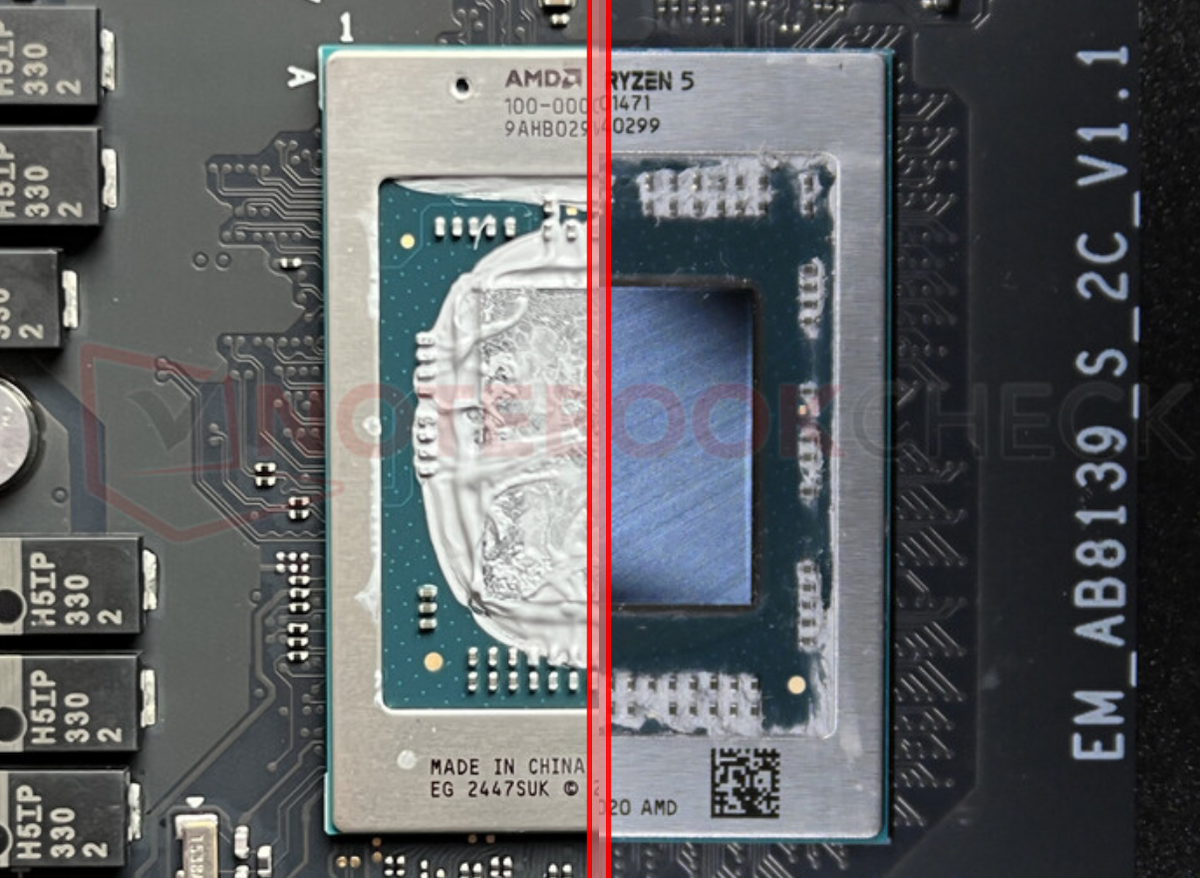
Spotting a wrongly advertised processor in a laptop just became much easier, and you no longer need to remove the cooler or dismantle the machine to do it.
A recent update to the popular CPU identification tool CPU-Z (version 2.19) fixes a major weakness that previously allowed some systems to report misleading processor details. With this update, CPU-Z can now display the CPU that’s actually installed more reliably, helping buyers, technicians, and reviewers quickly confirm whether a laptop matches its advertised specifications.
So how was CPU confusion possible in the first place? The trick involves something called the Processor Name String (PNS), essentially the “label” that many Windows screens and hardware-info apps use to show the CPU model name. On certain AMD systems, the BIOS can access an AMD-specific interface through MSR registers (Model Specific Registers) that doesn’t just read that name string, but can also overwrite it. In other words, the BIOS can be set up to present a different processor name than the chip that’s physically inside the laptop.
Because Windows system information and many analysis tools rely heavily on that stored PNS, the system can appear to be running a more desirable CPU even when it isn’t. This matters because shoppers often make decisions based on the CPU model listed on a product page, the sticker on the device, or what Windows reports in the settings.
In the cases that drew attention here, the mismatch involved the Ryzen 5 5500U and the Ryzen 5 7430U. The deception was easier to sell because some of the surrounding information looked “close enough” at a glance. For example, both can show the same generic integrated graphics label, “Radeon Graphics,” which can make quick checks seem consistent. The differences become clearer only when you examine deeper technical details such as clock speeds, the processor codename, and L3 cache size—areas that most everyday buyers wouldn’t think to verify.
Crucially, altering the reported CPU identity isn’t something that happens by accident. Overwriting MSR data in a way that changes the hardware ID to a processor that isn’t actually installed requires BIOS-level configuration. If a laptop claims one CPU in marketing materials but the system is set to identify itself as that CPU despite having a different chip inside, it strongly suggests intent rather than an innocent mix-up.
For consumers, the takeaway is simple: if you’re buying a laptop where performance and value hinge on the processor model, it’s worth verifying the CPU with up-to-date diagnostic software. With tools now better equipped to detect these inconsistencies, it’s becoming harder for misleading configurations to slip by unnoticed.