Wuthering Waves Version 3.4 Brings Cyberpunk Crossover, but Mobile Players Face Performance Issues
Wuthering Waves Version 3.4 has arrived with one of the game’s most exciting updates yet, introducing a major Cyberpunk: Edgerunners crossover packed with new content, stylish visuals, and high-speed exploration. However, while the update has generated plenty of excitement, many mobile players are discovering that the new patch puts serious pressure on smartphones.
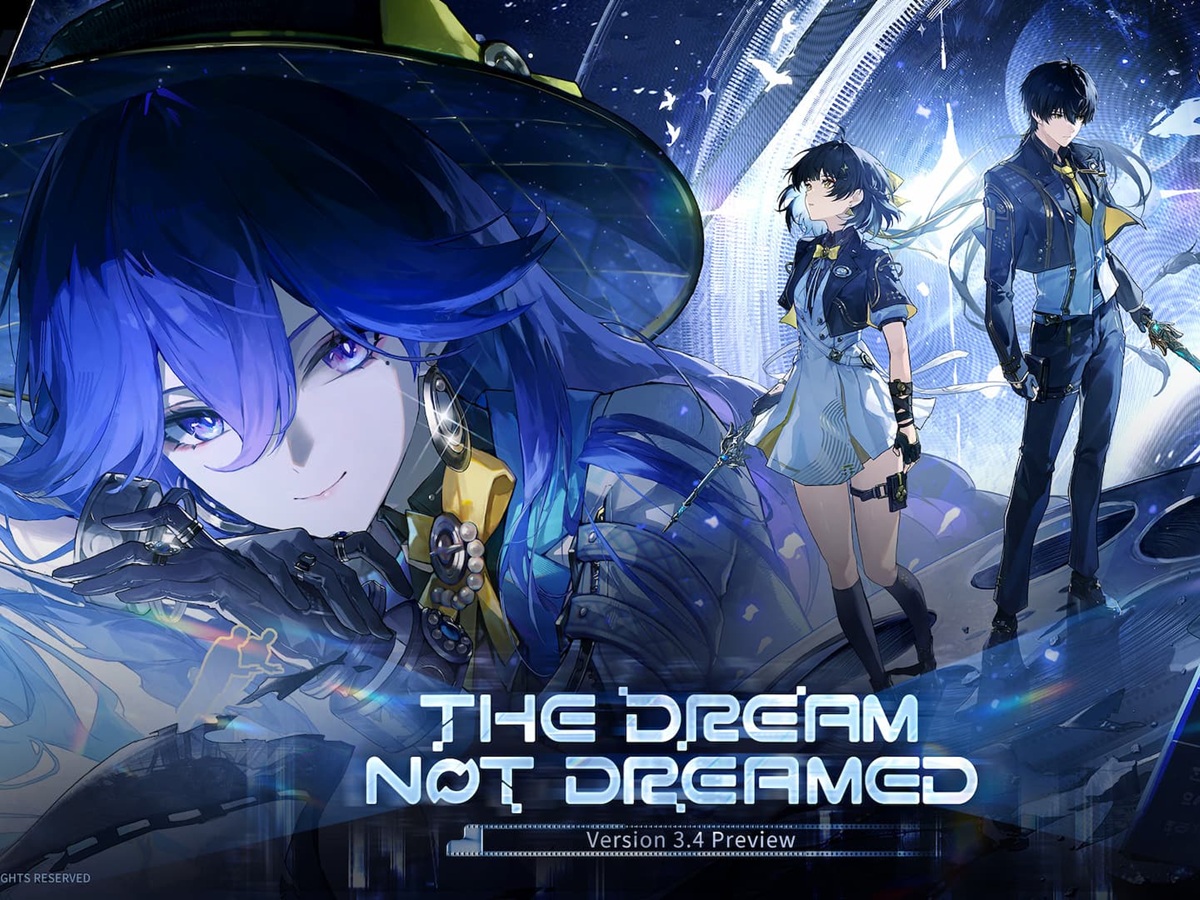
The latest update, titled “The Dream Not Dreamed,” adds Somnoire: Night City, a vibrant cyberpunk-inspired area filled with neon lights, dense city streets, and crossover characters Lucy and Rebecca. The collaboration brings a strong visual identity to the game, blending the fast-paced energy of the anime with Wuthering Waves’ open-world action.
One of the biggest new additions is the upgraded Expedition Motorbike, designed to help players move quickly through the futuristic city. The bike makes exploration feel faster and more dynamic, but it has also revealed a major issue for mobile users: the game can struggle to load the environment quickly enough during high-speed travel.
Mobile Players Report Stuttering and Frame Drops
Since the release of Wuthering Waves Version 3.4, many handheld players have reported noticeable performance problems. The most common complaints include micro-stutters, sudden frame rate drops, and lag spikes while exploring Somnoire: Night City.
The problem appears to be most obvious when riding the motorbike through the new zone. Because the vehicle moves so quickly, the game has to stream large amounts of map data, textures, lighting, and environmental details in real time. On standard mobile hardware, especially older or mid-range smartphones, this can cause the game to pause briefly or stutter as new assets load.
Players say the issue becomes more frequent when crossing into new areas of the city or moving through densely detailed locations. The neon-heavy environment looks impressive, but it also demands far more from mobile processors and storage compared to less complex regions.
Overheating Is Becoming a Major Concern
Performance issues are not limited to stuttering. Some mobile users are also reporting that their phones heat up quickly after only a short time playing the Version 3.4 update.
Somnoire: Night City uses strong lighting effects, detailed backgrounds, and dense visual design to capture the cyberpunk atmosphere. While this helps make the crossover feel visually striking, it also forces mobile chipsets to work harder. As device temperatures rise, many phones automatically reduce performance to protect internal components from overheating.
This process, often called thermal throttling, can cause frame rates to drop even further. For players, that means combat may feel less responsive, exploration becomes less smooth, and boss fights can turn frustrating when the game slows down during action-heavy moments.
Community Fixes Are Already Appearing
In response to the performance problems, some players and community developers have started sharing custom configuration options aimed at improving stability on Android devices. These community-made tweaks are designed to reduce the workload on mobile hardware and make the game run more smoothly until an official optimization patch arrives.
While these fixes may help some users, players should still be careful when applying unofficial changes. Adjusting settings inside the game is the safest first step for anyone experiencing lag, stuttering, or overheating.
Best Settings to Improve Wuthering Waves Version 3.4 on Mobile
Players do not necessarily need to wait for a future update to improve performance. Based on early community recommendations, changing a few graphics settings can make a noticeable difference.
The two most important settings to reduce are crowd density and shadow quality. Lowering crowd density reduces the number of characters and objects the game has to render in busy areas, which can help stabilize performance in Somnoire: Night City. Reducing shadow quality also cuts down on one of the most demanding visual effects, freeing up processing power for smoother gameplay.
These adjustments allow players to keep much of Wuthering Waves’ stylish anime-inspired presentation while reducing the worst frame drops. The game may look slightly less detailed in some areas, but the improvement in stability can make exploration and combat feel much better on mobile devices.
Players experiencing overheating may also want to lower overall graphics quality, reduce special effects, and avoid playing at maximum brightness for long sessions. Closing background apps before launching the game can also help free up memory and reduce device strain.
A Huge Crossover With a Rough Mobile Launch
Despite the technical issues, Wuthering Waves Version 3.4 remains a major milestone for the game. The Cyberpunk: Edgerunners crossover adds a bold new setting, beloved characters, and a fresh sense of speed through the Expedition Motorbike. For fans of both franchises, “The Dream Not Dreamed” offers one of the most memorable updates so far.
Still, the mobile performance problems are difficult to ignore. Stuttering, heat buildup, and frame drops are affecting the experience for many smartphone users, especially those playing on less powerful devices. With the scale and visual ambition of Somnoire: Night City, it is clear that Wuthering Waves is pushing mobile hardware harder than ever.
For now, players looking for the best experience should lower demanding graphics settings and keep an eye on device temperature during longer sessions. If the developers release further optimization updates, Version 3.4 could become not only one of the game’s most exciting content drops, but also a much smoother experience for mobile players.


