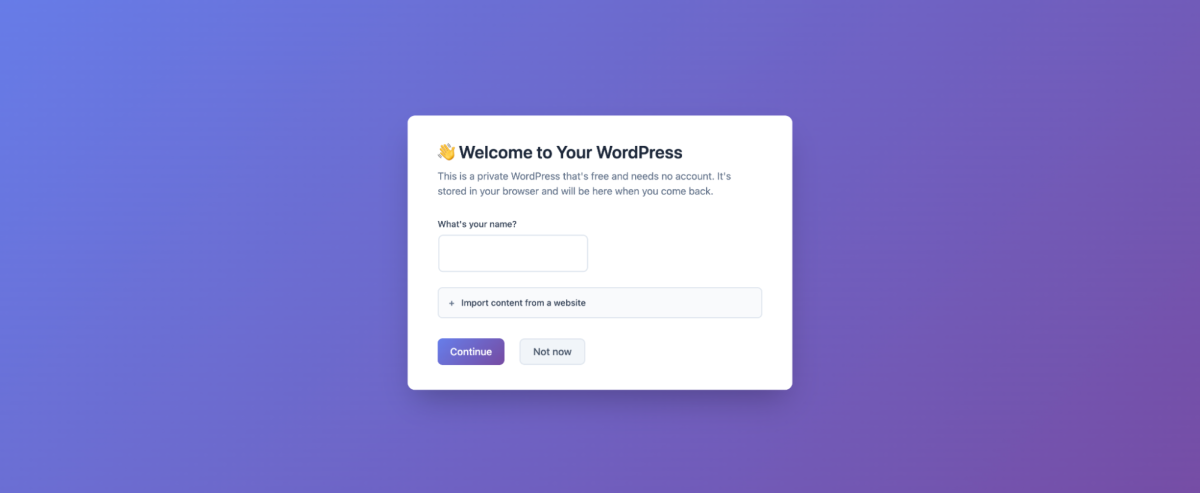
WordPress just made it possible to run its publishing software entirely inside your web browser, opening the door to a faster, simpler way to start writing and building without traditional setup headaches. The WordPress project announced a new service, my.WordPress.net, that lets you spin up a WordPress site and begin publishing right away—no account creation, no hosting plan, and no domain registration required.
The idea is to remove friction for anyone who wants to experiment with WordPress, capture ideas quickly, or build lightweight tools using the WordPress ecosystem. It uses the same underlying approach that has powered WordPress demo experiences, but turns it into a personal, ongoing workspace you can return to.
There’s one major limitation to understand up front: sites created on my.WordPress.net are private by default and not available to the public internet. That’s not positioned as a drawback so much as the point. This is meant to be a personal environment—an “ideas-first” space where you can draft, journal, research, and learn without worrying about design polish, SEO, traffic, or how something will look to visitors.
Because the site runs in your browser, its data is stored locally in the browser’s storage. In practical terms, that means your WordPress instance is tied to that specific browser on that specific device—you won’t be able to open the same site on another computer and pick up where you left off. If you decide your project should go public later, you can move it to a dedicated WordPress host and turn it into a normal, publicly accessible WordPress website.
This browser-based WordPress setup also tries to broaden what “using WordPress” can mean. Beyond writing posts and creating pages, my.WordPress.net includes an App Catalog featuring tools built with WordPress plugins. Options include things like a Personal CRM, a Personal RSS Reader, a bookmarking tool, an AI Workspace, and other personal-use apps. The goal is to position WordPress as a private productivity hub, not just a website platform.
Under the hood, my.WordPress.net is powered by WordPress Playground, an open source project designed to make WordPress instantly usable on almost any device with a single click. Playground also supports integrations that make it easier to create and modify tools, including AI-driven workflows and developer utilities. In my.WordPress.net, that foundation enables an AI assistant that can help you customize your setup—for example, tweaking an existing plugin or even building a new one.
Another notable capability is using the AI assistant to interact with information stored in your WordPress environment. Since it can remember what’s in your site, WordPress can effectively become a personal knowledge base that you can query and build on over time.
WordPress does flag a few practical considerations. The first launch may take longer than you expect, and users are encouraged to save backups regularly. Storage starts at around 100MB, so it’s better suited for small personal sites, drafts, and lightweight tools rather than media-heavy projects.
If you ever want to wipe your work and start fresh, there’s a reset option that clears the current site. You can also create temporary instances designed to reset themselves whenever the browser refreshes—useful for quick tests, experiments, or learning sessions where nothing needs to be kept permanently.
This move arrives as WordPress continues pushing deeper into AI-assisted creation and developer-focused tooling. After forming a WordPress AI team last year aimed at new AI products for developers, the broader WordPress ecosystem has also been exploring AI-driven site building, signaling that easier setup, faster experimentation, and smarter assistance are becoming a bigger part of what WordPress offers.