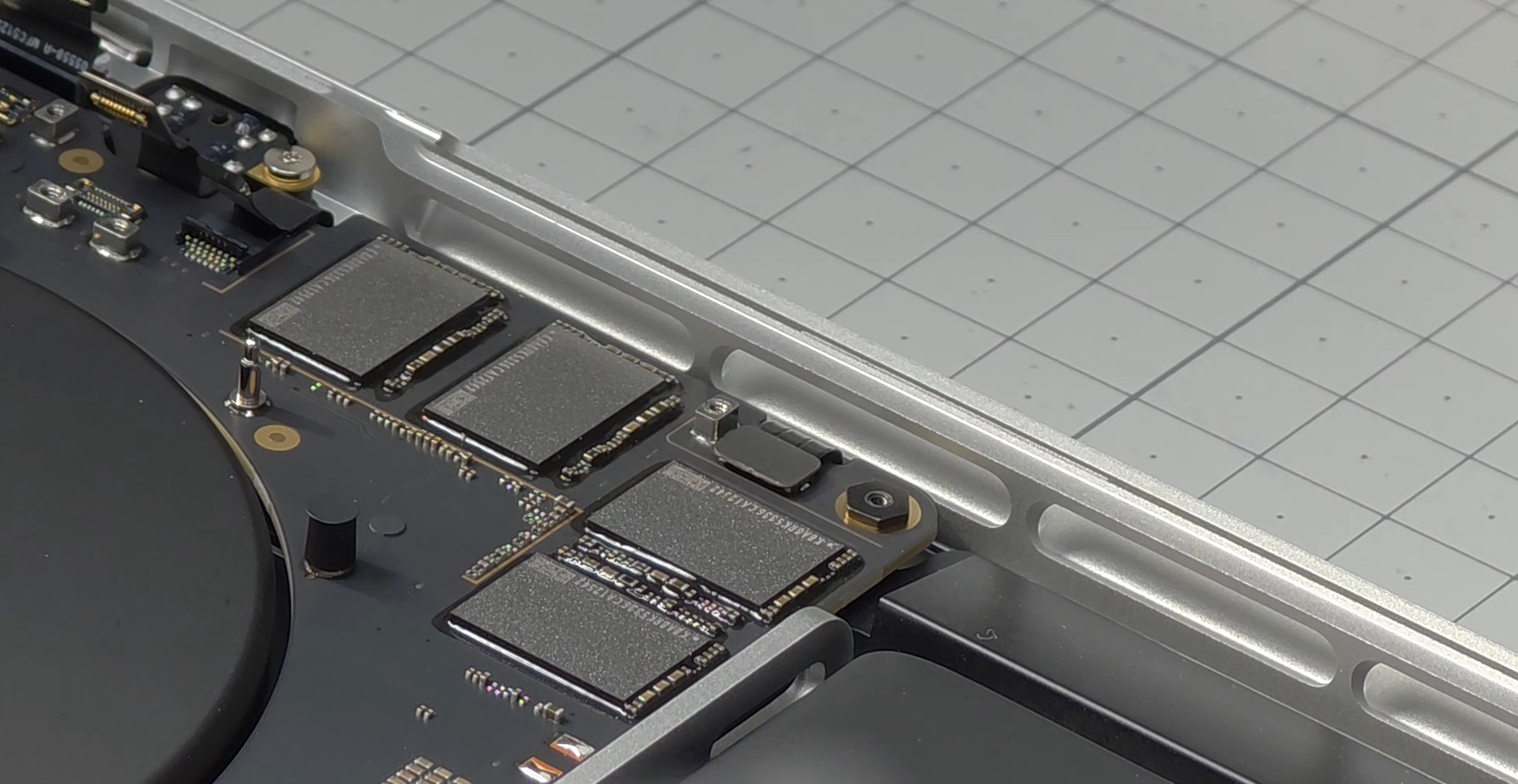
Apple’s latest 14-inch and 16-inch MacBook Pro models with M5 Pro and M5 Max bring a major storage upgrade: PCIe NVMe Gen 5 SSD performance. On paper, it’s a big win for creators and power users, with read and write speeds that can be up to twice as fast as before and bandwidth reportedly reaching as high as 14.5GB/s. In day-to-day use, that kind of jump can make everything feel more responsive, from moving huge project files to launching pro apps and loading large datasets.
But there’s a catch, and it could matter a lot if you use your MacBook Pro for sustained heavy workloads like AI.
A MacBook Pro owner on Reddit (username “M5_Maxxx”) reported unusually high SSD temperatures while running AI tasks, claiming the system’s real performance bottleneck isn’t the M5 Max chip itself, but the SSD. The key detail is that the heat problem reportedly isn’t coming from the NAND flash chips as much as the SSD controller, which is often the hottest component in ultra-fast Gen 5 drives.
According to the shared screenshots, the SSD controller temperature hits 106 degrees Celsius during workloads. The same post suggests the CPU and GPU aren’t exceeding 100 degrees Celsius because the storage subsystem becomes the limiting factor first, overheating and potentially triggering throttling behavior. For anyone buying an M5 Max MacBook Pro expecting long, sustained performance in machine learning workflows, that’s a worrying scenario: your cutting-edge SSD speed could be undermined by thermal constraints.
The temperature claim sparked debate. Some commenters blamed Apple’s thermal design, arguing that fitting PCIe Gen 5 SSD behavior into a thin laptop chassis requires more robust cooling than what’s currently in place. Others suggested caution, noting that the monitoring app used (TG Pro) might not be perfectly accurate for these new sensors and components. Even so, the idea that a Gen 5 SSD controller could spike to extreme temperatures under intense, sustained I/O isn’t far-fetched. High-performance PCIe Gen 5 SSDs are known to run hot without adequate heat spreading, and many desktop implementations rely on chunky heatsinks or direct airflow to stay stable.
For context, even high-end gaming laptops with better airflow can see premium SSDs climb significantly under load. That makes it easier to believe a slim aluminum notebook could struggle even more, especially when an AI workload is hammering storage for reads, writes, caching, and swapping.
A few suggestions from the discussion included adding a thermal pad to help transfer heat from SSD components to the bottom case for better dissipation. However, that “solution” comes with its own downside: it could make the underside of the MacBook Pro noticeably hotter, which is far from ideal if you actually use it on your lap. Also, the post didn’t clarify whether the affected machine is the 14-inch MacBook Pro or the 16-inch MacBook Pro, and size can make a meaningful difference in thermal headroom.
The bigger takeaway is that ultra-fast SSD performance in a thin-and-light workstation laptop is only as good as the cooling system behind it. Apple has pushed storage speed forward with PCIe Gen 5 in the M5 Pro and M5 Max MacBook Pro lineup, but if real-world AI workloads can drive the SSD controller past 100 degrees Celsius, it raises questions about sustained performance, long-running stability, and thermal throttling under professional use.
Looking ahead, many users will be hoping that Apple pairs future MacBook Pro generations with upgraded cooling, especially as performance demands keep climbing. If a next-generation MacBook Pro refresh arrives with major display changes like OLED alongside faster components, a redesigned thermal solution could be just as important as any headline feature.