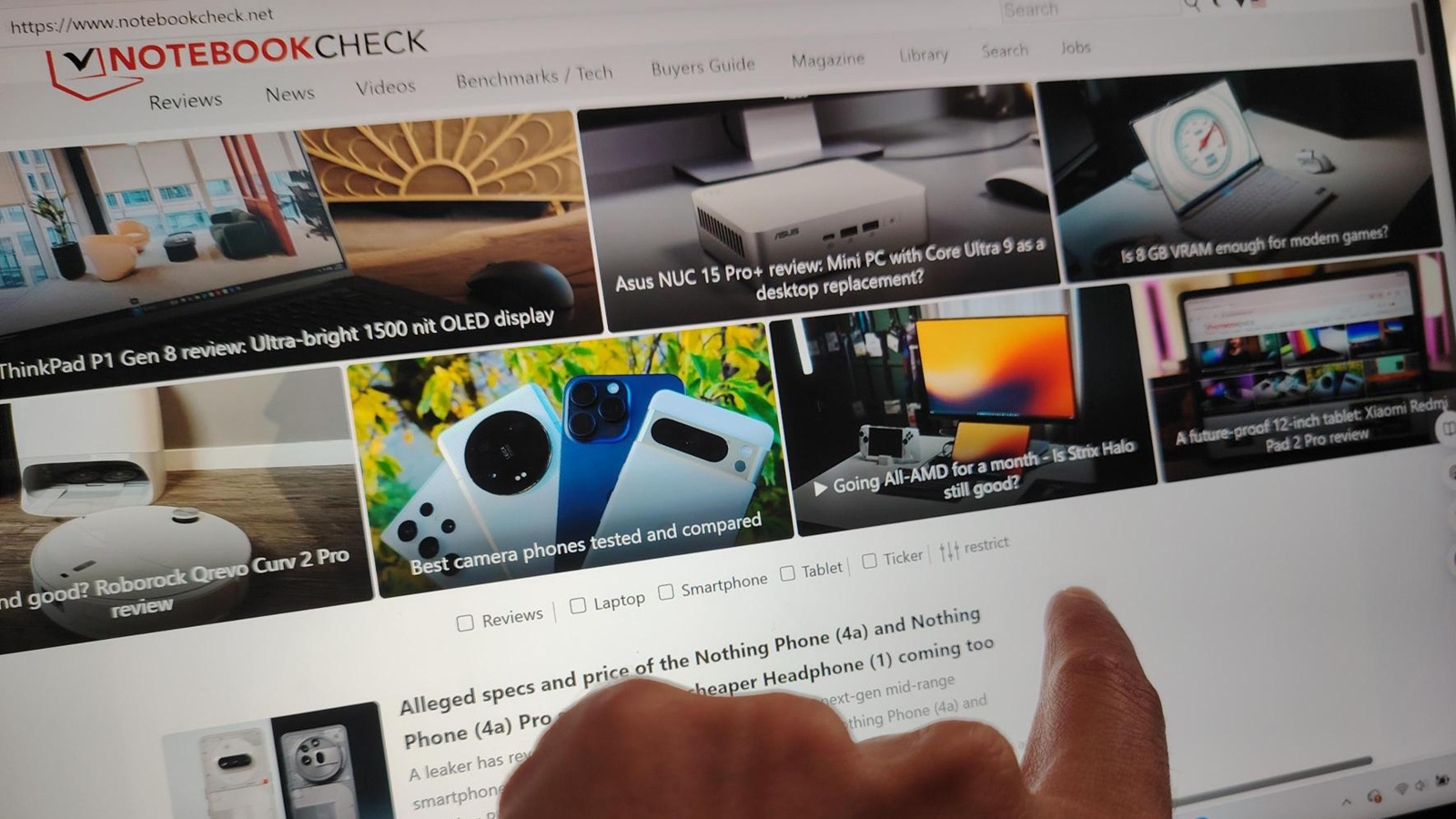
Using the touchscreen on the Lenovo Yoga Slim 7 Aura Edition for everyday productivity is better than many people expect, especially once you give yourself permission to stop reaching for the mouse out of habit.
For routine work like checking email, browsing the web, and editing documents, touch feels immediate in a way traditional pointer control doesn’t. Swiping through an inbox, moving windows around with a finger, highlighting text in Word, and jumping between Chrome tabs all feel more direct—like you’re interacting with the content itself rather than guiding a cursor toward it. That “hands-on” sensation is the big advantage of touch-based productivity, and it becomes even more convincing on a laptop with a crisp, high-resolution display.
Windows 11 plays a big role in making this workflow feel natural. With Lenovo’s touch gestures paired with Microsoft’s interface, basic actions like pinch-to-zoom, smooth scrolling, and snapping windows into place are easy to learn and quick to repeat. Even docking a window by dragging it to the side becomes second nature once you commit to touch as the main way you navigate.
There are still real downsides, and they mostly come down to comfort and precision. Extended tapping can cause arm fatigue—holding your hand up to the screen for long stretches simply isn’t as effortless as a trackpad resting under your fingers. And when you need fine control, touch can get frustrating. Tiny icons, narrow menu items, and sliders that require pixel-perfect adjustments are the moments where a mouse (or at least a trackpad) remains the more reliable tool.
Still, for most daily tasks, the Yoga Slim 7 Aura Edition’s touchscreen experience stays responsive and accurate. The combination of a sharp 2.8K display and smooth performance helps touches register quickly, making the laptop feel genuinely comfortable to use for productivity—right up until fatigue becomes a factor.
Gaming is where the touchscreen approach becomes unexpectedly fun. The Yoga Slim 7 isn’t positioned as a hardcore gaming machine, but using it with touch-only controls can make certain games feel more engaging and natural. Turn-based strategy games like Civilization VI, simple card games like Microsoft Solitaire, and touch-friendly puzzle or rhythm titles all benefit from taps and swipes. Being able to directly poke, drag, and place items on-screen sometimes feels faster than steering a mouse cursor into position, especially for casual play.
The limits show up quickly in genres that demand speed and accuracy. First-person shooters, MOBAs, and real-time strategy games with tiny click targets and constant camera movement still strongly favor a mouse. Fast aiming, rapid control shifts, and precise selections aren’t the strengths of touch input, and forcing it can turn competitive gameplay into an exercise in frustration.
But for casual gaming and touch-optimized titles, the Lenovo Yoga Slim 7 Aura Edition’s touchscreen adds a playful, hands-on quality that makes the laptop feel closer to a large, powerful tablet—without losing the productivity benefits of a full Windows laptop.