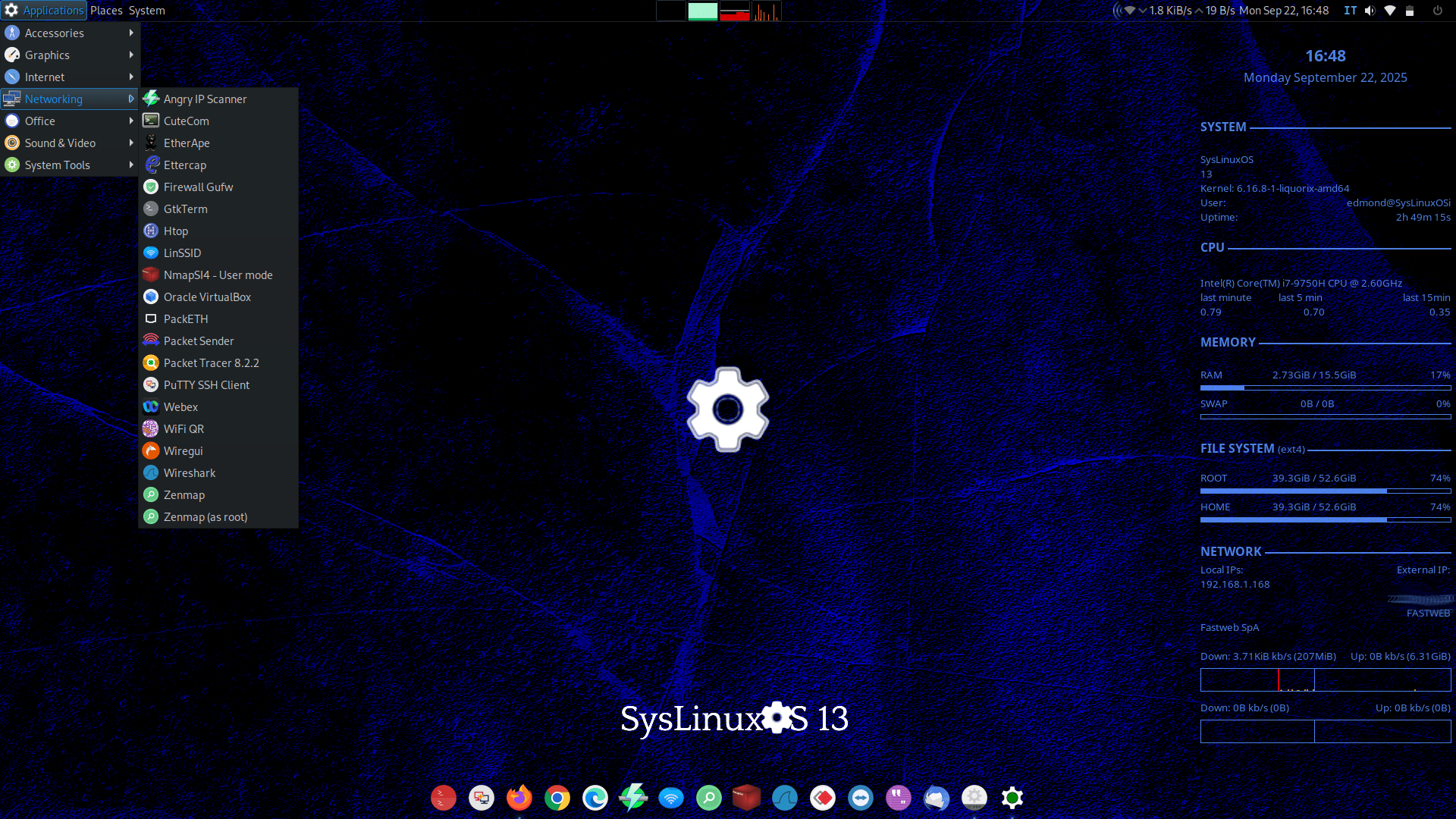
SysLinuxOS 13 MATE launches on Debian 13 Trixie with a powerhouse toolkit for admins and integrators
The first release in the new SysLinuxOS 13 lineup is here, and it’s aimed squarely at network administrators, system integrators, and power users who want a ready-to-work Linux environment out of the box. Built on Debian 13 “Trixie,” the MATE edition arrives now, with a GNOME flavor scheduled to follow next week.
This release leans into practicality. The ISO weighs in at nearly 6 GB because it ships with a broad collection of networking, security, cloud, and productivity tools pre-installed, cutting setup time for lab builds, field work, and rapid deployments. Wine is included as well, handy for those situations where a Windows-only application or utility is still part of your workflow.
Highlights of the included software
Internet and remote access
– Firefox
– Google Chrome
– Microsoft Edge
– Teams for Linux
– Zoom
– TeamViewer
– FileZilla
Utilities and accessories
– Balena Etcher
– Raspberry Pi Imager
– KeePassXC
Performance and kernel tuning
SysLinuxOS 13 MATE uses the Liquorix kernel, version 6.16.8-1, tuned for desktop responsiveness and mixed workloads. Expect:
– Zen Interactive Tuning for a snappier feel under load
– PDS/BMQ scheduler optimized for varied workloads
– Aggressive preemption and a 1000 Hz tick rate for lower latency
– BFQ as the default I/O scheduler
– Improved virtual memory handling
– Compressed swap with LZ4
– TCP BBR2 for modern network congestion control
Who should consider it
If you build, test, or maintain networks and systems and want a Debian-based distro that arrives fully armed, SysLinuxOS 13 MATE offers a streamlined path from install to productivity. With a deep bench of networking utilities, cloud tooling, multiple browsers, and virtualization support, it’s designed to be useful on day one. The upcoming GNOME edition will offer the same foundation with a different desktop environment, giving teams flexibility to standardize on their preferred workflow.