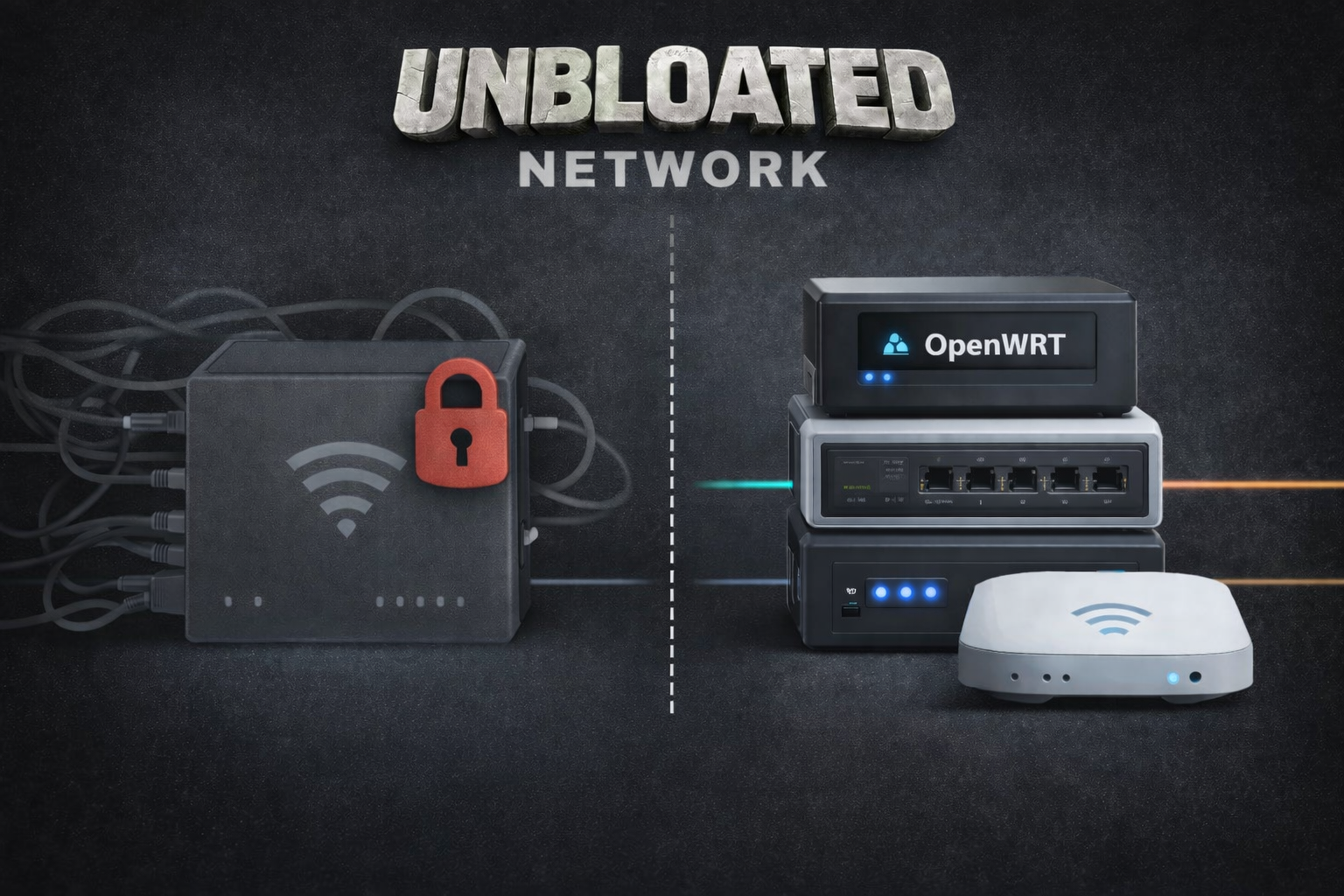
At first glance, replacing a single Vodafone all-in-one router with three separate devices sounds like overkill. Why add complexity by introducing a Vodafone modem plus a dedicated router, a network switch, and a standalone access point?
If you’ve ever felt boxed in by an internet provider’s “black box” router, that question answers itself over time. Those all-in-one units try to do everything at once—modem, routing, switching, and Wi‑Fi—and that convenience often comes with real compromises. Splitting those roles into purpose-built hardware isn’t just a hobbyist move; it’s a practical upgrade that can make your home network faster, safer, easier to manage, and more reliable as your needs grow.
One of the biggest reasons to separate the functions is better network security and segmentation. With a dedicated router, you gain more control over how devices can talk to each other and what they can access. That makes it much easier to isolate smart home gadgets, guest devices, work machines, or servers. Instead of every device living on one big flat network, you can build sensible boundaries that reduce risk and limit the damage if a device gets compromised.
There’s also a clear efficiency advantage. All-in-one routers often run hot and work harder than they should because they’re handling multiple demanding tasks simultaneously. When routing, switching, and Wi‑Fi duties are handled by separate devices, each component can do its job with less strain. This can improve performance under load and may even help reduce unnecessary power usage by avoiding a single overworked box doing everything 24/7.
Troubleshooting becomes dramatically simpler, too. With an all-in-one router, when something goes wrong you’re stuck guessing: Is the modem portion acting up? Is the router overloaded? Is the Wi‑Fi failing? Is the internal switch glitching? In a separated setup, problems are easier to pinpoint because each device has one primary responsibility. If Wi‑Fi drops, you focus on the access point. If wired devices can’t connect, you check the switch. If the internet itself is down, you look at the modem. That clarity often translates to greater long-term stability and less downtime.
Finally, distributing the workload reduces pressure on any single device. An all-in-one router can hit its limits quickly—especially if you later plan to add more advanced features like multiple services, virtual machines, or additional network segments. As your network grows, the weaknesses of a provider router tend to show up at the worst time: slowdowns, random reboots, inconsistent Wi‑Fi, or features you can’t fully control. A modular setup is simply more scalable. You can upgrade one part—like adding a stronger access point or a smarter router—without throwing out the entire system.
So, is it worth replacing a Vodafone all-in-one with a Vodafone modem plus a separate router, switch, and access point? If you care about network security, want smoother performance, and expect your network needs to expand beyond basic browsing and streaming, separating the functions is a smart move. It may look like “three devices instead of one,” but in practice it often feels like fewer headaches, fewer limitations, and a network that finally works the way you want it to.