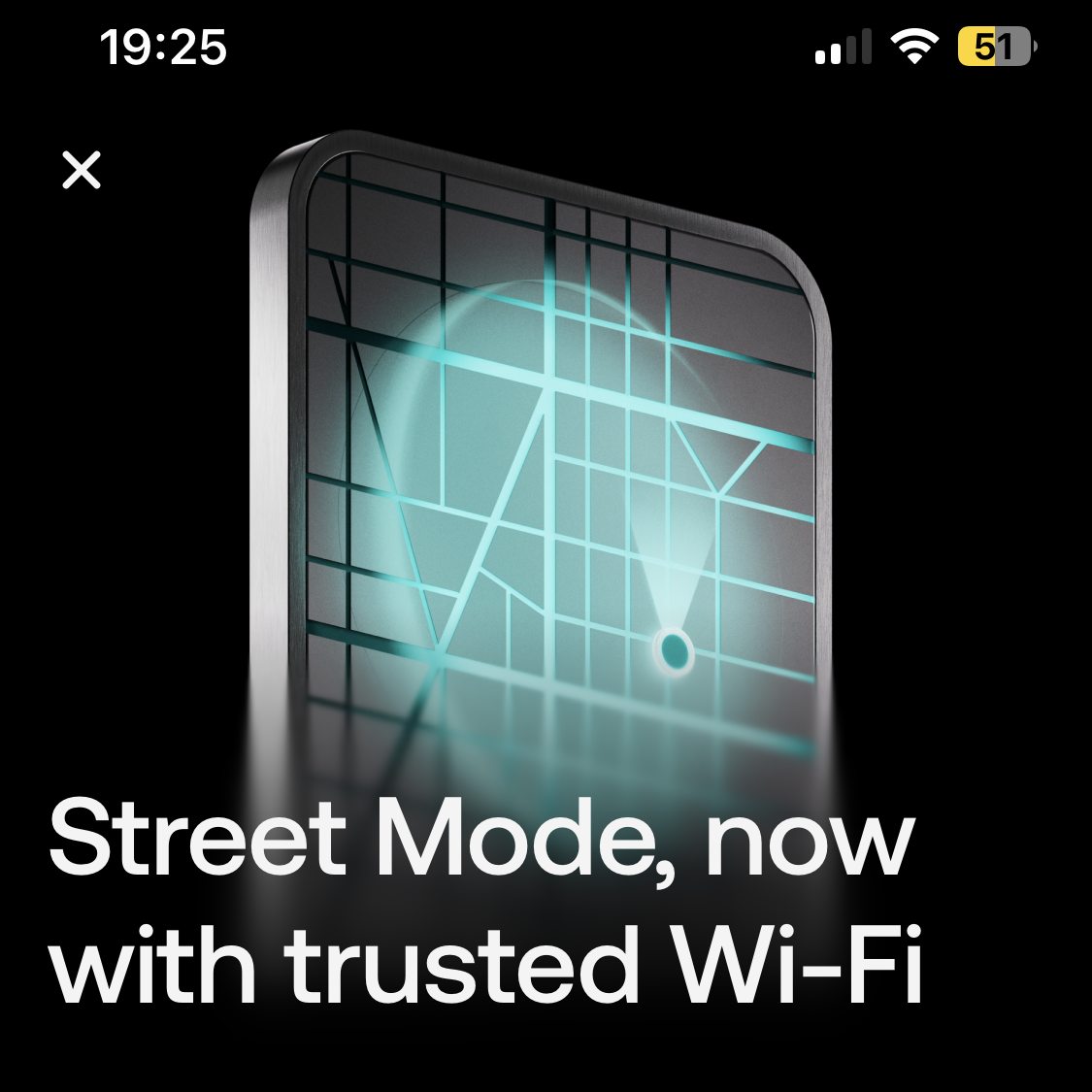
Revolut Street Mode Gets Smarter With Trusted WiFi Support
Revolut has upgraded its Street Mode security feature, making it more practical for everyday use. The feature, originally introduced to help protect customers from smartphone theft and forced money transfers, can now recognize trusted WiFi networks as an alternative to location-based verification.
Street Mode is designed to add an extra layer of protection when users are away from places they trust, such as home or work. If a customer is outside a trusted area, instant transfers are restricted to a preset limit. In one example, the immediate transfer cap is €100 within a 24-hour period. This protection can also apply to payment services such as Wero.
For larger transfers made outside a trusted location, Revolut requires an additional waiting period before the payment can be confirmed. Users can choose a delay of 30 minutes, one hour, or six hours. The idea is simple: if a criminal steals a phone or pressures someone to send money on the spot, the delay makes it much harder to complete the transaction quickly.
Until now, Street Mode relied mainly on location tracking to decide whether a user was in a trusted place. While useful, GPS and location services are not always accurate. In some cases, a phone may incorrectly detect that the user is away from home, causing Street Mode to activate even when the person is actually in a safe location.
The new trusted WiFi option should help solve that problem. When connected to a familiar WiFi network, such as a home router or workplace network, users can save that network as trusted inside Revolut’s security settings. Once added, the app can use the WiFi network name, also known as the SSID, to confirm that the user is in a trusted environment.
This update could be especially helpful in large homes, office buildings, or company campuses where location tracking may not be precise enough. By recognizing trusted WiFi networks, Revolut can reduce false triggers while still keeping strong protections in place.
However, users should be careful about which networks they add. Public or open WiFi networks should not be saved as trusted, since they may be used by many people and are less secure. Only private, reliable networks should be added to Street Mode.
The WiFi-based Street Mode option appears to require a recent app update. On iOS, support has been observed from version 10.149 onward. Older versions may show references to WiFi support in the app, but the actual setting may not be available until the app is updated.
With trusted WiFi support, Revolut Street Mode becomes more flexible and easier to use without weakening its main purpose: protecting customers from theft, coercion, and unauthorized transfers. For anyone using Revolut as a daily banking app, updating the app and reviewing Street Mode settings could be a smart move.