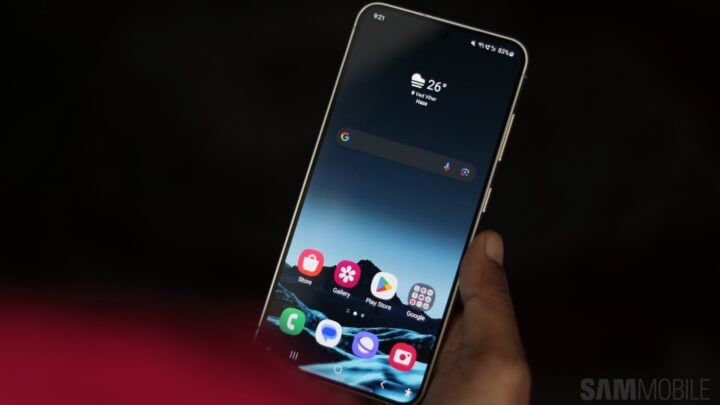
The Samsung One UI 6.1 update, while mostly well-received, has introduced changes that some Galaxy S24 aficionados may find less appealing. Notably, this update has removed the old navigation gestures that Samsung users have grown accustomed to, offering only Google’s navigation gestures and the conventional on-screen buttons as alternatives. This comes along with the caveat that the gesture hint bar becomes a fixed feature on the display.
For those Galaxy S24 enthusiasts longing for a return to the familiar, there is a silver lining. While the solution won’t suit everyone, it’s a workaround for those who miss the old navigation system.
Restore Traditional Navigation with Good Lock’s NavStar
In response to user feedback about the revised navigation interface, Samsung has reinstated the legacy gesture options through its Good Lock framework, specifically the NavStar module. Within the NavStar options for the Galaxy S24, users will find an additional setting titled “Enable extra gesture settings.” Once activated, the previous navigation gestures, including Samsung’s proprietary gestures and the option to hide the gesture hint, are restored within the One UI 6.1 settings.
The primary limitation here is that the Good Lock suite is not offered in all regions, which means this workaround is only valid for users with access to the NavStar module. For those who have it available, it’s the optimal route to regain the classic navigation setup on their Galaxy S24 device.
For a visual guide showcasing the application of this NavStar workaround, viewers may find tutorials available online that demonstrate how to adjust these settings step-by-step.


