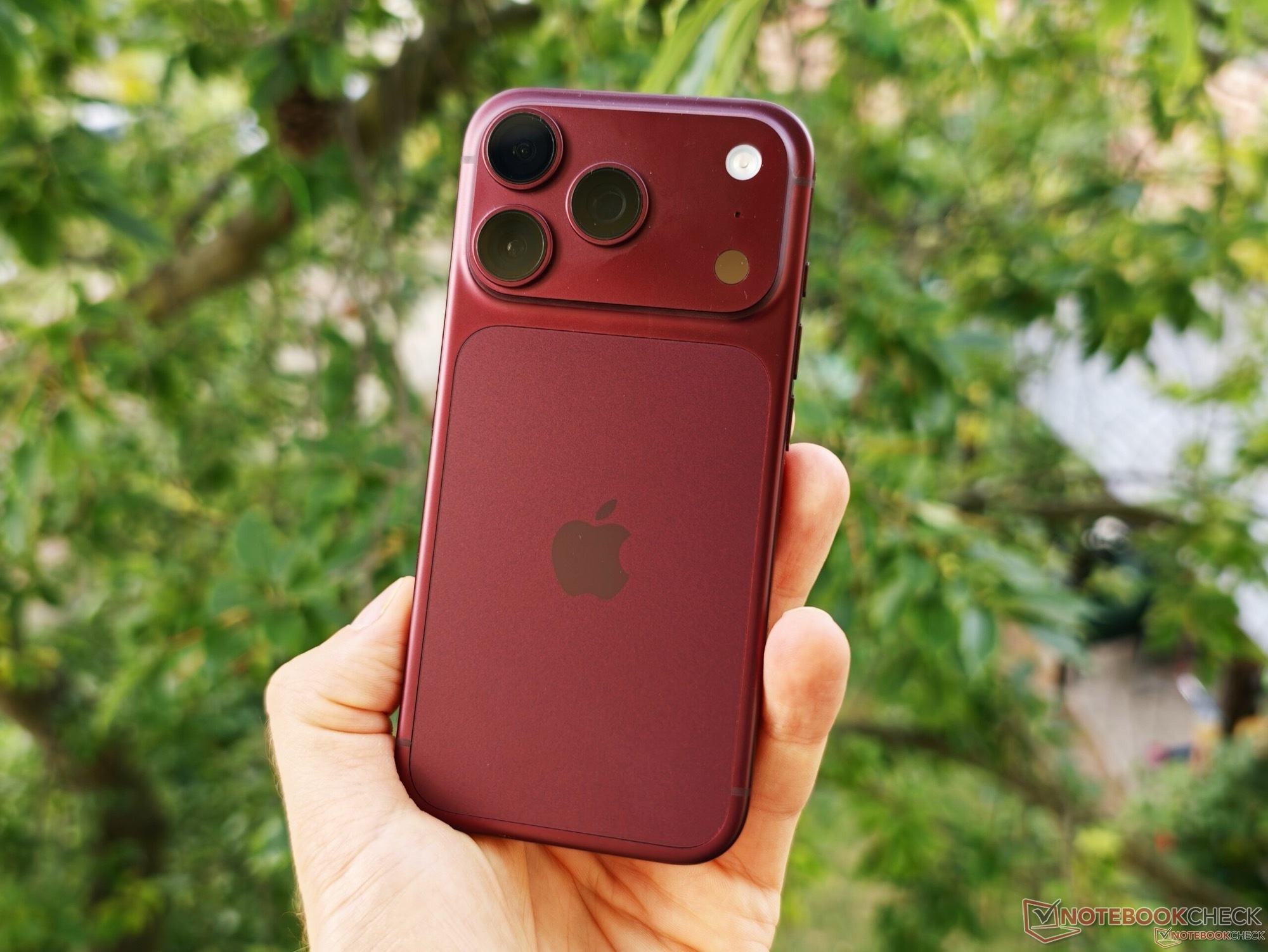
Apple’s iPhone 18 Pro and iPhone 18 Pro Max bring one of the most notable camera upgrades the lineup has seen in years: a new 48-megapixel main camera with a variable aperture. Users can adjust the aperture from f/1.5 to f/4.0, giving photographers more creative control over depth of field, exposure, and overall image style.
But the hardware is only part of the story. Apple has also upgraded the camera app with more manual controls, allowing users to fine-tune settings that were previously handled automatically. Alongside the adjustable aperture, users can now manually control shutter speed, a feature aimed at photographers who want more hands-on control over their shots.
However, early camera testing suggests that one of these new manual options may come with a serious trade-off.
A detailed iPhone 18 Pro camera analysis found that changing the aperture manually does not appear to harm overall image processing. Photos still benefit from Apple’s computational photography system, meaning users can experiment with aperture settings without noticeably reducing image quality.
Manual shutter speed is a different story.
When users disable automatic shutter speed and choose a shutter value themselves, the iPhone 18 Pro appears to stop using one of its most important image-enhancing techniques: frame stacking. Normally, the iPhone captures multiple images in rapid succession and blends them together. This process helps improve dynamic range, preserve highlights and shadows, and reduce noise, especially in difficult lighting.
Frame stacking is one of the reasons modern smartphone cameras can produce bright, clean, and detailed images despite having much smaller sensors than dedicated cameras. By combining several exposures into one final photo, the iPhone can create an image that looks sharper, cleaner, and better balanced.
But when shutter speed is set manually, this system no longer works in the same way. That makes sense from a technical point of view. If a user selects a specific shutter speed, stacking multiple images with different exposures could produce a result that does not accurately represent the chosen setting. In other words, Apple prioritizes manual accuracy over computational enhancement.
The downside is that image quality can drop noticeably.
Photos taken with manual shutter speed may look darker and show significantly more noise, particularly in low-light environments. This becomes especially obvious at night, where Apple’s automatic processing usually plays a major role in making images look brighter and cleaner.
Another important limitation is that Night mode cannot be used when shutter speed is controlled manually. For many users, this could be a major drawback. Night mode is one of the iPhone’s strongest camera features, and disabling it can lead to weaker results in dark scenes.
For photographers, the message is clear: manual shutter speed on the iPhone 18 Pro and iPhone 18 Pro Max is useful, but it should be used carefully. It can help when trying to achieve a specific creative effect, such as motion blur or a particular exposure style. But for everyday photography, especially at night, automatic shutter speed will often deliver better results.
The new variable aperture remains a major advantage and gives users more flexibility without a major penalty to image quality. But the manual shutter speed feature is more of a specialized tool than a setting most people should leave on all the time.
For the best iPhone 18 Pro camera performance, users may want to rely on automatic shutter speed in most situations and reserve manual control for scenes where creative intent matters more than maximum image quality. This is especially true for low-light photography, where Apple’s automatic processing, frame stacking, and Night mode can make a dramatic difference.


