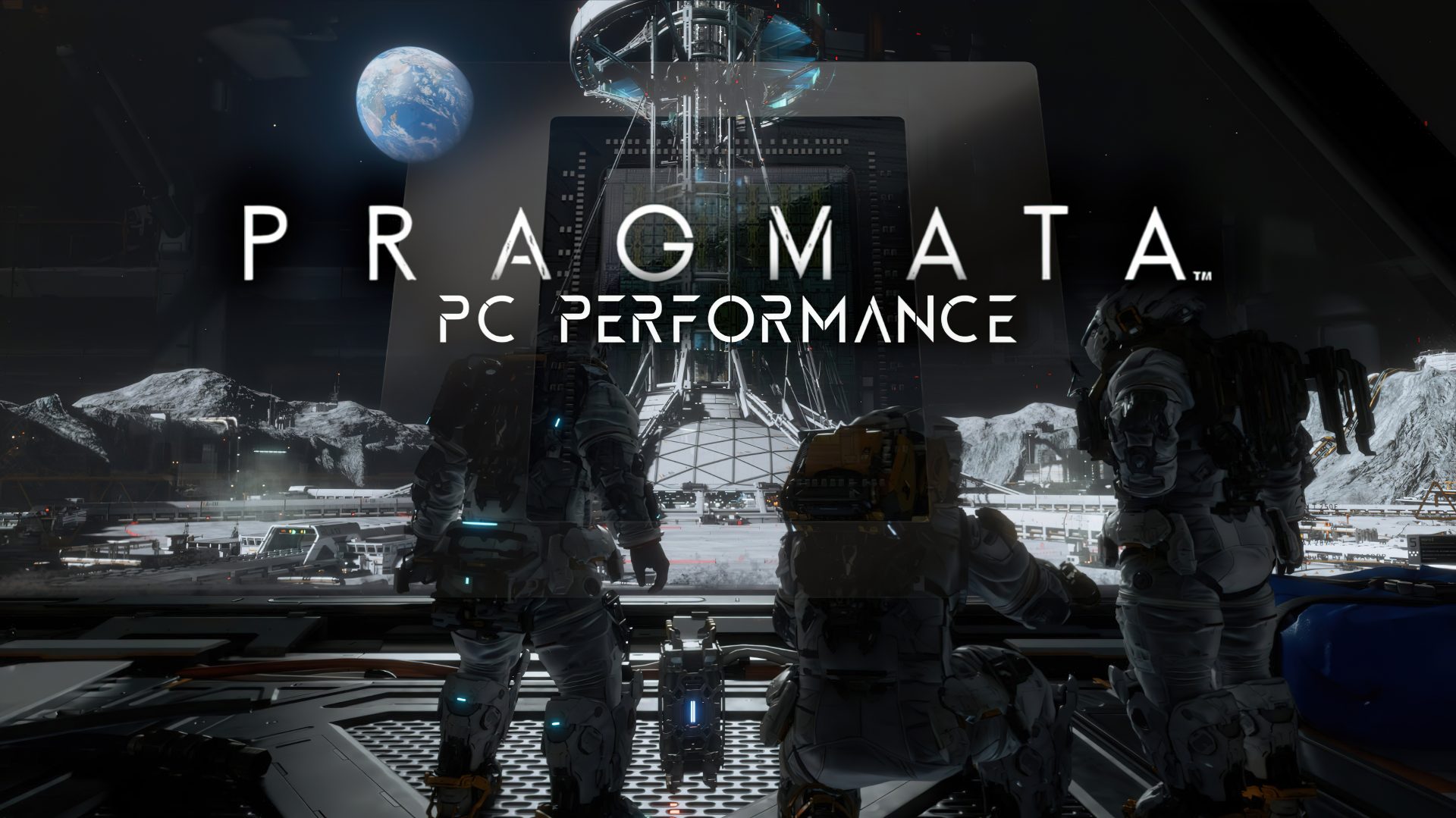
Pragmata is shaping up to be one of the most eye-catching new PC releases thanks to Capcom’s RE Engine and its newest visual heavyweight: full Path Tracing. After years of steady upgrades to the engine across multiple major releases, Capcom is now pushing lighting realism much further than traditional ray tracing, and the result in Pragmata is a noticeable leap in overall image quality.
The RE Engine has come a long way since its early days, evolving with each new project and gradually expanding its ray-traced features. Path Tracing, however, is a different tier of rendering. Instead of approximating a few select lighting effects, it aims to simulate light behavior more completely, which can dramatically change how scenes look and feel. In Pragmata’s moon-based sci-fi setting, that difference is especially striking: reflective surfaces read more naturally, shadows look more grounded, and lighting across metallic corridors, bright signage, and high-contrast interiors becomes far more convincing.
On PC, Pragmata includes a robust set of graphics settings similar to what players have seen in other recent RE Engine titles. Core quality options cover Hair Quality, Texture Quality, Texture Filtering, Mesh Quality, Shadow Quality, Shadow Cache, Contact Shadows, Effects Quality, Video Quality (such as FHD or 4K), Anti-aliasing, Ambient Occlusion, Volumetric Lighting, Bloom, Screen Space Reflections, Motion Blur, Lens Flare, Lens Distortion, and Depth of Field.
Display and performance-related settings are equally extensive, including Display Mode, Screen Resolution, Frame Rate caps, V-Sync, Ray Tracing, Path Tracing, DLSS Ray Reconstruction, Global Illumination Quality, Upscaling (Super Resolution technology), DLSS/FSR Super Resolution selection, Dynamic Resolution, Frame Generation, and NVIDIA Reflex Low Latency.
One important detail for performance tuning: enabling Path Tracing forces DLSS upscaling to be active. With upscaling enabled, the game also restricts access to Dynamic Resolution and Anti-aliasing controls, so your best path to good performance becomes choosing the right DLSS mode and, if needed, enabling Frame Generation. Also noted during testing: advanced multi-frame generation modes such as 5x or 6x were not functioning even when attempting to override behavior through driver-level tools.
For players who prefer quick setup, Pragmata includes four presets designed around performance targets and VRAM expectations:
Minimum prioritizes speed at the lowest image quality.
Performance favors higher FPS with a suggested 6GB+ graphics memory.
Balanced aims for a middle ground with an 8GB+ recommendation.
Quality pushes visual fidelity with a suggested 12GB+ graphics memory.
Preset scaling can be significant. In 4K testing on very high-end hardware, switching from Minimum to Quality resulted in an overall performance drop of roughly a third, showing that the higher tiers increase GPU load substantially even before enabling Path Tracing.
In native rendering results, Pragmata appears quite scalable depending on resolution and GPU class. At 4K, GPUs in the RX 9070 XT / RTX 5070 range and above were able to maintain 60 FPS in multiplayer scenarios without dipping below that mark even in heavier action. Midrange cards can still reach 60+ FPS by stepping down to strong-looking presets like Ultra or High, which retain much of the visual appeal.
At 1440p, maintaining 60 FPS is more comfortable on RTX 5070-class GPUs and above. An RTX 4070 can get close, but smoother results are more consistent with High settings. Below that class, players will likely want to lean on upscaling and Frame Generation to keep frame rates above 60 FPS.
At 1080p, cards in the RTX 5060 Ti / RX 9060 XT tier and above can manage 60+ FPS in multiplayer. The Arc B580 was noted as needing further optimization to match competitors at the same performance level, though it can still reach the target with some tuned settings and optional upscaling—especially useful for higher refresh displays.
Where Pragmata gets especially demanding is Path Tracing. The visual uplift is immediate, and it’s not subtle. Comparisons between no ray tracing, standard ray tracing, and full path tracing show clear improvements to lighting accuracy, reflection clarity, and shadow detail. Clean, glossy, and metallic surfaces benefit the most, which makes Pragmata’s lunar facilities and neon-lit moments a perfect showcase.
Interestingly, standard ray tracing also showed occasional visual noise artifacts in some transitions, such as doors opening into new spaces, where the denoiser needed time to settle. That issue was not observed in the same way with Path Tracing, and using DLSS Ray Reconstruction further improved perceived stability by replacing the game’s denoising approach with a solution designed to reduce noise and enhance fine detail.
Performance-wise, Path Tracing remains one of the most expensive graphics features available in PC gaming right now, so expecting to use DLSS and Frame Generation is realistic for most systems. Hardware guidance from the testing impressions suggests:
For 1080p with ray tracing, RTX 5060-class and above is a good starting point.
For 1440p, RTX 5070-class and above makes for a strong showcase.
For 4K Path Tracing, higher-end GPUs such as RTX 5080-class and above are better suited.
Overall, Pragmata offers a refreshing change of pace for Capcom: a new sci-fi world, distinctive gameplay ideas, and some of the best RE Engine visuals to date. If you’re looking for a PC game that doesn’t just support Path Tracing but actually feels built to show it off—especially with strong lighting, reflective materials, and atmospheric interiors—Pragmata is one of the most compelling showcases currently available.