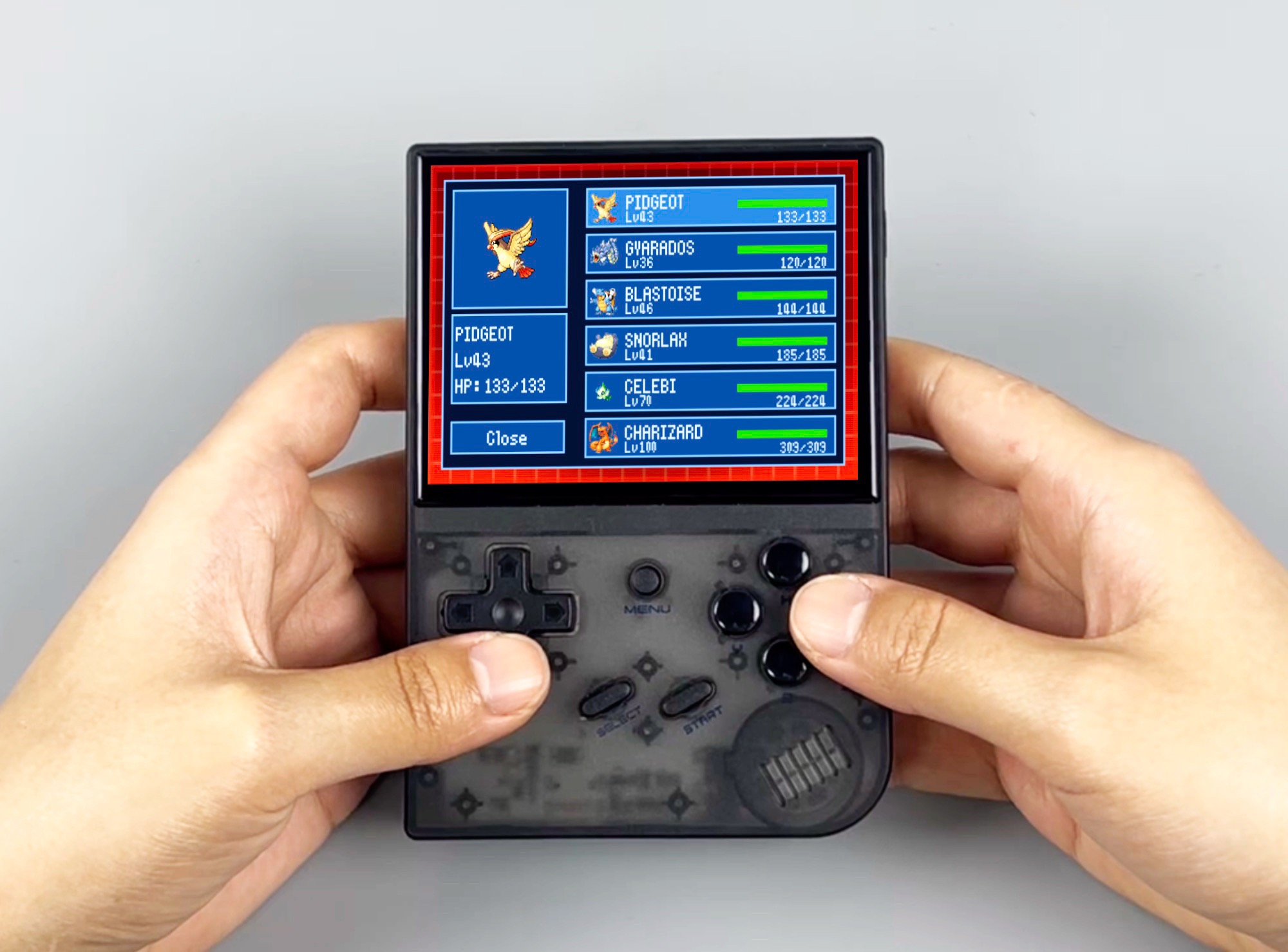
Classic Pokémon games are getting a modern quality-of-life upgrade thanks to a new companion app called PKsinew, available now on GitHub. Designed for fans who still love revisiting the older titles, the app adds a range of practical features that make collecting, organizing, and completing your Pokédex far more convenient—without changing the core feel of the original games.
One of the biggest highlights is how PKsinew expands the amount of information you can view about Pokémon. Instead of being limited by what each individual game shows, the companion app provides extra data that can help players better understand and manage their collections.
Trading is also made dramatically easier. Traditionally, moving Pokémon between versions required multiple copies of the game and two Game Boys. PKsinew simplifies that process by allowing trades between games through the app, removing the need for extra hardware or duplicate game copies while still keeping the focus on legitimate transfers.
The standout feature for many players will likely be the built-in PC system. While classic games restrict storage within each save file, PKsinew lets you store up to 2,400 Pokémon directly in the app. That means your collection is no longer trapped in a single game or tied to one specific save. You can manage Pokémon independently, keep everything organized in one place, and send selected Pokémon into whichever game you want when you need them.
PKsinew also introduces achievements, giving longtime players new goals to chase and a fresh reason to replay familiar adventures. On top of that, it offers a way to unlock event tickets that were originally distributed only for a limited time by Nintendo—such as tickets tied to special encounters like Mew—without relying on cheat codes or mods. For collectors and completionists, this feature alone could be a major draw.
At the moment, PKsinew is available for Windows, macOS, and Linux. Setup is a bit more hands-on than a typical plug-and-play app, but the installation steps are provided in the GitHub description for anyone who wants to get started.


