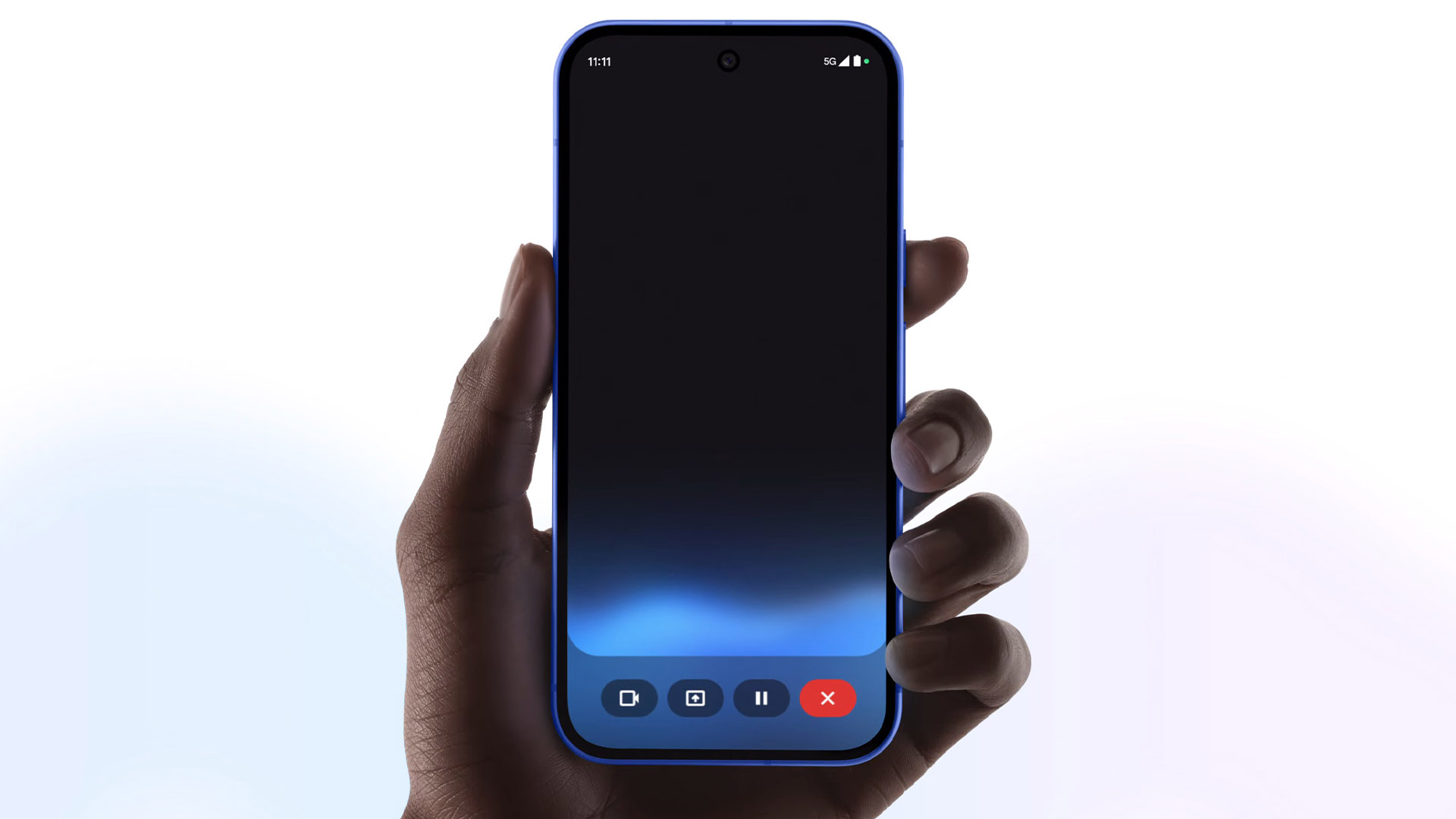
Pixel 10 ships with a 120Hz-capable screen, but here’s the catch: on the base model, it’s set to 60Hz out of the box. That’s why scrolling may feel less fluid when you first power it on. The good news is you can unlock that super-smooth 120Hz experience in seconds—just know it can use more battery.
How to enable 120Hz on the Pixel 10
– Open Settings.
– Tap Display.
– Turn on Smooth Display.
– Optional: Enable “Show refresh rate” in Developer options if you want a small on-screen counter to confirm it’s hitting 120Hz.
Why 120Hz is off by default
Google likely disables the higher refresh rate initially to maximize battery life for most users. Many people won’t immediately notice the jump from 60Hz to 120Hz, so starting at 60Hz helps stretch time between charges.
What’s different about the base Pixel 10 display
– The standard Pixel 10 uses an LTPS OLED panel that can switch between 60Hz and 120Hz.
– Pixel 10 Pro models use LTPO OLED, which can throttle refresh rates down to around 10Hz and ramp up to 120Hz when needed. That wider range helps save power because the screen can drop to low refresh rates during static content.
If you want smoother animations and snappier-feeling scrolling, turn on Smooth Display. If you’re trying to squeeze every minute out of the battery, keep it at 60Hz.
Tips to balance smoothness and battery life
– Keep Adaptive Brightness on.
– Use Battery Saver for long days.
– Disable Always-on Display if you don’t need it.
– Limit background activity for power-hungry apps.
– Reduce screen timeout and lower brightness when indoors.
Buying advice: storage speed matters
If you’re choosing a storage size, note this detail:
– 128GB models use UFS 3.1 storage.
– 256GB (and higher) models step up to UFS 4.0, which is faster for app installs, game loads, high-bitrate video capture, and photo bursts.
Retailers are also running promos from time to time—some buyers have seen gift card offers with Pixel 10 purchases—so it’s worth checking current deals before you order.
Bottom line
– The base Pixel 10 supports 120Hz, but it’s disabled by default to prioritize battery life.
– Flip on Smooth Display in Settings to enjoy full 120Hz.
– Expect better power efficiency on Pro models thanks to LTPO, and faster storage performance if you choose 256GB or more.


