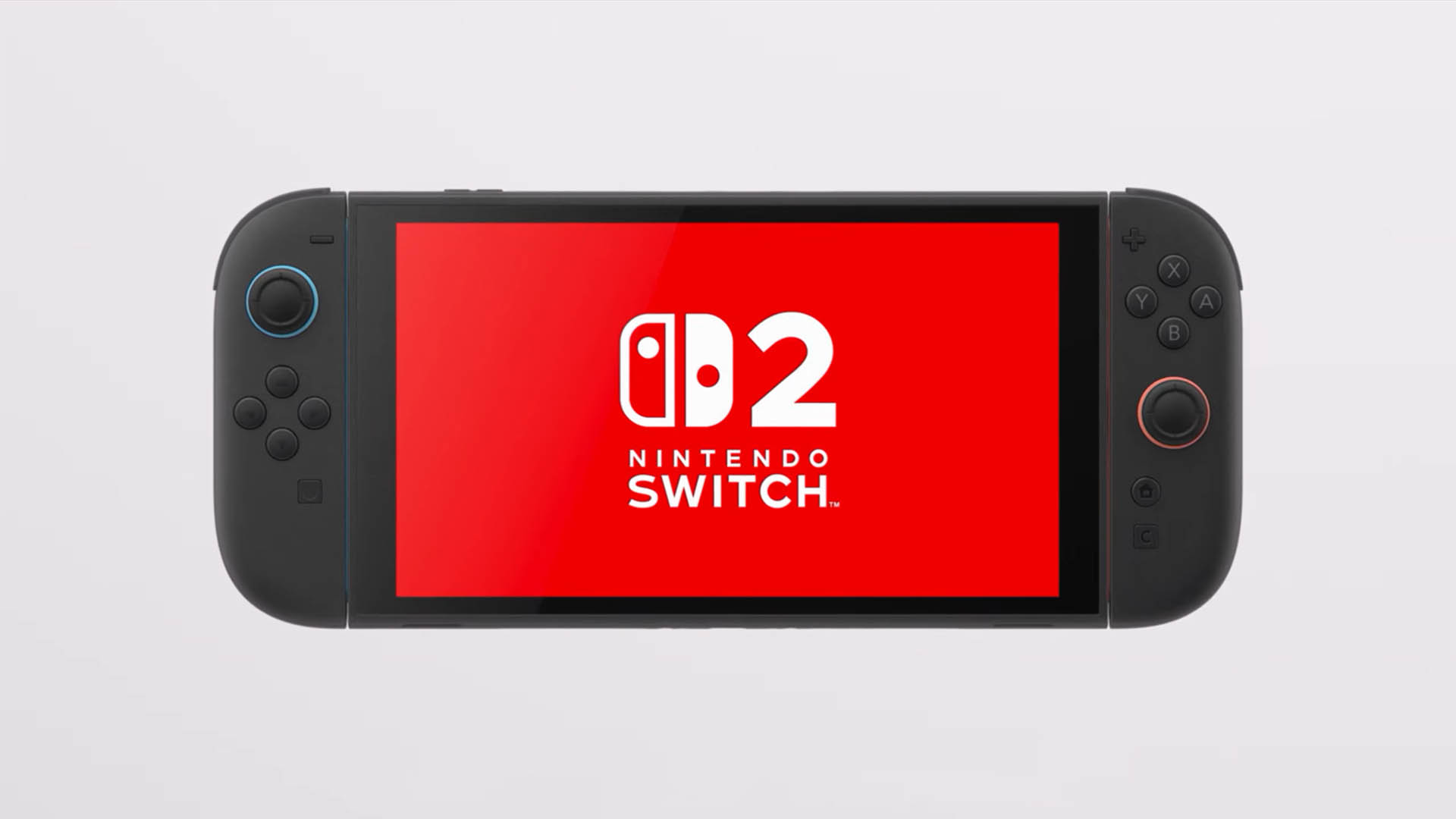
Nintendo just pushed out a surprise system update for both Nintendo Switch and Nintendo Switch 2, and it’s a bigger deal than it first sounds. While version 22.0.0 brings a long list of quality-of-life tweaks for everyone, Nintendo Switch 2 owners get the standout addition: a new Handheld Mode Boost designed to improve performance in supported games when playing on the go.
Released on March 16, 2026, system version 22.0.0 adjusts a range of everyday features across the console interface, social tools, accessibility, media playback, storage management, and connectivity. If you use GameChat, the Nintendo Switch App, or parental controls, there are several changes worth knowing about.
The headline feature for Nintendo Switch 2 is Handheld Mode Boost. This new setting, found under System in Nintendo Switch Software Handling, can make compatible Switch software run as if it were in TV Mode even while you’re playing handheld. In practical terms, that can unlock better performance for select games in portable play. Nintendo also notes there’s a trade-off: because the game behaves like it’s in TV Mode, certain functionality may be affected. The console includes an on-device description explaining the details, so it’s worth reading before enabling it.
Outside of performance, the update refreshes how virtual game cards look and feel on the HOME Menu. Nintendo changed the on-screen text and animations when you load a virtual game card, aiming for a smoother, clearer experience.
On the social side, Friend List upgrades are finally here for players who like to stay organized. You can now save notes about friends directly in your Friend List—useful for remembering who’s who, who plays what, or who you met in which game. These notes remain private and are not shown to friends. Better yet, you can view and edit those notes from the Nintendo Switch App, as long as the app is updated to version 3.3.0 or higher.
GameChat also gets meaningful upgrades. You can now invite friends to GameChat rooms you’re already participating in, though some accounts may be excluded, such as supervised accounts. Another welcome change: friends who haven’t finished the GameChat initial setup can now be invited too (again with some exceptions, including supervised accounts or users who haven’t used a Nintendo Switch 2). Nintendo mentions that these improvements may take some time to fully appear after updating to version 22.0.0.
If you share your gameplay through GameChat, there’s also a visual bump. Nintendo improved the quality of the shared game screen when expanded, which should make streamed gameplay easier to watch and follow.
Media and content handling get upgrades as well. When watching full-screen video in News or the Nintendo eShop, you can now rewind 10 seconds or skip ahead 10 seconds using the ZL and ZR buttons—small change, big convenience. The Album also gains expanded Automatic Uploads options, letting you include clip videos, videos saved as screenshots, and screenshots with added text.
Accessibility sees continued attention in this update. Nintendo added Portuguese (Portugal) and Russian to the “GameChat Voice ⇔ Speech to Text” language options. Text-to-Speech has also been expanded so it can read text in Album and during the first-time setup process, which should help more players navigate content comfortably from the moment they start using the system.
For storage, version 22.0.0 adds a more detailed breakdown of capacity by data type for both system memory and the microSD Express card, making it easier to understand what’s using space and where to clean up.
Audio and device settings get a few practical adjustments. There’s now an audio test option when “Linear PCM 5.1 Surround” is selected for TV Sound in Audio settings. Nintendo also updated the region label from “Hong Kong/Taiwan/South Korea” to “Hong Kong/Taiwan/South Korea/South East Asia.”
Airplane Mode becomes much more flexible. The console will now remember your previously chosen preferences for Bluetooth, Wi‑Fi, and NFC while Airplane Mode is enabled, then apply them automatically. You can also toggle Bluetooth, Wi‑Fi, or NFC individually during Airplane Mode directly from Quick Settings, giving you finer control without digging through menus.
Parents and guardians using Nintendo Switch Parental Controls get a new layer of visibility. The Parental Controls smart device app can now show a notification when the Parental Controls PIN is successfully entered on the console. This can also be configured as a push notification to your phone or device, but it requires the Parental Controls app to be updated to version 2.4.0 or higher.
As usual, Nintendo rounds things out with general system stability improvements intended to enhance the overall experience.
For many players, the smaller upgrades will make day-to-day use smoother—but for Nintendo Switch 2 owners, Handheld Mode Boost is the feature most likely to get people talking, especially if it leads to noticeably better handheld performance in compatible games.