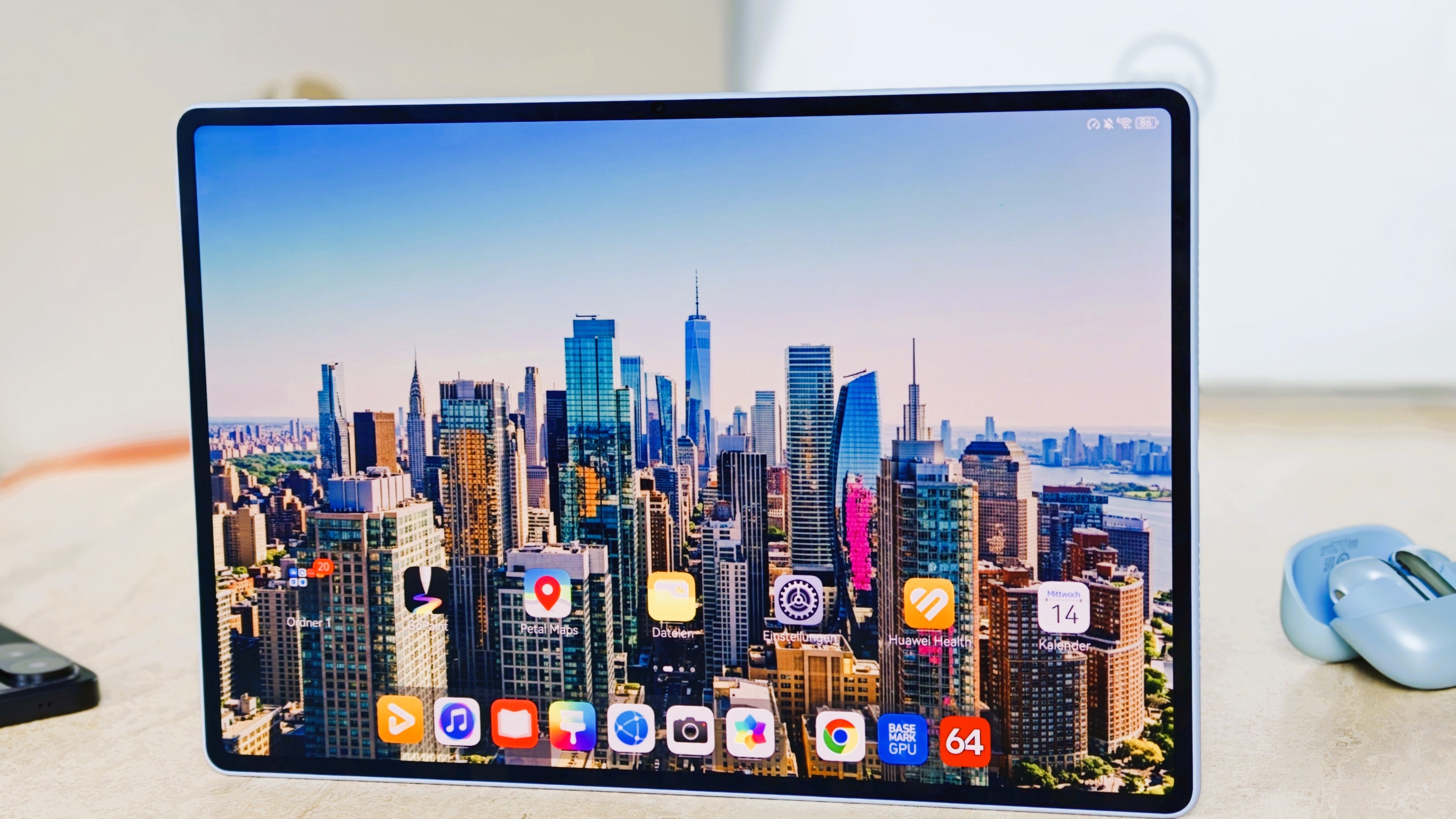
Huawei MatePad Air (2026): A Strong Student Tablet That Still Falls Short as a Laptop Replacement
The Huawei MatePad Air (2026) has plenty of qualities that make it appealing for school, college, and everyday productivity. Its slim design, portable form factor, and mid-range positioning make it an attractive option for students who want a capable tablet for note-taking, reading, streaming, browsing, and light work on the go.
For classroom use, the MatePad Air (2026) can be a practical companion. It is easy to carry between lectures, comfortable enough for long reading sessions, and well suited for digital notes and study materials. For many users, it delivers exactly what a modern tablet should: convenience, flexibility, and a focused mobile experience.
However, the biggest problem appears when you expect it to replace a laptop.
Despite its productivity-focused design, the Huawei MatePad Air (2026) is held back by software limitations. The tablet lacks a proper desktop mode, which makes it less capable for users who want a PC-like workspace. This is especially important for students and professionals who rely on multitasking, external monitors, and a more traditional desktop-style layout.
A true laptop replacement needs more than just a keyboard accessory and a large display. It needs strong window management, a persistent taskbar, smooth app switching, and proper support for external screens. At the moment, the MatePad Air (2026) does not fully deliver that experience.
One area where Huawei could make a major improvement is extended display support through USB-C. When connected to an external monitor, the tablet should be able to provide a full desktop-style interface instead of relying on basic split-screen options or small floating app windows. Users should be able to open multiple apps, resize windows freely, minimize them quickly, and work in a way that feels closer to a notebook or desktop computer.
Without a dedicated desktop mode, everyday productivity becomes less efficient. A persistent taskbar, for example, may sound like a small feature, but it plays a big role in multitasking. It allows users to jump between apps, manage open windows, and keep their workflow organized. Without it, the experience can feel more like a stretched mobile interface than a serious work environment.
This is where the Huawei MatePad Air (2026) feels like a tablet first and a laptop alternative second. It is excellent for casual productivity, study sessions, entertainment, and mobile tasks, but it is not yet the best choice for users who need a complete laptop replacement.
Huawei has the hardware foundation to make the MatePad Air line more competitive in the productivity tablet market. What it needs now is stronger software support. A polished desktop mode with proper external monitor functionality could transform the MatePad Air (2026) into a much more powerful tool for students, remote workers, and creators.
For now, the Huawei MatePad Air (2026) is a great tablet for school and college, but buyers should be realistic about its limitations. If your main goal is note-taking, media consumption, browsing, and lightweight productivity, it can be a very appealing device. But if you want a tablet that can fully replace your laptop, the missing desktop mode remains a major drawback.


