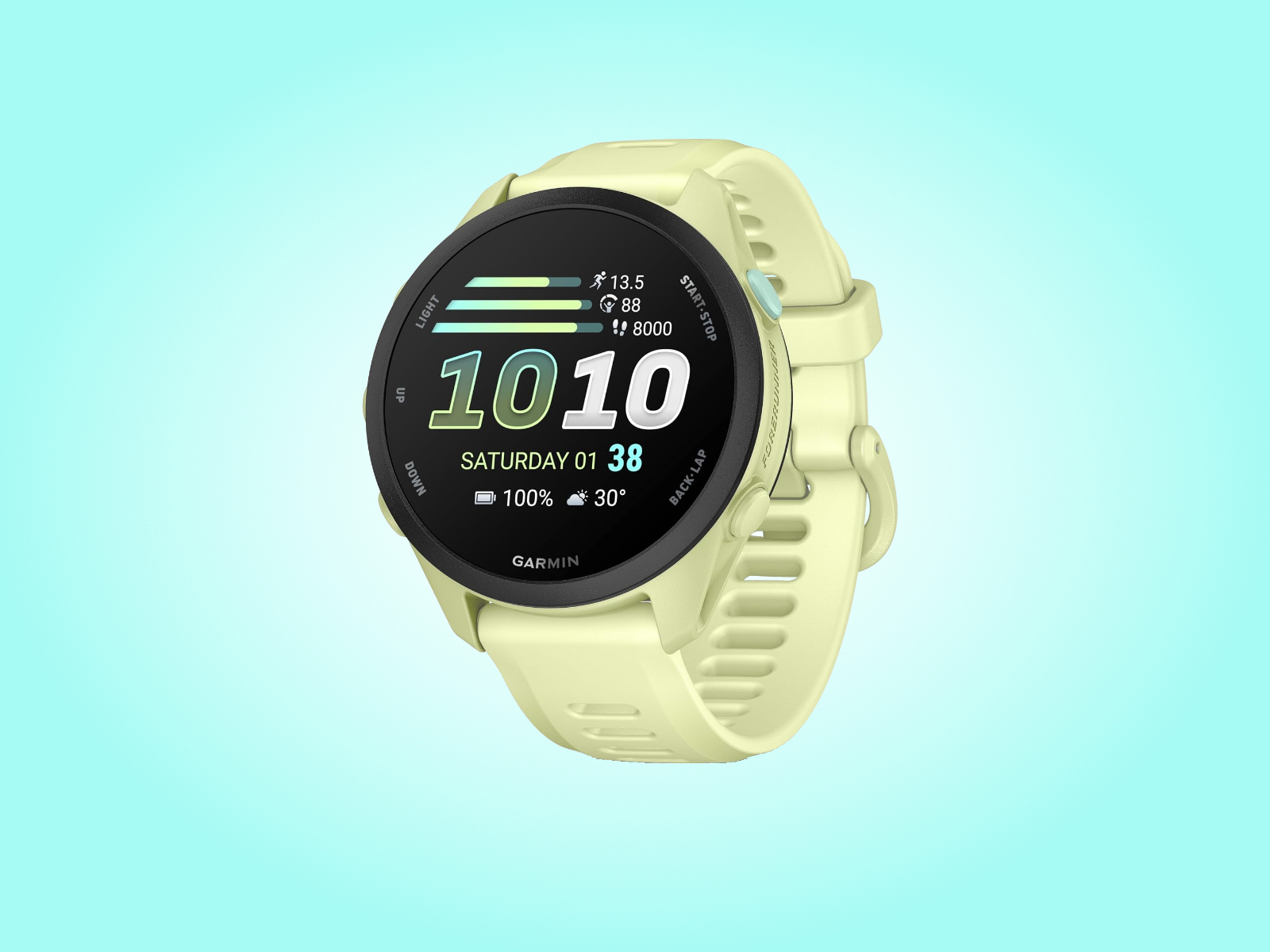
Garmin is rolling out a major software update for its more affordable Forerunner 70 and Forerunner 170 smartwatches, bringing both wearables up to Software Version 18.19 on the stable release channel.
The Forerunner 70 and Forerunner 170 launched in May as lower-cost alternatives to Garmin’s premium Forerunner 570 and Forerunner 970 models, with both arriving at prices below $300. Since their release, Garmin has continued to refine the user experience through regular software improvements, first testing newer builds through its beta program before moving them to the wider public rollout.
This latest stable update follows a series of v18.xx beta releases, which ended with Beta Version 18.19 in late August. Instead of releasing each smaller revision one by one to all users, Garmin has moved directly to Software Version 18.19 for the Forerunner 70 and Forerunner 170.
For Forerunner 70 owners, the update is relatively focused but still useful. Garmin says the release includes fixes for several minor issues, though the company has not provided a detailed list of every bug addressed. The update also restores proper behavior for quiet alarm starts, meaning alarms should now activate as expected without causing unwanted disruptions.
The Forerunner 170 receives the same core improvements. However, music-enabled models with Wi-Fi connectivity get an additional fix. On those versions, Garmin has corrected an issue where voice alerts could still play even when the watch was set to silent mode. That change should be especially welcome for users who rely on silent mode during workouts, meetings, commutes, or sleep tracking.
Garmin has started distributing the update in phases, with the software already reaching a portion of eligible Forerunner 70 and Forerunner 170 devices. As usual, the full rollout may take several days to complete, so not every smartwatch will receive the update at the same time.
Users who do not want to wait for the automatic rollout can check manually from the watch itself. To do this, open the main menu, go to System, select Software Update, and then choose Check for Updates. If the new firmware is available for your device, it should begin downloading and installing from there.
While Software Version 18.19 is not packed with new features, it continues Garmin’s effort to polish the Forerunner 70 and Forerunner 170 experience. For owners of these budget-friendly running watches, the update should deliver a smoother and more reliable experience, especially for alarms and silent-mode behavior.