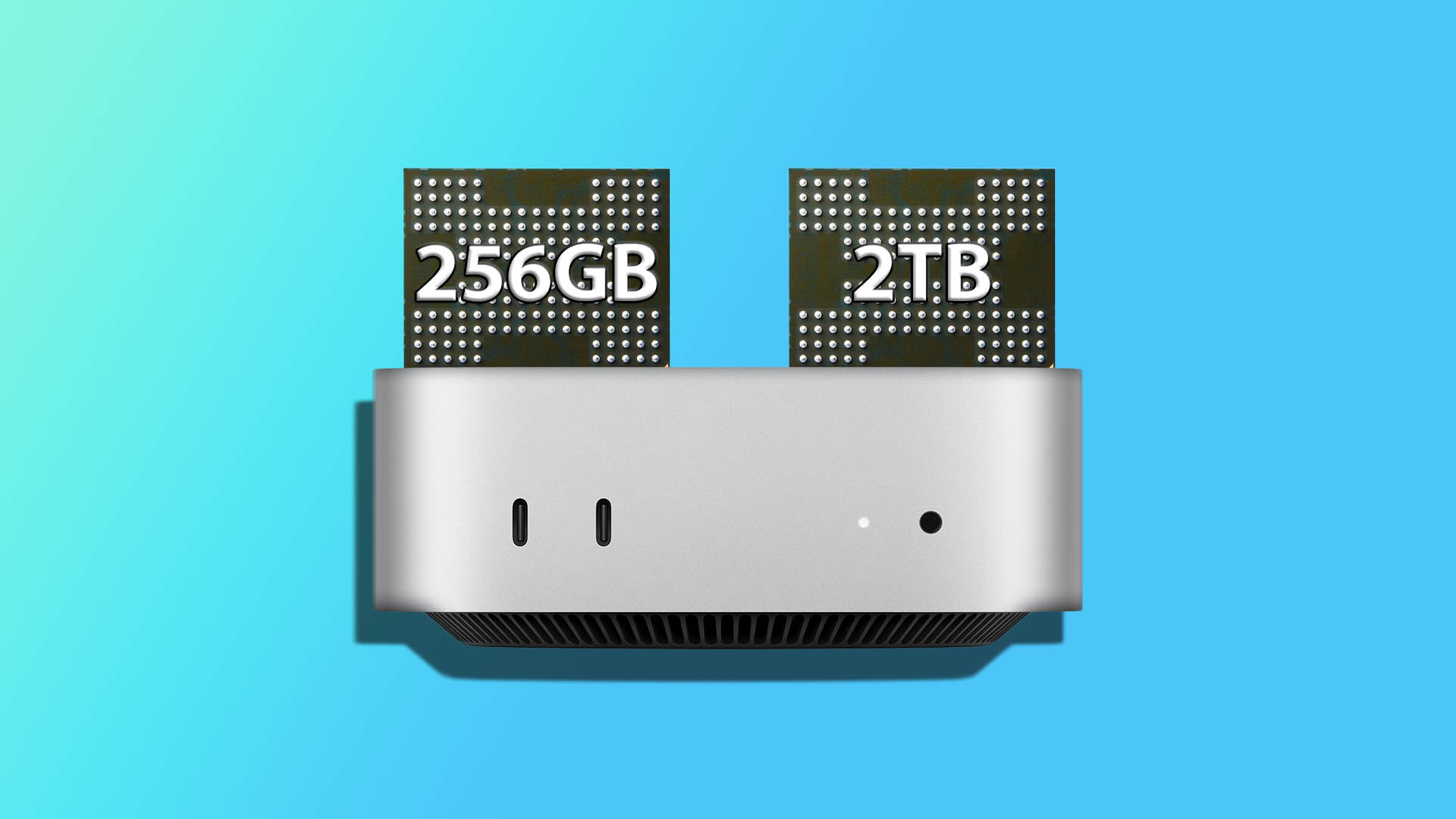
Apple has once again set the bar high for its competitors with the launch of the base M4 Mac mini, which boasts an attractive price tag of just $599. This appealing cost makes it accessible to a vast number of buyers. However, there’s a catch: the device comes with a limited storage capacity of only 256GB. For most users who aren’t adept at micro-soldering, this storage cannot be expanded, posing a challenge for those with hefty storage needs. Effective storage management becomes crucial in such cases. Interestingly, one ingenious modder has demonstrated a method to expand this storage from 256GB to a whopping 2TB, provided you have the necessary tools and expertise.
It’s known in the tech world that Apple’s decision to solder storage in place often acts as a way to drive up prices for buyers seeking upgrades. Hardware enthusiast and skilled modder dosdude1 decided to tackle this issue. By mastering the art of micro-soldering NAND flash chips on the logic board, he bypassed Apple’s expensive upgrade path. For this project, he managed to work around the base model of the M4 Mac mini, which features the minimal 256GB storage.
In a recent teardown video, it was revealed that the compact Mac mini has a removable SSD module. This module includes two 128GB NAND chips, designed to support fast read and write speeds. To enhance the storage up to 2TB, the modder aimed to replace these with two 1TB NAND chips.
Although the upgrade journey was largely successful, dosdude1 encountered a challenge when he received a poor batch of 1TB NAND chips. This led him to adapt by using two 512GB chips instead, resulting in a total of 1TB storage. Had you chosen this 1TB upgrade directly from Apple’s offerings, it would have set you back an additional $400, totaling $999 for the device.
For those intrigued by this endeavor and wondering about the specifics of the process, the insightful video by dosdude1 provides a comprehensive guide. This could inspire technically savvy users to consider embarking on this storage upgrade task themselves in the future.