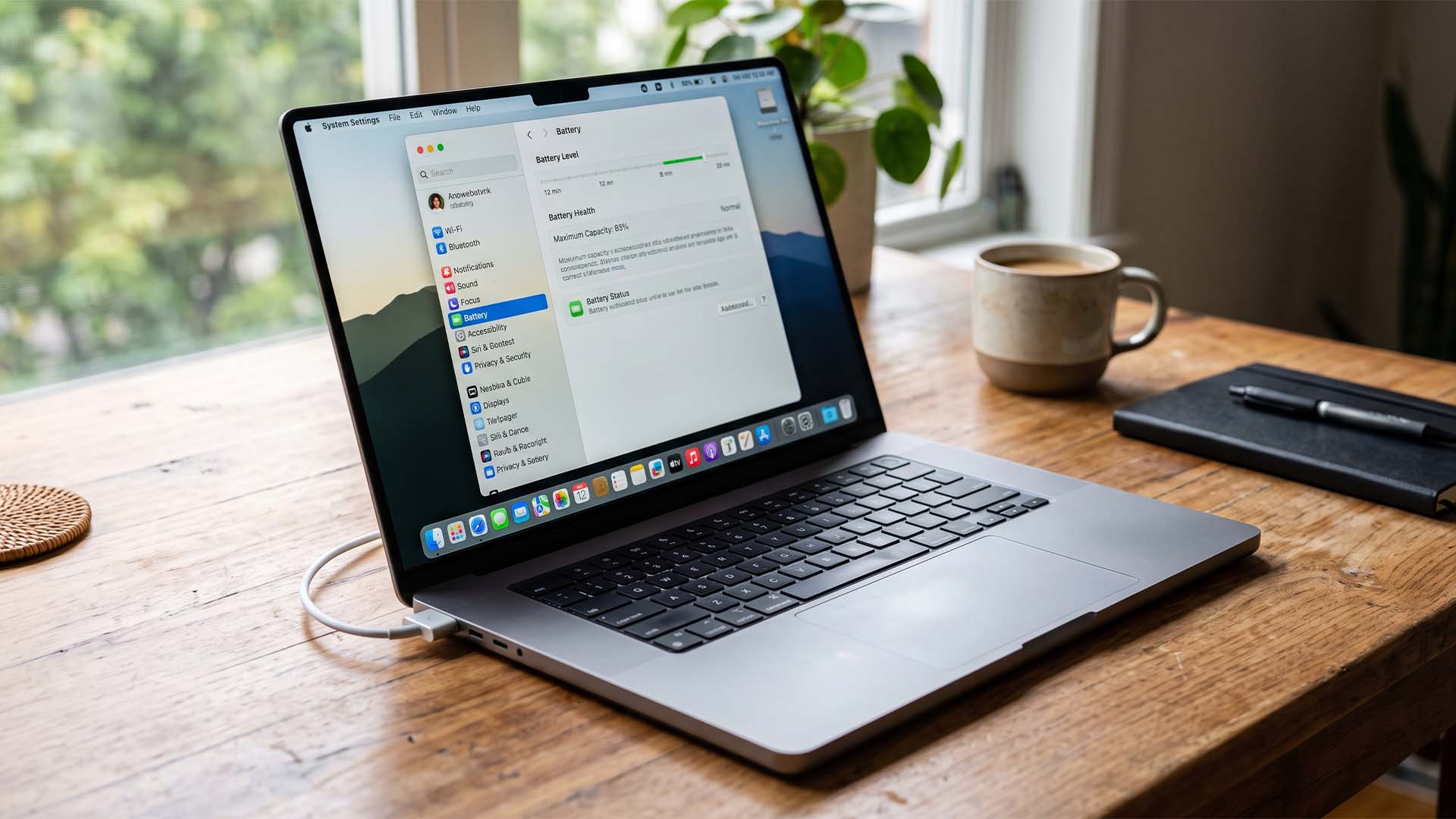
M1 Max MacBook Pro Owner Can’t Get Battery Replacement as Health Stays at 83% After 815 Cycles
A 16-inch M1 Max MacBook Pro owner is finding out just how stubborn Apple’s battery health system can be. Despite hundreds of charge cycles and years of use, the laptop’s battery health reportedly refuses to drop below 83 percent, leaving the owner just above Apple’s usual service threshold for a battery replacement.
The MacBook Pro in question has already logged a heavy amount of usage. At 470 charge cycles, its battery health was sitting at 83 percent. After pushing the machine much further, with the cycle count reportedly reaching 815, the battery health reading still remained locked at the same 83 percent figure.
That might sound like a good problem to have. After all, a laptop battery that still reports 83 percent maximum capacity after more than 800 cycles is a strong sign of durability. But for the owner, it has become frustrating because Apple typically considers a battery eligible for service when its maximum capacity falls below 80 percent. In this case, the battery needs to reach 79 percent before Apple support will approve a replacement under the relevant service conditions.
The situation highlights one of the more interesting aspects of modern MacBook battery management. Apple Silicon MacBooks, including the M1 Max MacBook Pro, are designed with advanced battery management systems that help reduce wear over time. These systems manage charging behavior, temperature, power delivery, and long-term battery aging. As a result, battery degradation may happen more slowly and less predictably than users expect.
Battery health reporting in macOS is also not always a simple cycle-by-cycle countdown. The percentage does not necessarily drop in a straight line every time the MacBook is charged and discharged. Instead, Apple’s Battery Management System can smooth out changes over time, meaning the number may remain steady for long periods before eventually moving.
That appears to be exactly what happened here. Even after a significant increase in charge cycles, the reported battery health percentage did not move. The owner also used third-party battery monitoring software to check the MacBook Pro’s charge cycle count and health status, but the key figure remained unchanged.
For many users, this case is a reminder that charge cycles and battery health are related but not identical. A charge cycle measures cumulative battery usage, but battery health reflects estimated maximum capacity compared to when the battery was new. Two MacBooks with the same cycle count can show different battery health percentages depending on usage patterns, heat exposure, charging habits, workload, and battery chemistry.
The M1 Max MacBook Pro is also a particularly efficient machine for its performance class. Apple Silicon chips are known for delivering high performance while consuming less power than many traditional laptop processors. Lower power draw often means less heat and fewer stressful charging events, both of which can help extend battery lifespan. Combined with high-quality components and careful power management, it is not surprising that some M1 Max models continue to hold up impressively well years after release.
Still, the owner’s goal is not simply to prove the battery is healthy. The goal is to qualify for a battery replacement before AppleCare coverage reaches its renewal period in January 2027. With the battery health still sitting at 83 percent, the MacBook Pro remains just outside the service eligibility range.
Some might be tempted to force battery degradation by running demanding workloads, keeping the machine warm, or repeatedly charging and draining it. While that may speed up wear in theory, it comes with real risks. Excessive heat and repeated stress can damage more than just the battery. In extreme cases, lithium-ion batteries can swell, which may affect the trackpad, keyboard, enclosure, and internal components. Trying to deliberately wear out a battery could turn a simple replacement request into a much more expensive repair.
The smarter approach is to continue using the MacBook normally and allow the battery health to decline naturally. If the system eventually reports a maximum capacity below 80 percent, the owner may then have a stronger case for service through Apple. Until then, the laptop is technically still performing better than the threshold Apple uses to determine whether a battery has consumed enough of its original capacity to require replacement.
This story is unusual because it flips the usual battery complaint on its head. Most laptop owners worry that their battery health is dropping too quickly. In this case, an M1 Max MacBook Pro battery is aging so well that it is preventing its owner from getting a fresh replacement.
For anyone using an Apple Silicon MacBook, the takeaway is clear: battery health percentages do not always change quickly, even after hundreds of cycles. Apple’s battery management system is designed to preserve long-term performance, and in some cases, it may do that job almost too well.