Lenovo Legion Space 2.1 Quietly Rolls Out With New FPS Counter and Crosshair Tools
Lenovo appears to have started rolling out Legion Space 2.1, a major new version of its gaming control software for Legion and LOQ laptops and desktops. The update has arrived without a formal announcement, changelog, or public release note, making it a quiet but notable upgrade for Lenovo gaming PC users.
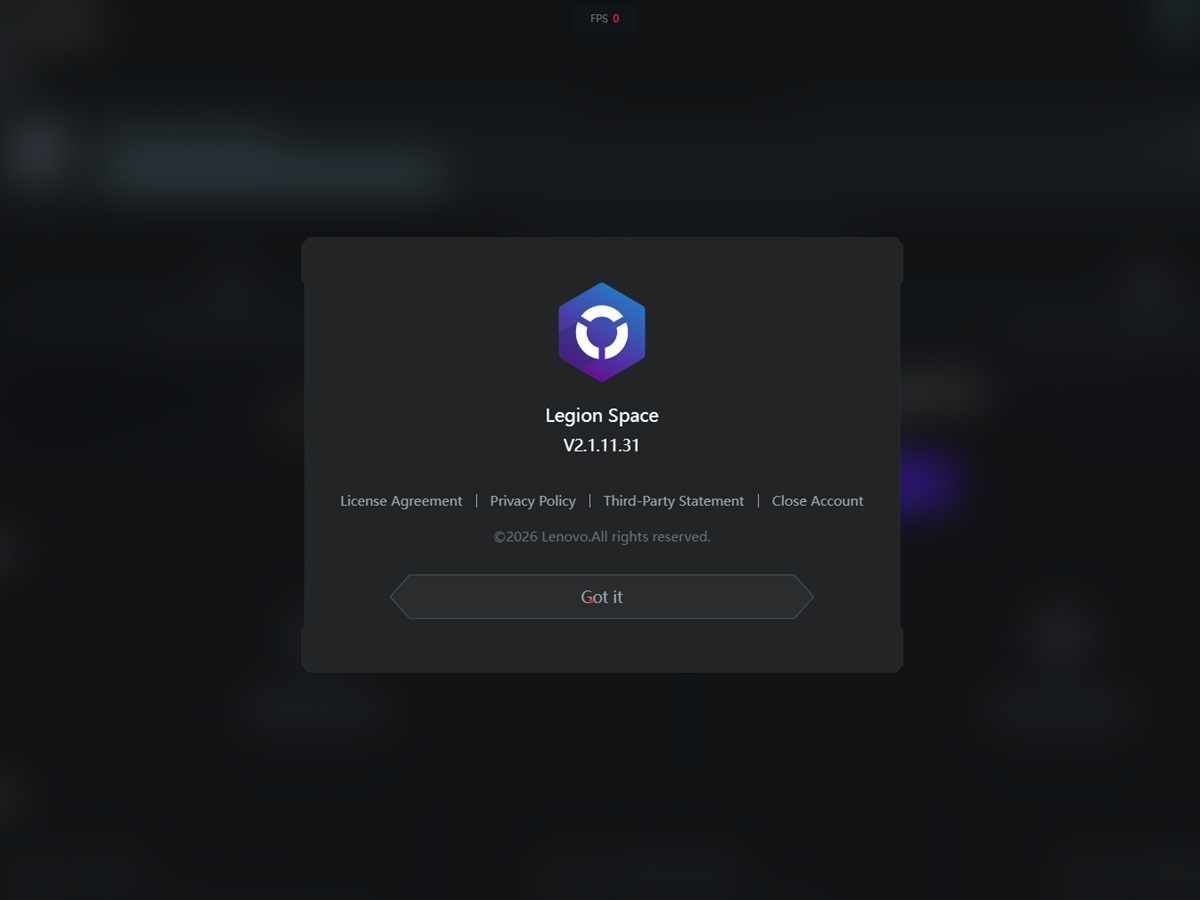
The newly spotted version is Legion Space 2.1.11.31. It was automatically installed on a retail Lenovo LOQ 15IRX10 equipped with an Nvidia GeForce RTX 5060 Laptop GPU between November 11 and November 12, 2026. In Windows, the app is listed as a 546 MB installation, with Lenovo PC HK Limited shown as the publisher.
Interestingly, Lenovo’s official support page has not yet been updated to reflect this release. The current public download listing for Legion Space on laptops and desktops still shows version 1.9.11.5, dated March 31, 2026, as the latest available version. At the time of writing, there does not appear to be a public changelog, support note, or official post explaining what has changed in Legion Space 2.1.
The rollout is especially interesting because of where the update appeared. Lenovo’s download page previously grouped the LOQ 15IRX10 with several other LOQ models under an older Legion Space 1.8.12.9 package due to system configuration differences. Those models include the LOQ 15AHP10, LOQ 15AHP11, LOQ 15ARP10E, and LOQ 17IRX10.
Despite that older listing, the LOQ 15IRX10 received Legion Space 2.1.11.31 automatically. This suggests Lenovo may be expanding compatibility beyond what is currently shown on its support page, though it remains unclear whether all five LOQ models will receive the same update immediately or whether the rollout is happening in phases.
There is also uncertainty around Lenovo’s handheld gaming devices. Legion Space is distributed separately for the Legion Go lineup, and the support listing for the Legion Go 2 still shows version 1.3.4.5. For now, there is no confirmation that Legion Space 2.1 will be made available for Lenovo’s handheld gaming systems.
While Lenovo has not released official patch notes, the new build introduces several visible changes and gaming-focused tools. One of the most noticeable updates is a redesigned FPS counter in the System Settings section. The new frame rate overlay appears inside a compact dark box, with a grey “FPS” label next to the live performance number.
The FPS counter is more customizable than before. Users can choose between horizontal and vertical layouts, select small, standard, or large font sizes, and pin the overlay to one of eight screen positions. Placement options include top left, top center, top right, middle left, middle right, bottom left, bottom center, and center. A preview diagram also shows how the counter will appear across a primary and secondary display, which should make setup easier for users with multi-monitor gaming stations.
Another new feature is a built-in crosshair overlay. This tool gives players five reticle styles to choose from, including a chevron, two open cross designs, a classic crosshair, and a center dot. Users can also turn the overlay off entirely.
The crosshair can be personalized with eight color options, including orange, cyan, magenta, and green. A size slider allows further adjustment, helping players fine-tune the reticle for different games, display sizes, and personal preferences.
The Services & Utilities section has also been updated. On the tested unit, this area displayed warranty upgrade offers, including Priority Parts & Labor Service, Expert Phone Support, and Comprehensive Hardware & Software Support. The app also showed a 15 percent discount code, LEGION15, for select Lenovo services such as Warranty Upgrade, Smart Performance, and Smart Lock.
Additional shortcuts now appear lower in the same tab, including Optimize Memory and Startup Programs. These tools are designed to help users manage system resources and control which apps launch with Windows. A Support area is also included, offering access to how-to guides, Legion Space software support, and PC hardware support.
The quiet arrival of Legion Space 2.1 suggests Lenovo is preparing a broader refresh of its gaming software experience. The redesigned FPS counter, customizable crosshair, and expanded utility shortcuts make the app more useful for everyday gaming and performance monitoring.
For now, however, the rollout remains unclear. Lenovo has not confirmed which Legion and LOQ systems are eligible, when the update will appear on the official download page, or whether handheld devices will receive a similar upgrade. Users with compatible Lenovo gaming laptops and desktops may want to check whether Legion Space updates automatically through their system.