High-end gaming laptops are entering a new performance era, and early benchmark comparisons are already showing how close the top RTX 5090 Laptop GPU machines are to one another. A fresh set of results putting several flagship models side by side highlights a tight race at the top, with only small percentage gaps separating first place from the rest of the pack.
In these results, the Alienware 18 Area-51 equipped with an NVIDIA GeForce RTX 5090 Laptop GPU and Intel Core Ultra 9 275HX lands at the top with 168 fps on average. It also posts a strong range, with a 133 fps minimum and peaks up to 211 fps. That combination of high average performance and a high ceiling is exactly what competitive players and high-refresh-rate enthusiasts want to see when shopping for an 18-inch powerhouse.
Right behind it is the Schenker XMG Neo 16 A25, also running the RTX 5090 Laptop GPU, but paired with AMD’s Ryzen 9 9955HX3D. It averages 166.5 fps, just 2% behind the leader, with a 132.2 fps minimum and a 204 fps maximum. That near-identical showing suggests buyers can choose between Intel and AMD platforms at the top tier without feeling like they’re sacrificing much in real-world gaming speed.
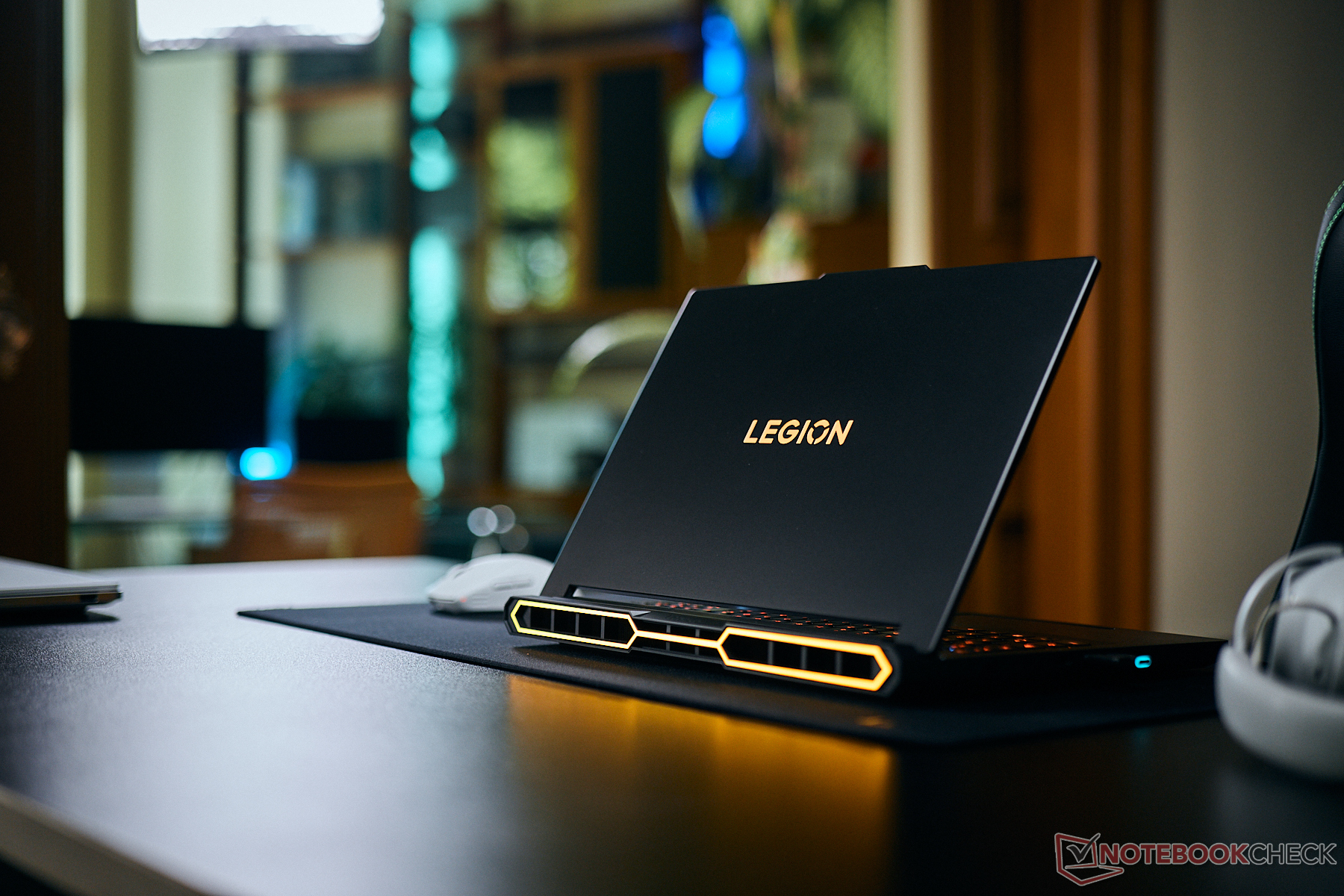
Close again is the Razer Blade 18 (2025) configuration with the RTX 5090 Laptop GPU and Core Ultra 9 275HX, averaging 164 fps. The Lenovo Legion Pro 7 16IAX10H with the same RTX 5090 Laptop GPU and Core Ultra 9 275HX also sits in this top cluster, reinforcing how competitive this generation is when OEMs are working with similar core components.
The MSI Titan 18 HX AI A2XWJG appears slightly lower at 162.49 fps on average, despite premium hardware, including a Core Ultra 9 285HX and a storage setup listed with a Samsung PM9E1 plus two Samsung PM9A1 drives in RAID 0. Its recorded range runs from about 128.51 fps minimum to around 195.72 fps maximum, showing that even “no-compromise” builds can land a few frames behind depending on tuning, thermals, and power profiles.
Stepping down to RTX 5080 Laptop GPU systems, the Lenovo Legion Pro 7i 16 Gen 10 with a Core Ultra 9 275HX averages 157.5 fps, while the Alienware 16 Area-51 with a Core Ultra 9 290HX Plus averages 154.8 fps. These numbers make the performance hierarchy clear: RTX 5090 Laptop GPU models generally occupy the top of the chart, while RTX 5080 Laptop GPU laptops still deliver strong results but tend to sit several frames behind in the same test.
One interesting takeaway is that not every RTX 5090 Laptop GPU machine automatically outruns every other RTX 5090 configuration. For example, the Asus Strix Scar 18 G835LX with the RTX 5090 Laptop GPU and Core Ultra 9 275HX averages 156.2 fps, which places it below some RTX 5080 results in this particular listing. Meanwhile, another RTX 5090 system, the Schenker XMG Neo 16 E25 with Core Ultra 9 275HX, averages 154.9 fps. That kind of spread points to factors that matter just as much as the GPU name on the spec sheet: cooling capacity, sustained power limits, BIOS tuning, and manufacturer performance modes can all change how well a laptop holds boost clocks over time.
Overall, the top results show a familiar pattern for anyone shopping the best gaming laptops in 2026: the fastest RTX 5090 Laptop GPU flagships often trade blows within a few percentage points, and the “best” option may come down to display preference (16-inch vs 18-inch), CPU platform (Core Ultra vs Ryzen X3D), noise levels, and how aggressive the vendor’s performance profile is out of the box. If you’re choosing among premium RTX 5090 gaming laptops, it’s worth looking beyond the headline GPU and paying close attention to sustained performance numbers, minimum fps behavior, and how each chassis handles heat under long gaming sessions.If you’re shopping for one of the fastest gaming laptops in 2025, the newest wave of GeForce RTX 5090 Laptop and RTX 5080 Laptop machines is already giving us a clear picture of where performance lands across popular flagship models. Recent benchmark results show that even when laptops share the same GPU name, real-world frame rates can vary a lot depending on the CPU, power limits, cooling, and overall tuning.
In one set of results focused on average FPS with detailed minimum and percentile numbers, several RTX 5090 Laptop systems cluster in the 115 to 153 FPS range, but the leaders do push higher. The MSI Stealth 18 HX AI (RTX 5090 Laptop paired with Intel Core Ultra 9 275HX) posts an average of about 153.6 FPS, with lows around 121 FPS and a peak near 195.5 FPS. Right behind it, the Alienware 18 Area-51 (also RTX 5090 Laptop with Core Ultra 9 275HX) reaches roughly 152.7 FPS, topping out near 192.4 FPS.
A step down but still firmly “high-end” are machines like the Razer Blade 18 2025 with RTX 5090 Laptop and Core Ultra 9 275HX, landing around 120.5 FPS on average, and the Lenovo Legion Pro 7 16IAX10H (RTX 5090 Laptop, Core Ultra 9 275HX) at about 118.9 FPS. These results underline a key takeaway for buyers: premium thin-and-light designs and performance-tuned desktop replacements don’t always deliver the same FPS, even with the same graphics badge.
Interestingly, MSI shows up again with another heavy-hitter: the MSI Titan 18 HX AI configured with RTX 5090 Laptop and Core Ultra 9 285HX, plus a multi-drive RAID 0 storage setup. That system charts around 117.15 FPS in the same grouping, which reinforces how gaming performance isn’t dictated by storage speed, and that GPU power profiles and thermals often matter more for sustained FPS.
A few more RTX 5090 Laptop models sit just below the top pack. The Schenker XMG Neo 16 appears in multiple configurations: an AMD Ryzen 9 9955HX3D version averages roughly 111.5 FPS, while an Intel Core Ultra 9 275HX configuration is around 111 FPS. Meanwhile, the Asus Strix Scar 18 (RTX 5090 Laptop, Core Ultra 9 275HX) posts about 108.3 FPS.
RTX 5080 Laptop systems also show strong numbers, sometimes landing surprisingly close to certain RTX 5090 Laptop results depending on the laptop. The Lenovo Legion 9 18IAX10 (RTX 5080 Laptop, Core Ultra 9 275HX) is listed around 111.2 FPS in the same dataset. The Alienware 16 Area-51 with RTX 5080 Laptop and Core Ultra 9 290HX Plus comes in at about 106.8 FPS, while the Lenovo Legion Pro 7i 16 Gen 10 (RTX 5080 Laptop, Core Ultra 9 275HX) sits near 101.7 FPS.
There’s also a second set of FPS figures that includes deeper percentile metrics (such as 0.1% and 1% lows), which helps highlight smoothness and frame-time stability rather than just raw averages. In those numbers, the Lenovo Legion 9 18IAX10 (RTX 5080 Laptop) appears at roughly 225.3 FPS with a 1% low around 180.2 FPS. Another standout is the Schenker XMG Neo 16 E25 (RTX 5090 Laptop) at about 211 FPS with a 1% low around 155.5 FPS. The Asus Strix Scar 18 (RTX 5090 Laptop) shows about 195 FPS on average, and the Razer Blade 18 2025 (RTX 5090 Laptop) comes in around 165.7 FPS.
So what should you do with all these numbers if you’re trying to pick the right laptop?
First, don’t assume “RTX 5090 Laptop” automatically means you’ll beat every “RTX 5080 Laptop” system. Depending on cooling, BIOS tuning, and power delivery, a well-tuned RTX 5080 Laptop can look closer than expected to a more restricted RTX 5090 Laptop configuration in certain tests.
Second, pay attention to minimums and percentile lows. A laptop that posts a slightly lower average FPS but stronger 1% lows can feel smoother in real gameplay, especially in demanding open-world titles or competitive shooters where frame-time spikes are noticeable.
Third, the CPU pairing still matters at the top end. Many of the listed RTX 5090 Laptop machines use Intel Core Ultra 9 275HX, while one configuration uses the Core Ultra 9 285HX and another uses the Ryzen 9 9955HX3D. These pairings can influence performance, especially at high refresh rates where the CPU becomes a limiting factor.
The overall picture is clear: 2025’s flagship gaming laptops are incredibly fast, but the fastest option isn’t determined by GPU name alone. If you’re aiming for maximum FPS, look beyond the spec sheet and compare real benchmark results for the exact laptop model and configuration you plan to buy.