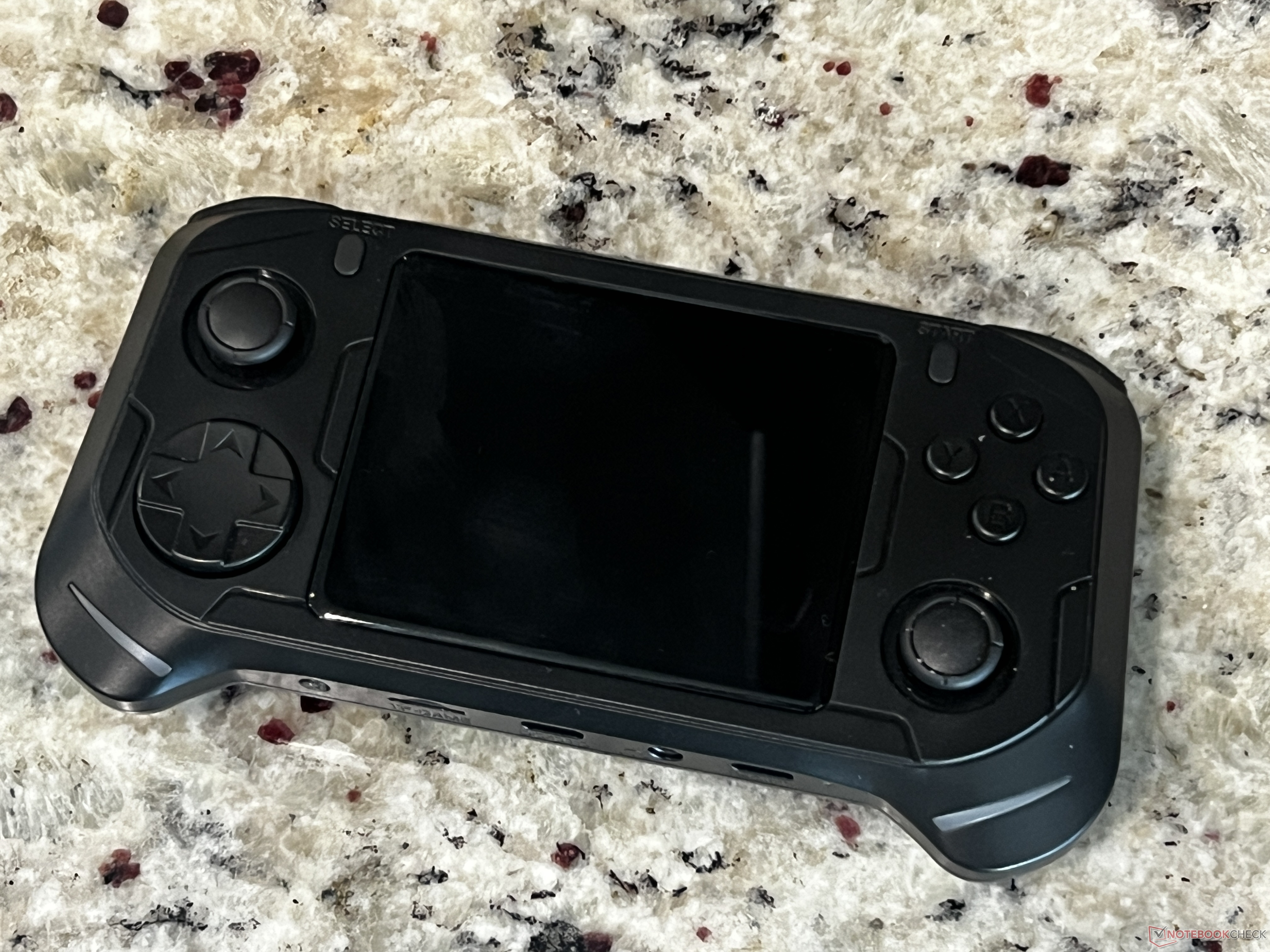
The Abxylute E1 is one of those retro handhelds that feels slightly odd on paper, but surprisingly strong once you actually spend time playing on it. It’s a comfortable, well-shaped device with good controls, enough power for a wide range of classic systems, and battery life that holds up better than many budget competitors. After hands-on testing, it lands as an easy recommendation for anyone shopping for a sub-$100 retro gaming handheld—just with one important caveat about its software setup.
First, the good news: the Abxylute E1 nails the basics that matter most for long gaming sessions. Ergonomics are a highlight, especially if you have larger hands and usually find compact emulation handhelds cramped. Buttons feel solid and responsive, and overall performance is impressive for the price. In practical use, it can run PlayStation 1, Nintendo 64, Dreamcast, and even PSP games without much trouble, which isn’t always a given in this price bracket. That makes it a great pick if you want to go beyond 8-bit and 16-bit libraries and spend time with early 3D and early 2000s-era classics.
Battery life is another win. Expect roughly 4.5 to 5 hours depending on what you’re emulating and your settings. That’s a comfortable range for commuting, travel, or extended couch sessions without constantly worrying about a charger.
The main hardware downside is the speaker quality. The speakers are noticeably weak, and the audio experience won’t impress if you rely on the built-in sound. The upside is that it doesn’t ruin the handheld’s overall value, especially if you typically play with wired or wireless audio, or if you’re focused primarily on gameplay and controls.
Where the Abxylute E1 gets more complicated is its dual-OS approach, particularly the inclusion of Android 11 alongside Linux. The Android side feels like a niche feature aimed at a small group of users, and in day-to-day use it can be clunky—especially when it comes to file management. More importantly, Android takes up a lot of space on the included SD card, and the default storage setup can leave the Linux side with surprisingly little room for ROMs.
In testing, the SD card partitioning was a real head-scratcher. The way the card was split left only around 6 GB available for the Linux side, which is where many players will want their main emulation setup. That’s barely enough once you start adding disc-based games. It’s unclear whether that partition layout is standard across all units or if it was an error on this particular device, but either way it’s not an ideal out-of-box experience for anyone planning to build a decent game library.
The fix is straightforward if you’re comfortable doing a little setup work: reformat and repartition the SD card (or replace it with a better one), then load your own ROMs and configure things the way you want. After repartitioning and using Emulation Station, the overall experience becomes significantly better—and the Android side becomes easy to ignore entirely if you don’t need it.
For shoppers comparing budget retro handhelds, the Abxylute E1 stands out because it delivers the things that are hardest to get under $100: comfortable ergonomics, decent build quality, and enough performance for systems like N64, Dreamcast, and PSP. Some newer handhelds may offer more power on paper, but availability and pricing can be unpredictable. The E1, by contrast, is a strong value right now if you want a reliable emulation handheld that feels good in the hands and plays a wide slice of retro games smoothly.
If you’re considering the Abxylute E1, the simplest advice is this: it’s a great-feeling retro handheld with performance that reaches into the early 2000s, and it’s easy to enjoy once it’s set up properly. Just plan on checking the included SD card, and be prepared to repartition or replace it if storage for Linux-based emulation is tighter than it should be.


