Google has made it clear that Android 17 isn’t getting a “Liquid Glass” style redesign, and that decision has less to do with Pixel performance than many assume. Even if Tensor chips don’t top the benchmarks against the newest rivals, they’re still more than capable of running a highly polished interface with advanced visual effects. The real reason comes down to philosophy: Google wants Android to look and behave in a way that prioritizes consistency, clarity, and efficiency, and Material You is central to that approach.
Liquid Glass-style interfaces are designed to impress at first glance, using real-time blur, refraction-like effects, and layered transparency that shift as you scroll and navigate. Visually, it can be stunning. But those effects aren’t just “turned on” like a wallpaper—they require constant rendering work in the background. Even with heavy optimization, real-time transitions and glassy UI layers can increase GPU load and keep the system working harder than a simpler design would.
That’s where Google’s priorities come into focus. Android is known for being careful about background processing, and this conservatism is a big reason many Pixel features and system behaviors are tuned for dependable battery life. Material You leans into static color theming, straightforward animations, and simpler transitions that avoid unnecessary strain on graphics hardware. The tradeoff is obvious: it may not look as flashy as glass-heavy design trends, but it can help keep battery drain under control throughout the day.
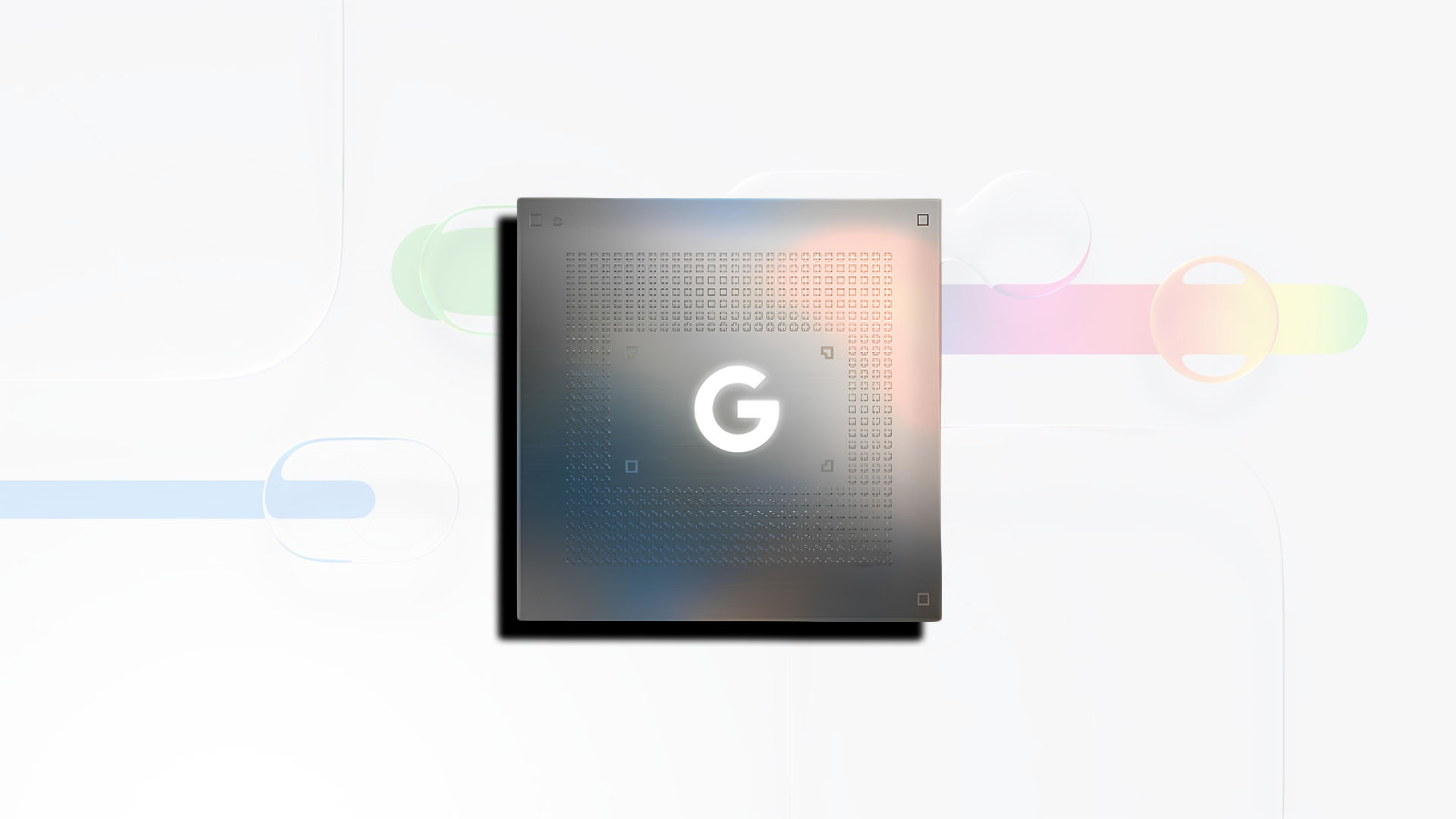
It’s also worth noting that Pixel hardware isn’t the limiting factor here. The Tensor G5 is said to include a modern PowerVR DXT-48-1536 GPU with tile-based deferred rendering, a technique that can be particularly efficient when handling transparency and blurred layers—exactly the kind of visual properties associated with Liquid Glass. In other words, Pixels likely could run these effects without needing extreme “brute force” performance. But even efficient rendering comes with a cost, and the added overhead can still translate into reduced battery life.
For Android fans who want that glass-like look anyway, there’s a workaround in the broader ecosystem. Several Android manufacturers—especially Chinese brands—have been more aggressive about adopting Liquid Glass-inspired visuals in their custom skins. The catch is that these effects can have real power consequences, because chipsets from major suppliers may end up working continuously to maintain those animations and layered transparency in real time.
So while Android 17 won’t be getting a Liquid Glass makeover on Pixel phones, the decision appears intentional rather than technical. Google is doubling down on Material You and the battery-friendly design choices that come with it—keeping Android fast, readable, and efficient, even if that means skipping one of the flashiest UI trends.